How to Deactivate a Twitch Account
Edited
Deactivate Twitch on Desktop
Step 1
To deactivate a Twitch account on desktop, go to [https://www.twitch.tv/](https://www.twitch.tv/)
Step 2
Click the profile icon on the top right corner of the screen
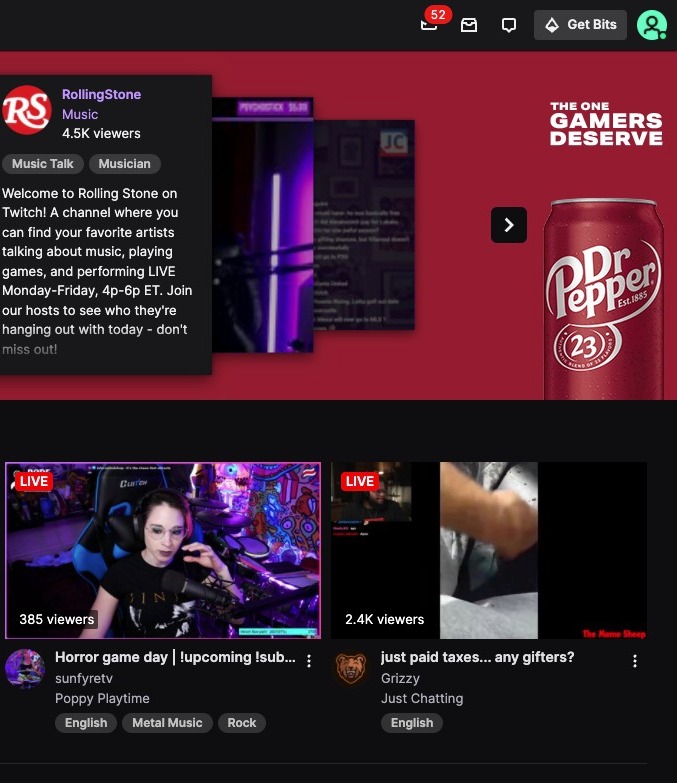
Step 3
Click "Settings"
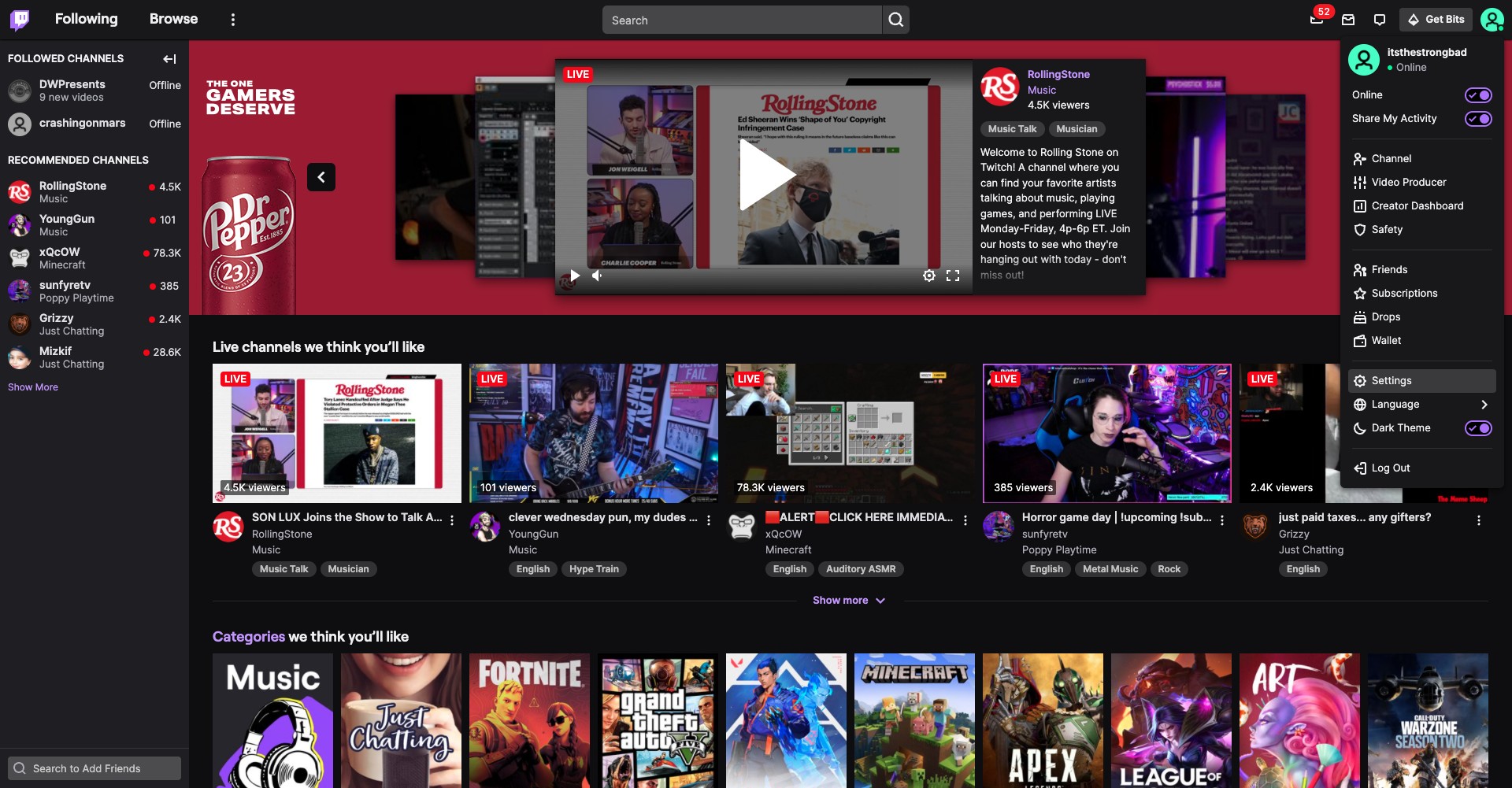
Step 4
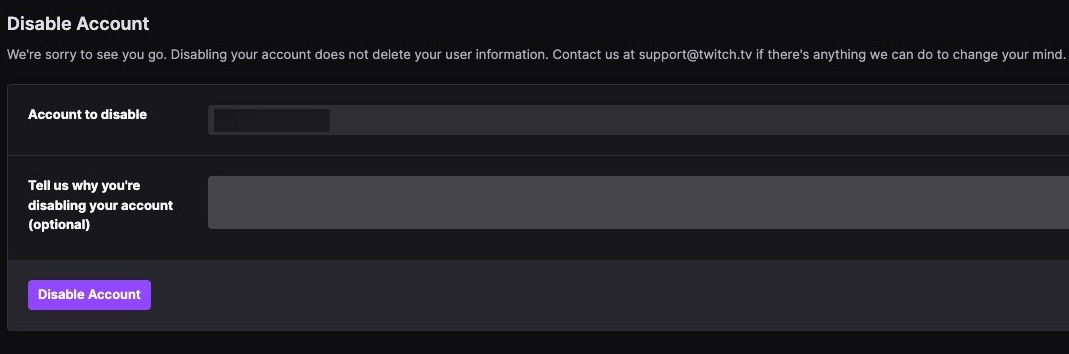
Scroll down until you see the option to disable your account and click on the link
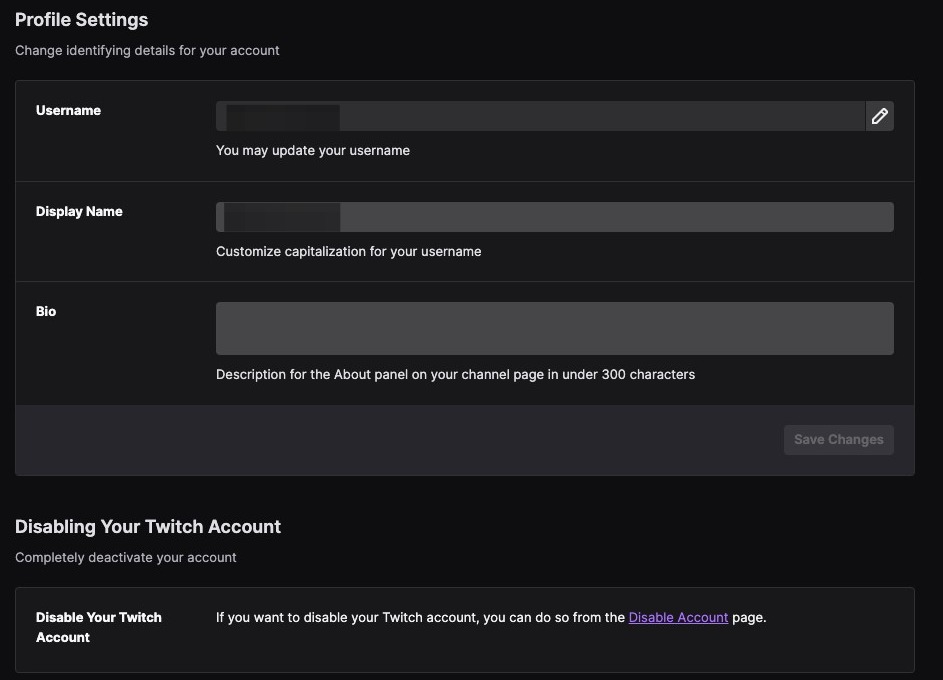
Step 5
Click on Disable Account to complete the process
Deactivate Twitch on Mobile
Step 6
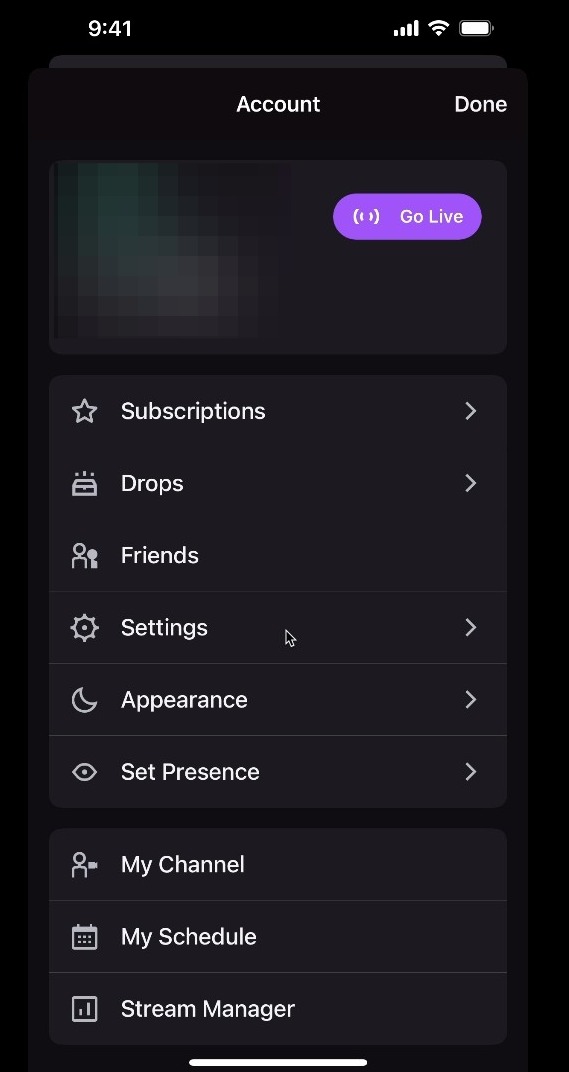
To deactivate Twitch on Mobile, first click on your profile icon on the left hand corner of the screen.

Step 7
Click Settings
Step 8
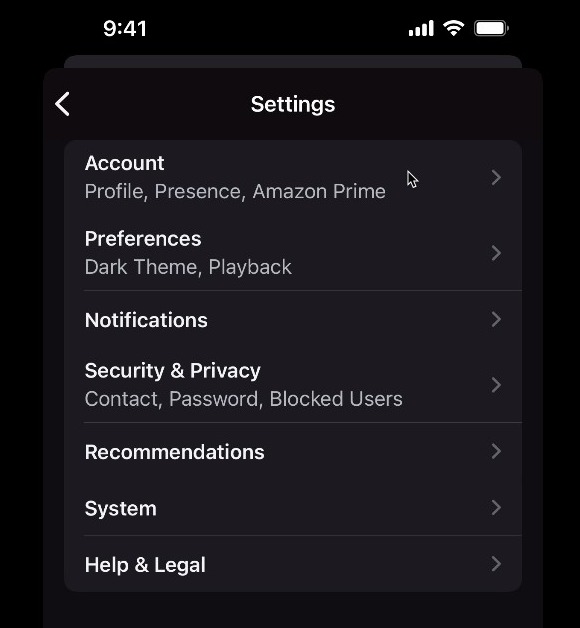
Click on Account
Step 9
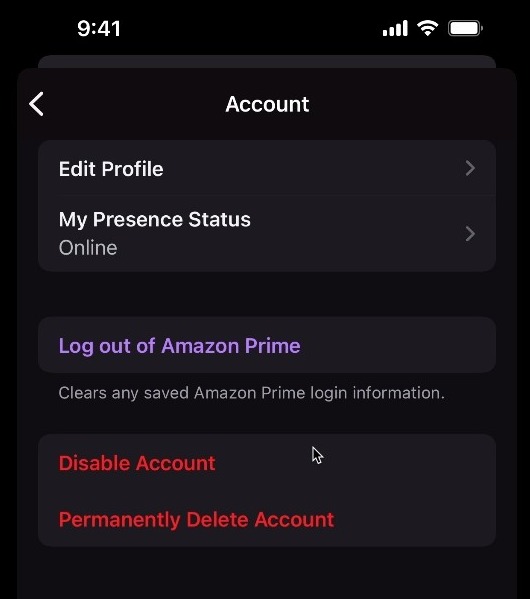
Click Disable Account
Step 10
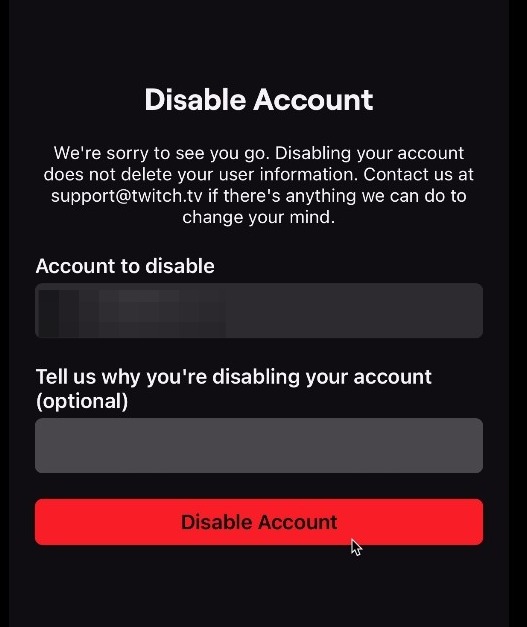
On the next screen, click Disable Account
Step 11
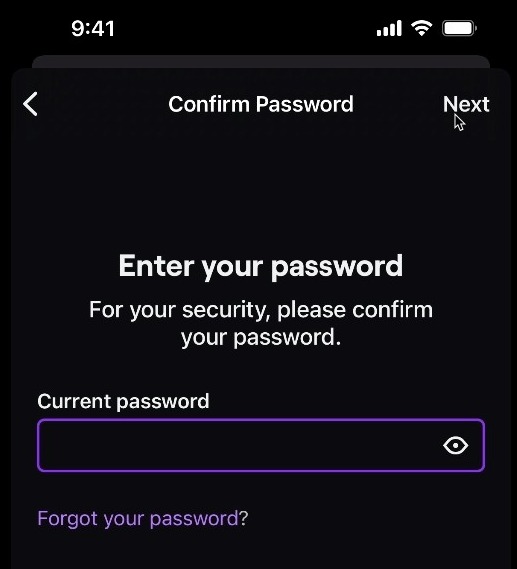
Enter your current password and click Next to complete the process