How to Delete Your WhatsApp Account
Edited
Step 1
WhatApp can only be deleted via the app. Make sure you download and install the WhatsApp app before attempting the steps below.
Step 2
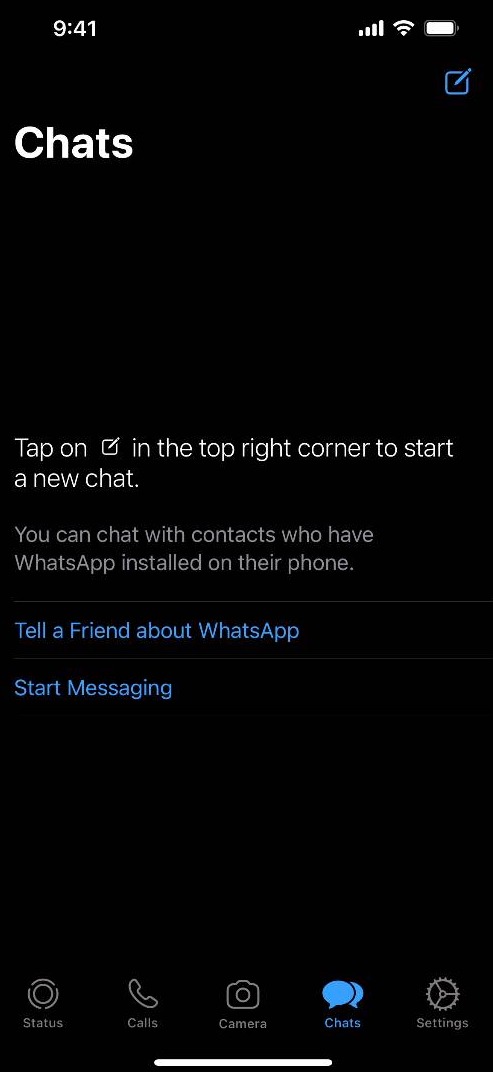
Click on the Settings icon on the bottom right hand corner of the screen
Step 3
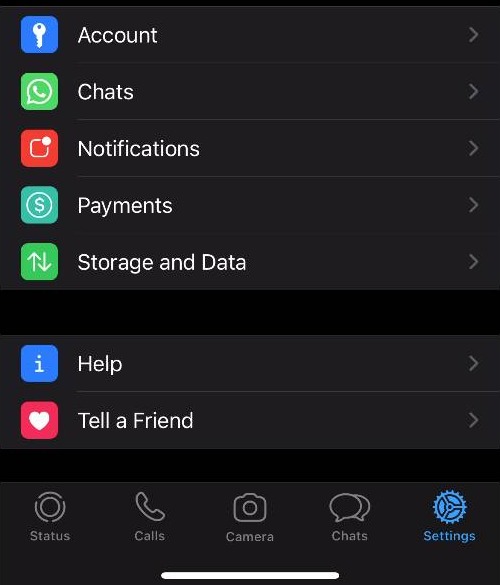
Click Account
Step 4
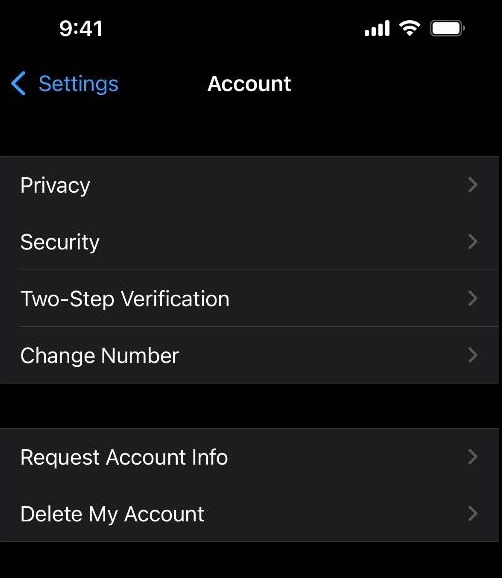
Click Delete My Account
Step 5
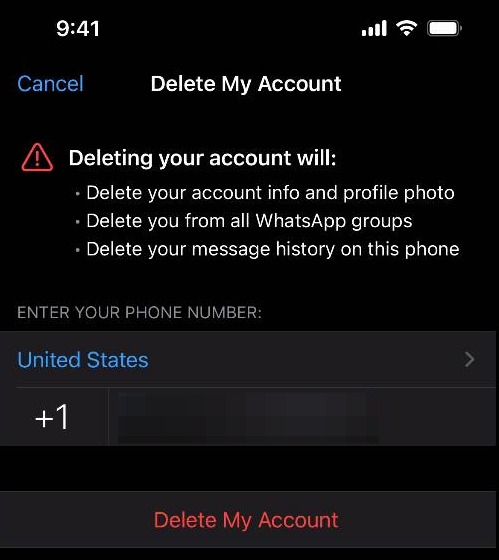
Enter your phone number
Step 6
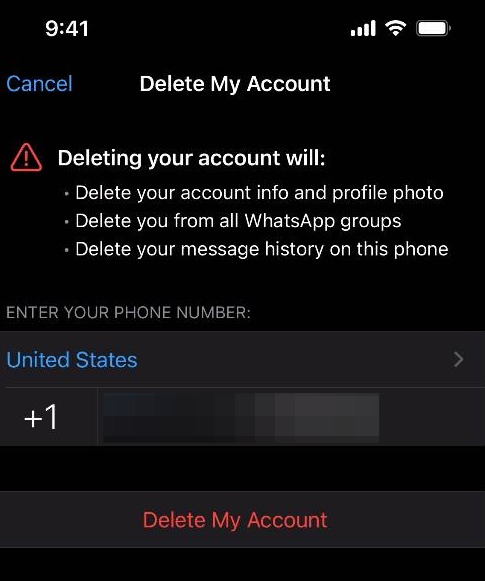
Click Delete My Account
Step 7
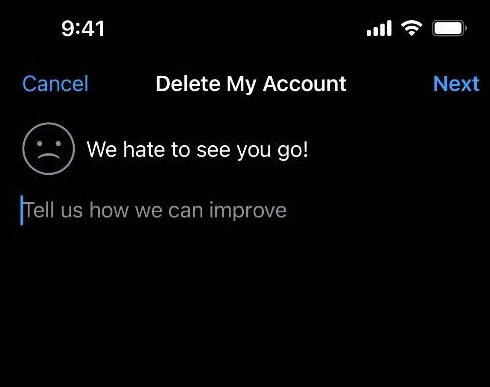
You have the option to submit a reason for deleting your WhatsApp account. After making that decision, click Next
Step 8
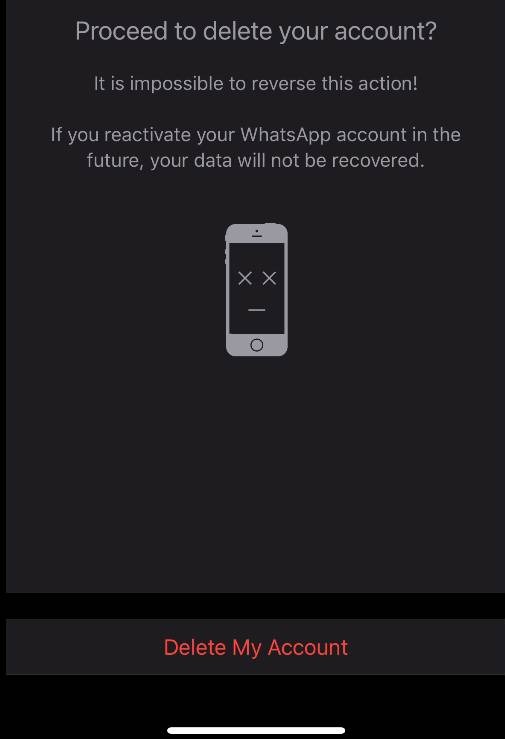
Click Delete My Account to finish the process. Note: This action cannot be reversed. Once you delete your account, all data tied to it will be deleted as well.