How to Delete Your Snapchat Account
Edited
Step 1
Snapchat can only be accessed via the app, so make sure you download and install the app first to access the steps below.
Step 2
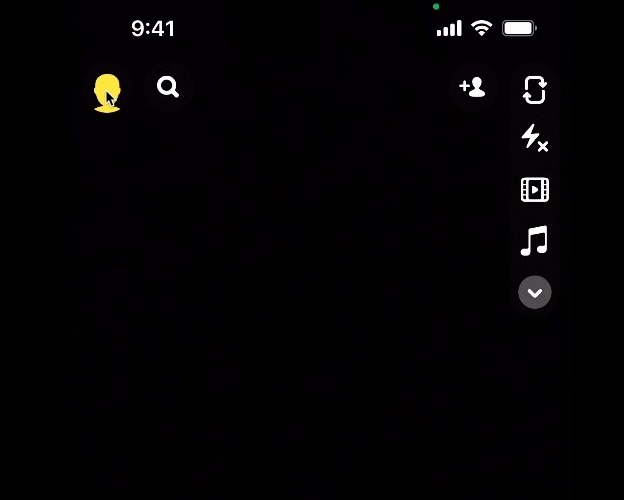
On the top left corner of the screen, click on your profile icon
Step 3
On the next screen, click on the settings icon

Step 4
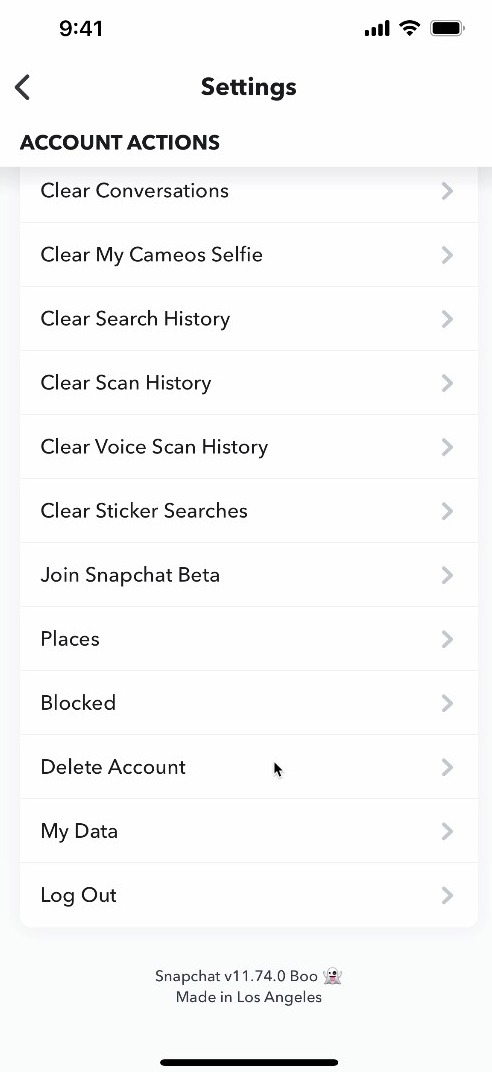
Scroll down and click on Delete Account
Step 5
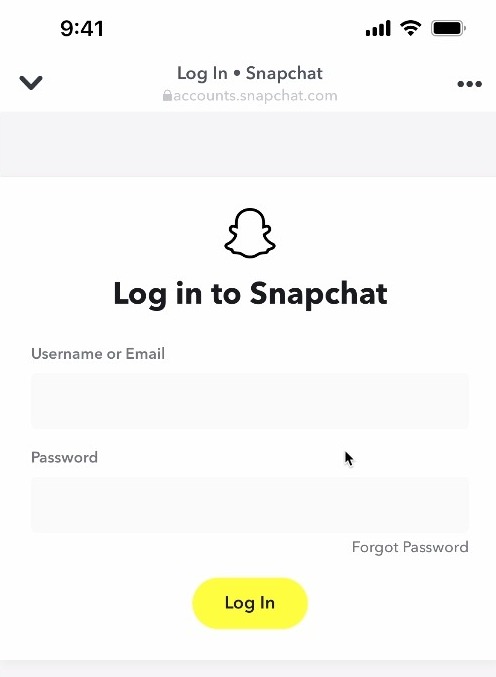
Re-enter your username and password, then click Log In
Step 6
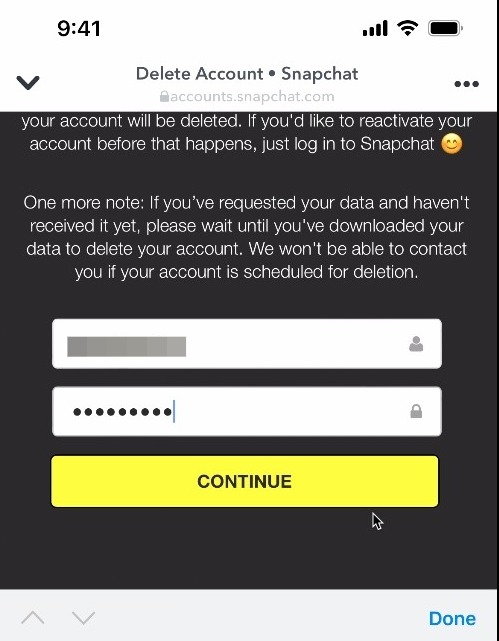
Re-enter your password one more time and click Continue to complete the process. NOTE: You have 30 days to reactivate your account before it's permanently deleted. To do so, log back into your account as normal.