How to Deactivate Your LinkedIn Account
Edited
Deactivate LinkedIn via Desktop
Step 1
To deactivate LinkedIn on desktop, navigate to [https://www.linkedin.com/](https://www.linkedin.com/)
Step 2
Click on your profile icon.

Step 3
Click "Settings & Privacy"

Step 4
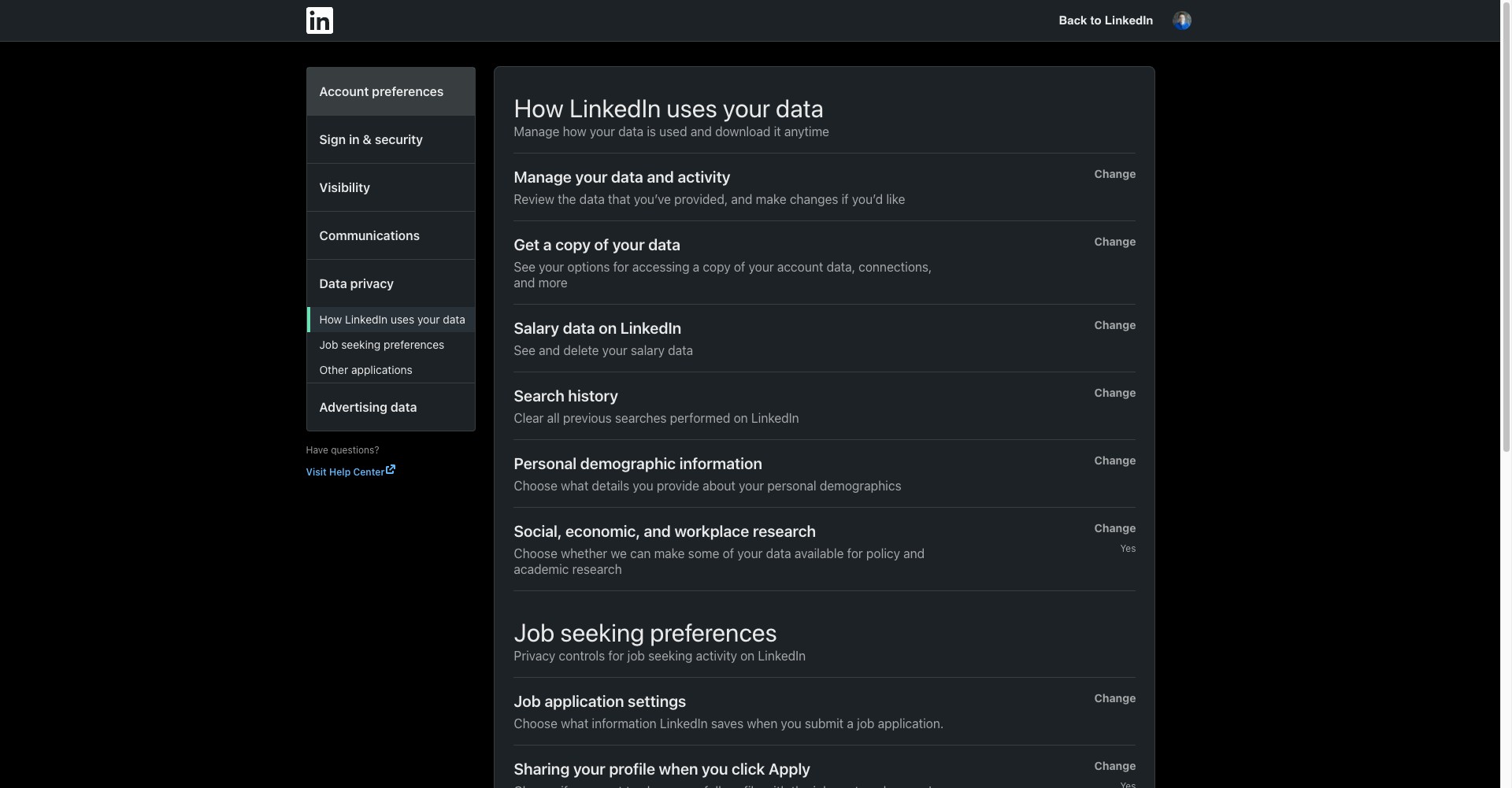
Click "Account preferences"
Step 5
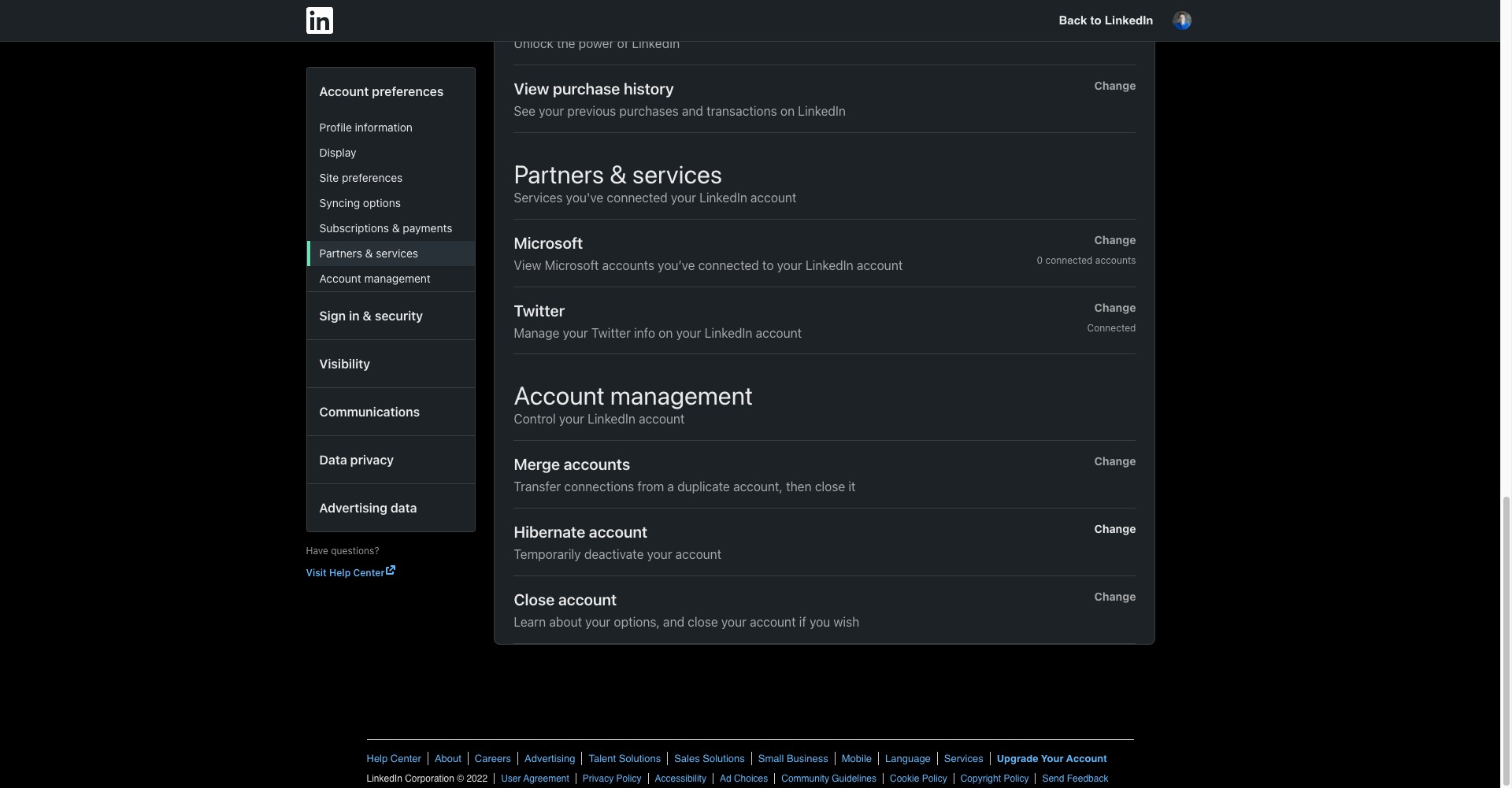
Click "Hibernate account"
Step 6
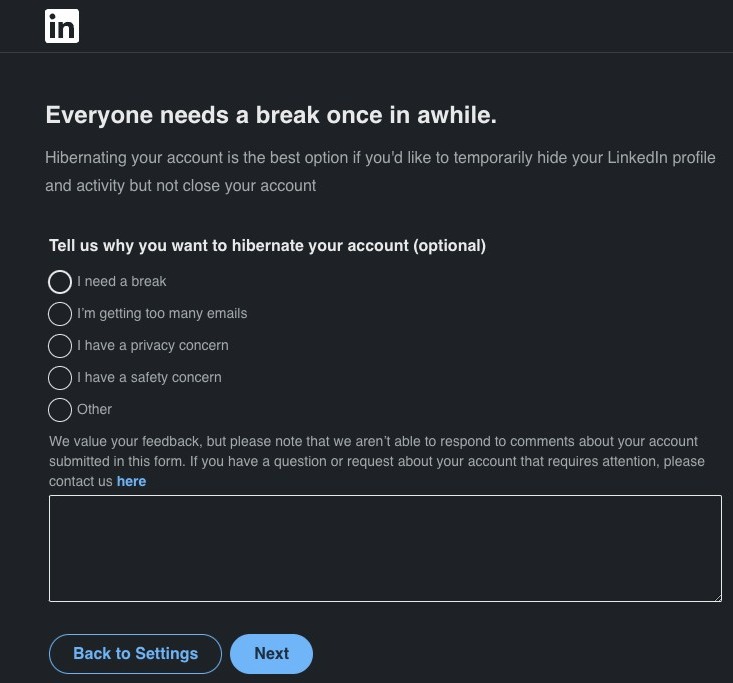
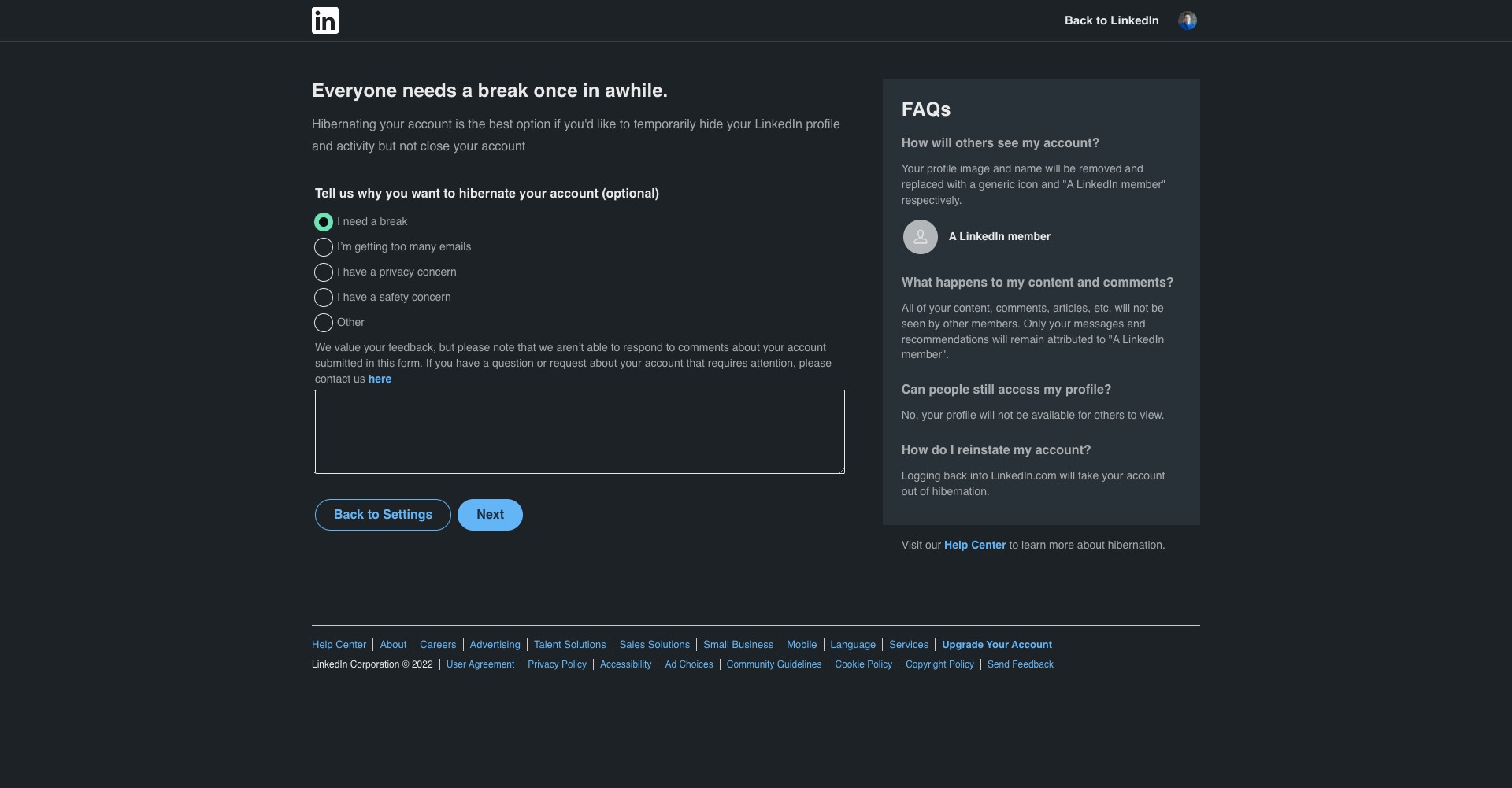
Select the reason why you are deactivating your account.
Step 7
Click "Next"
Step 8
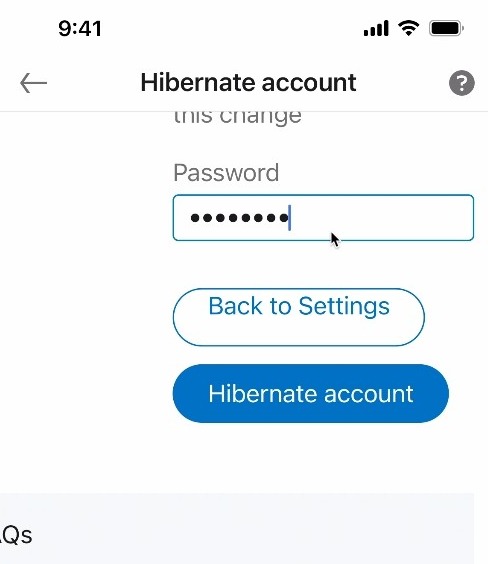
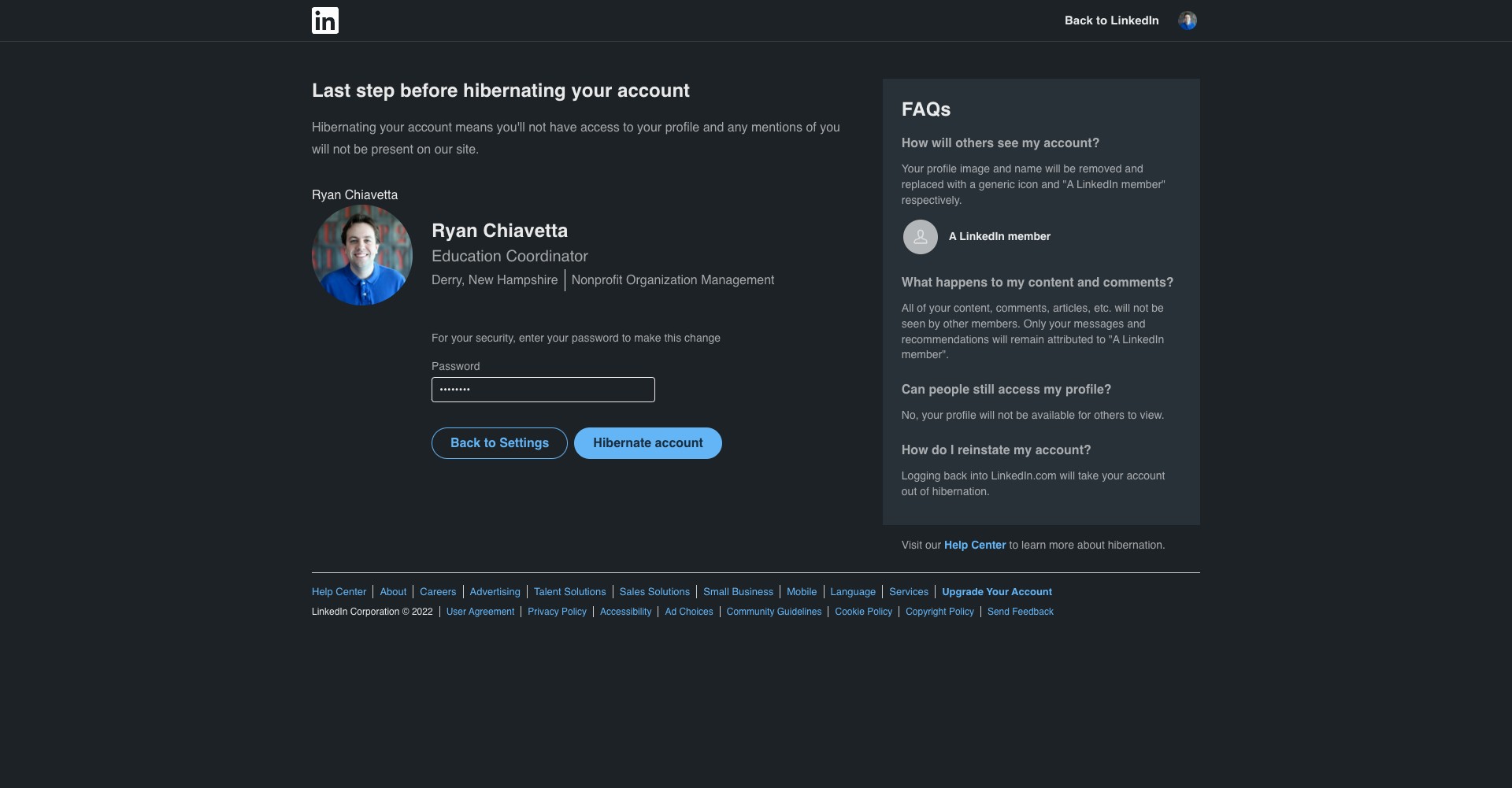
Re-enter your password and select hibernate account.
Deactivate LinkedIn on Mobile
Step 9
To deactivate your LinkedIn account on mobile, click on your profile icon on the top left corner of the screen

Step 10
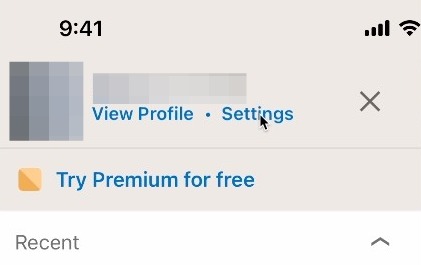
Click on Settings
Step 11
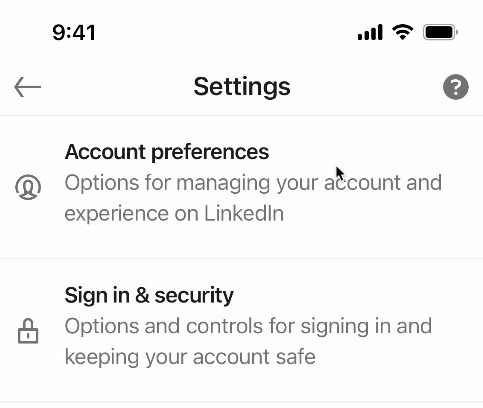
Click on Account preferences
Step 12
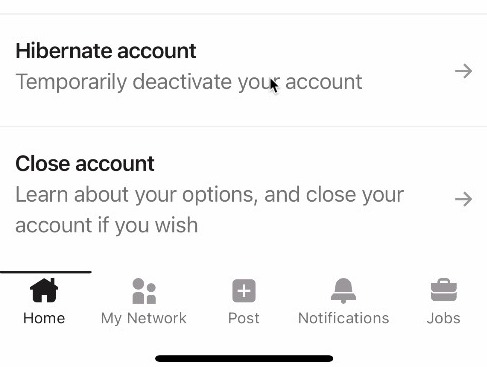
Scroll down and click Hibernate account
Step 13
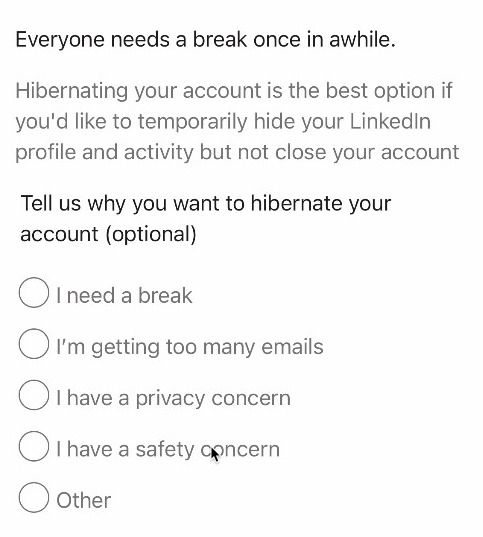
If you'd like, select a reason for deactivating your account
Step 14
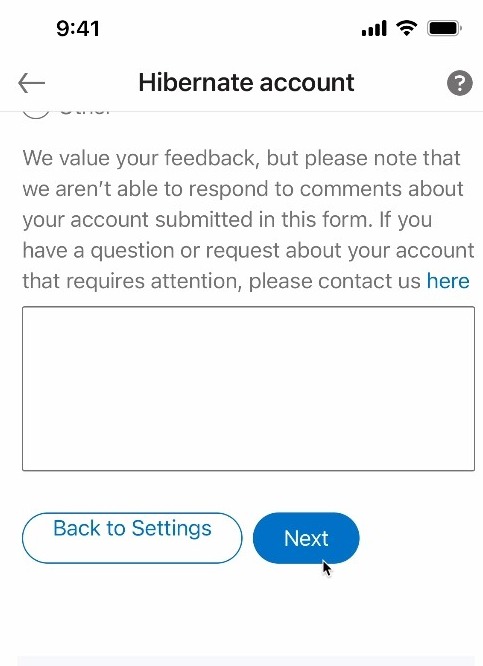
Then click on next
Step 15
Re-enter your password and click on Hibernate account to complete the process