How to Adjust Privacy Settings and Delete Your Ancestry Account
Step 1
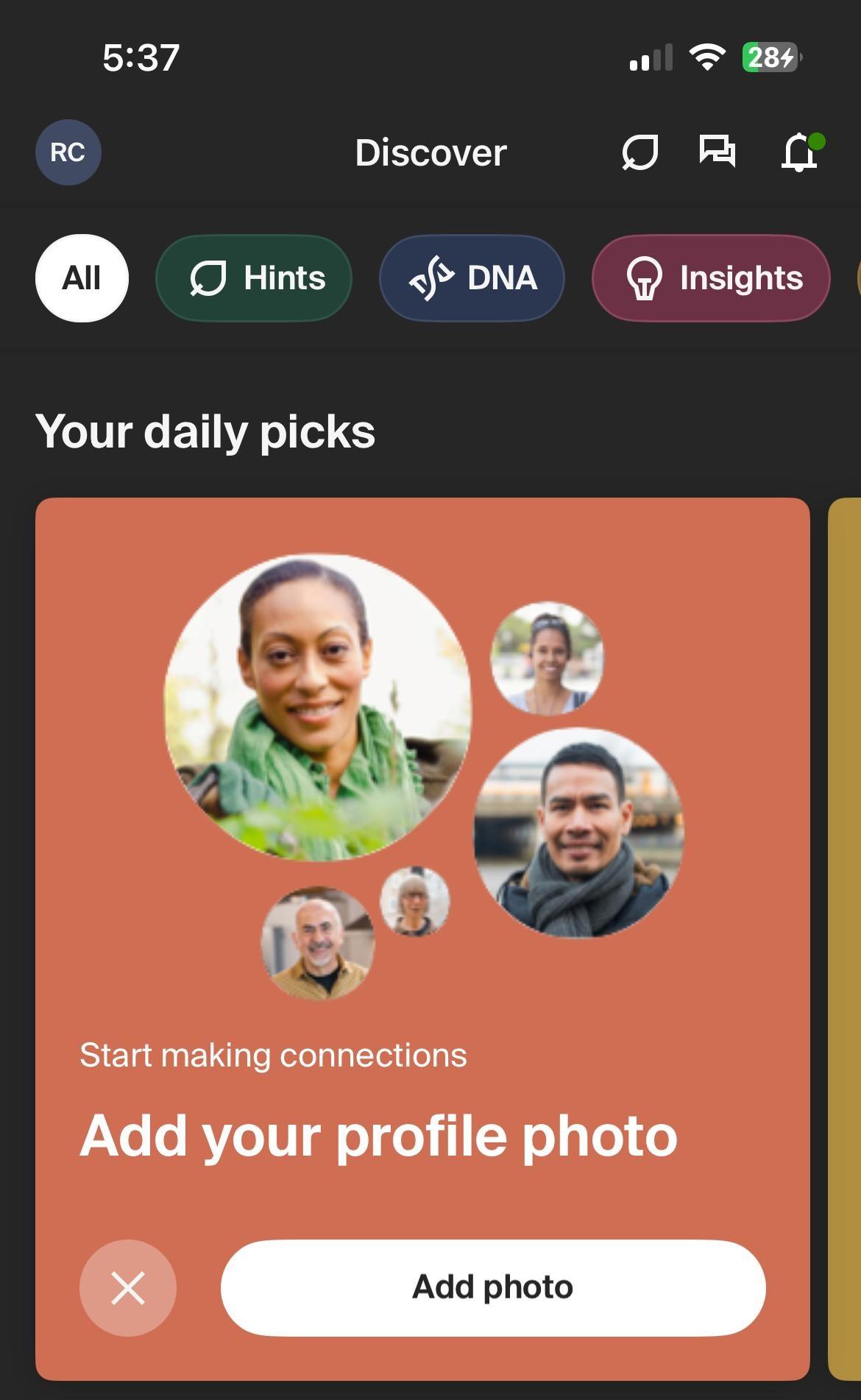
On the main dashboard, click your profile icon
Step 2
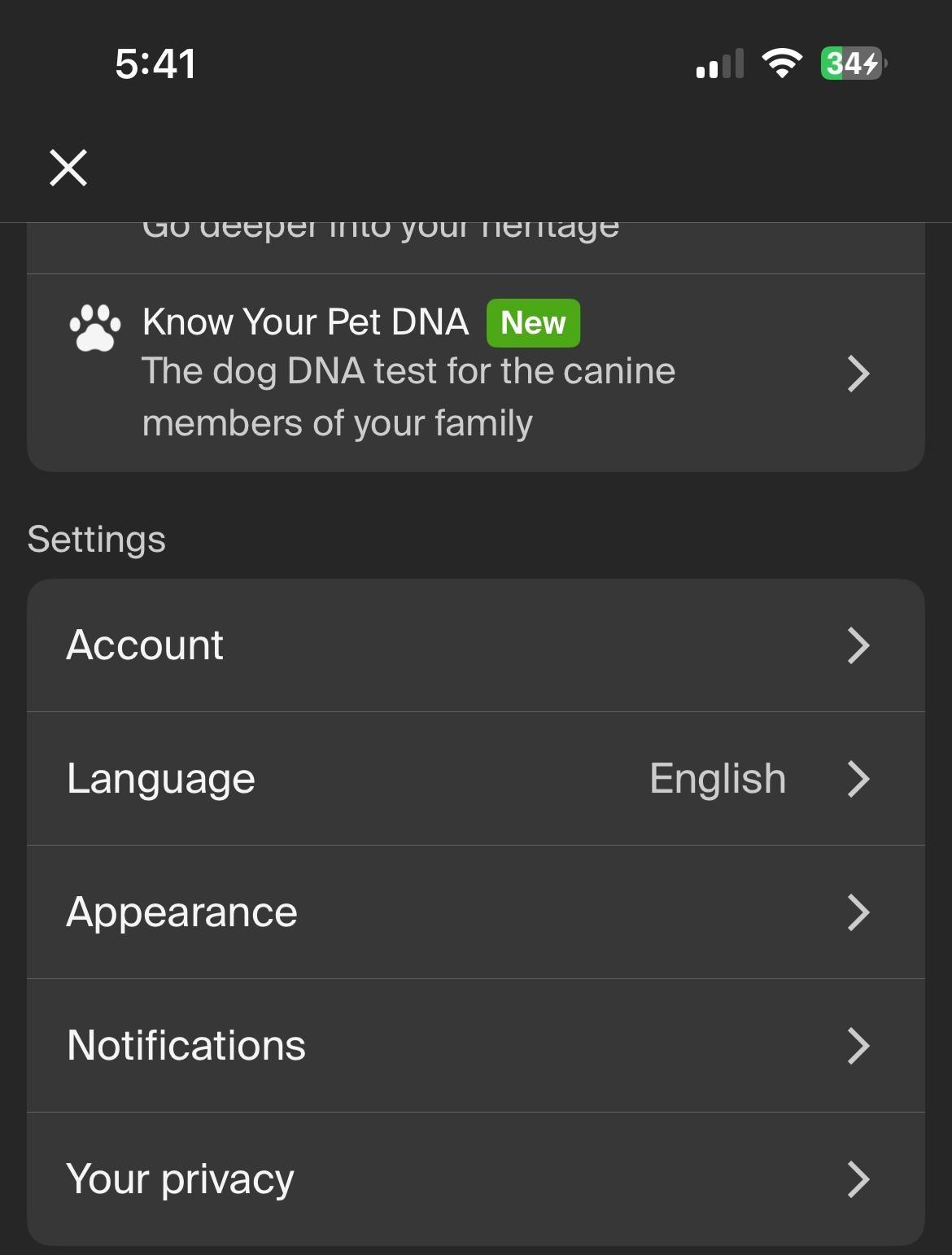
Scroll down and click Account
Step 3
First, lets go through the steps to download your data. Click here
Step 4
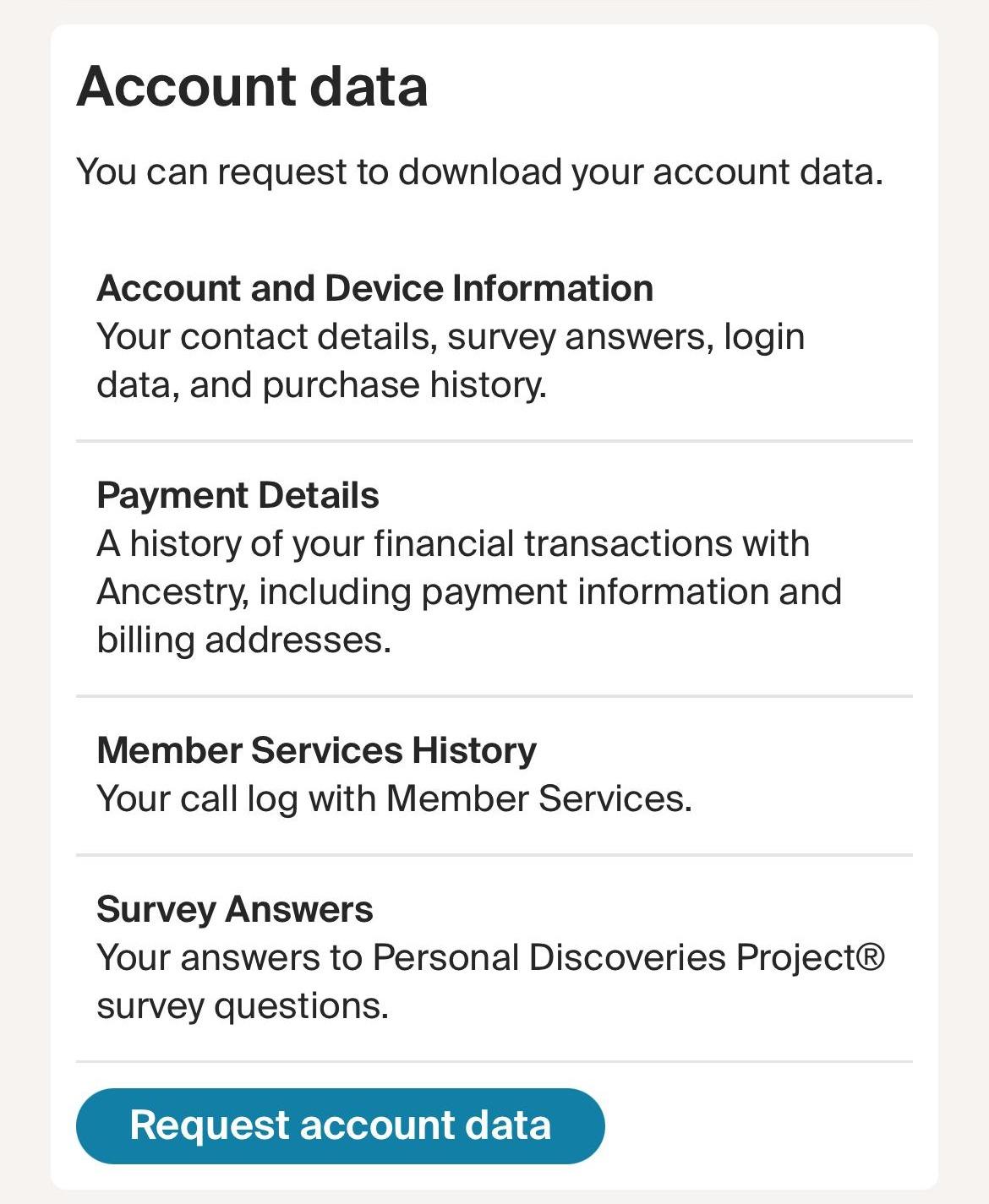
Click Request Account Data. You will then see a pop-up telling you that your request is processing. A confirmation email will be sent to you when the request is completed. NOTE: This request may take up to 30 days to compelete
Step 5
On this screen, you can also request a GEDCOM file for the family trees you've created an own, as well as a .zip file of your DNA data
Step 6
Go back to the account page
Step 7
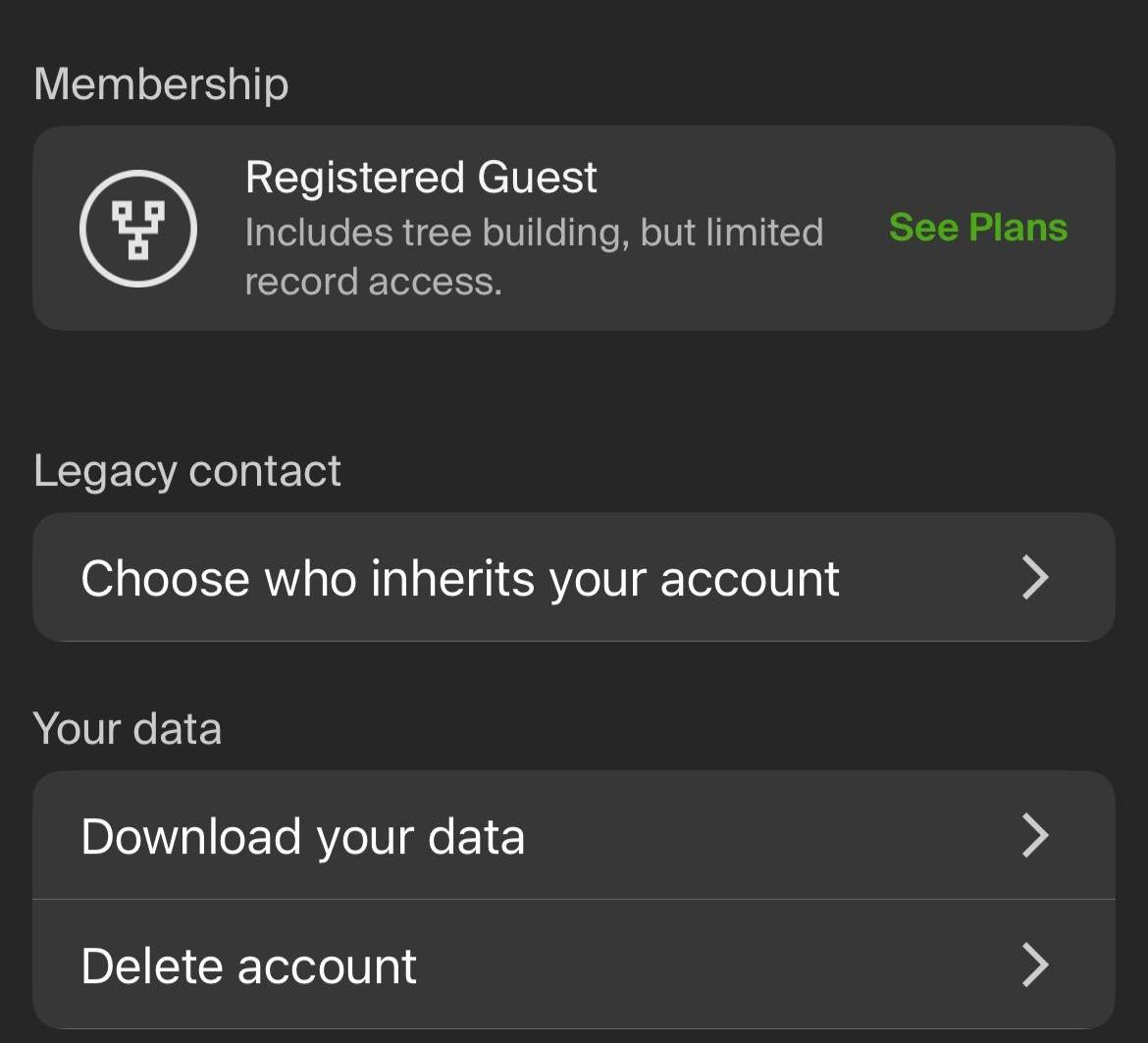
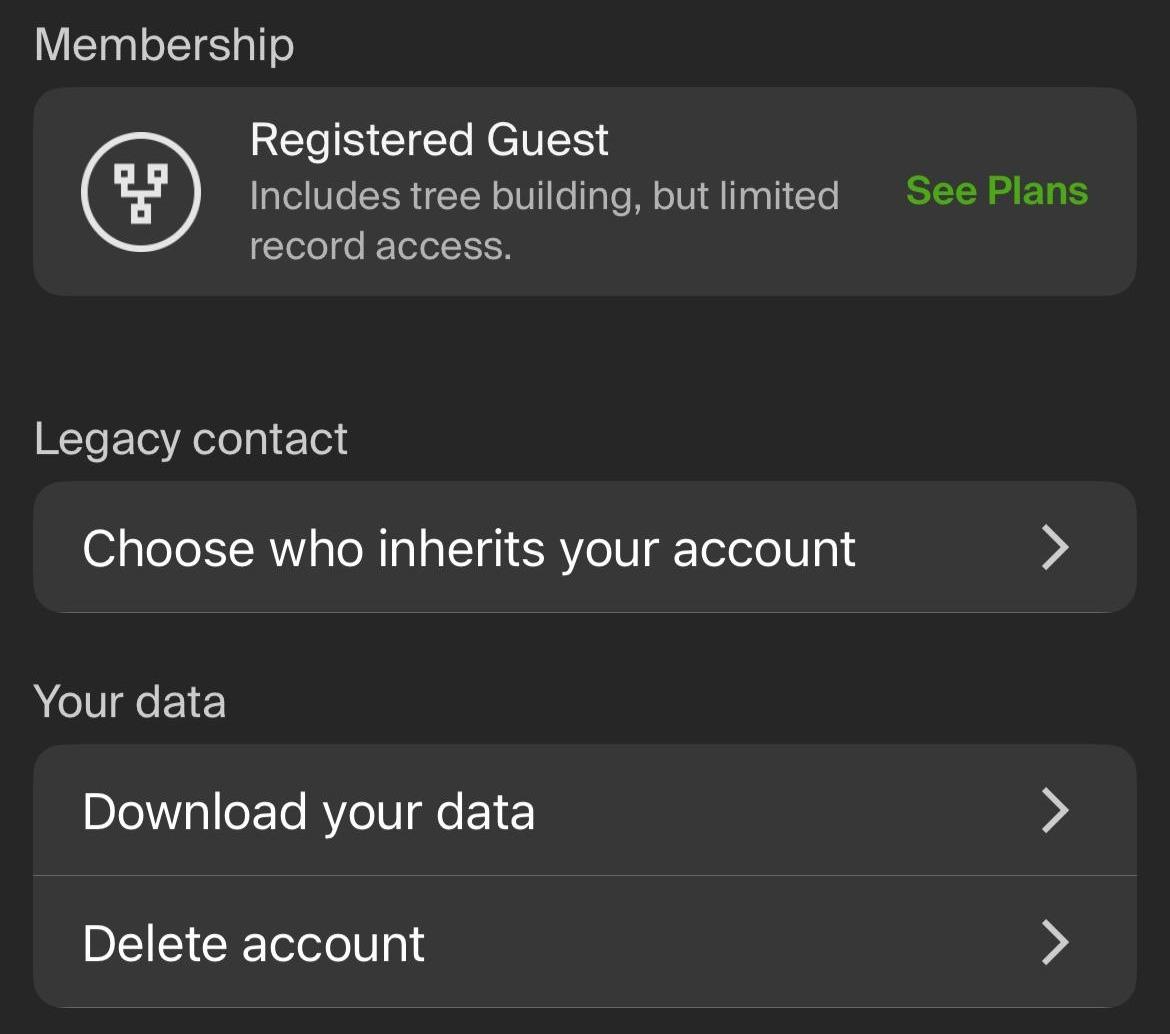
Now, let's click Delete Account
Step 8
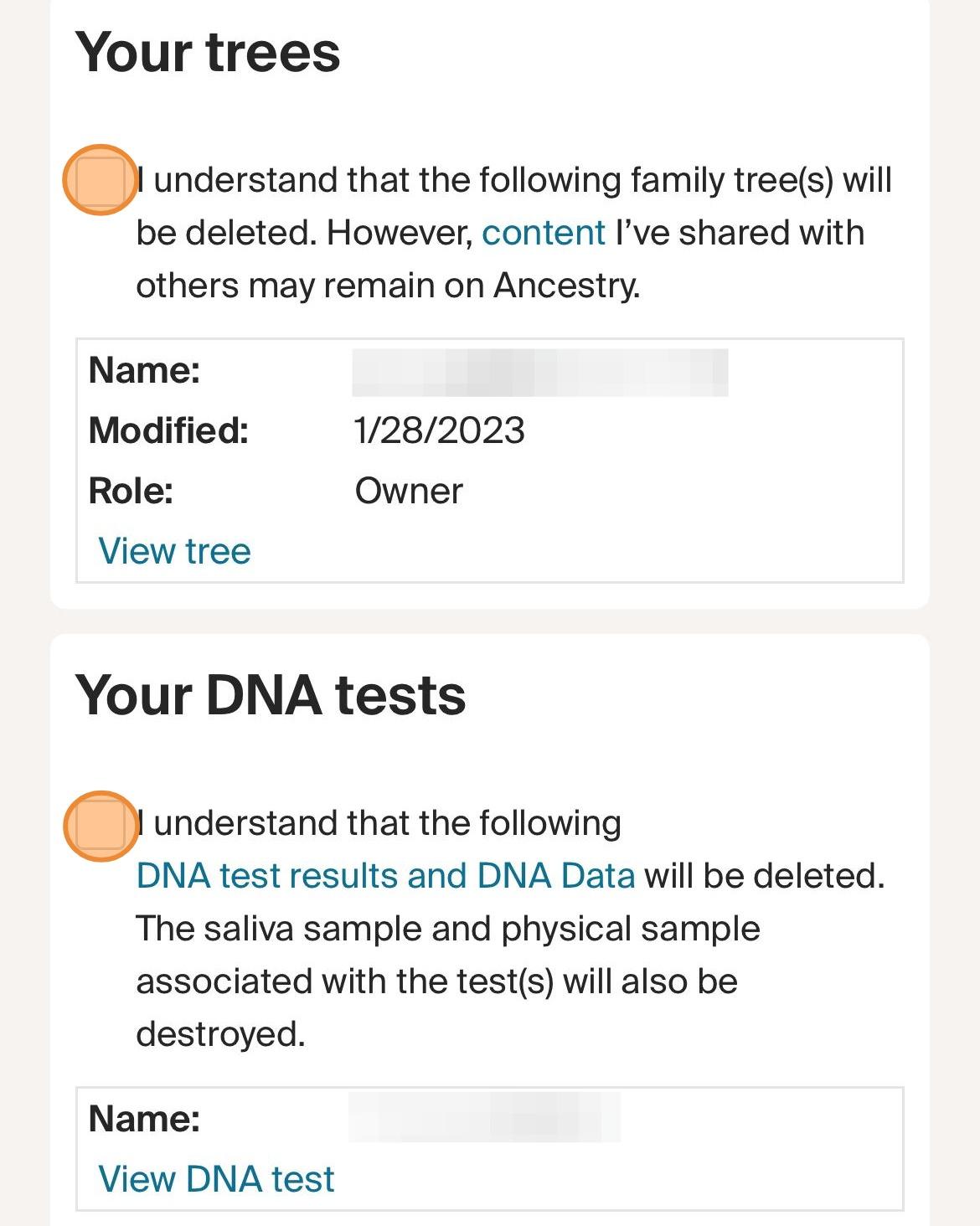
Click on these two boxes
Step 9
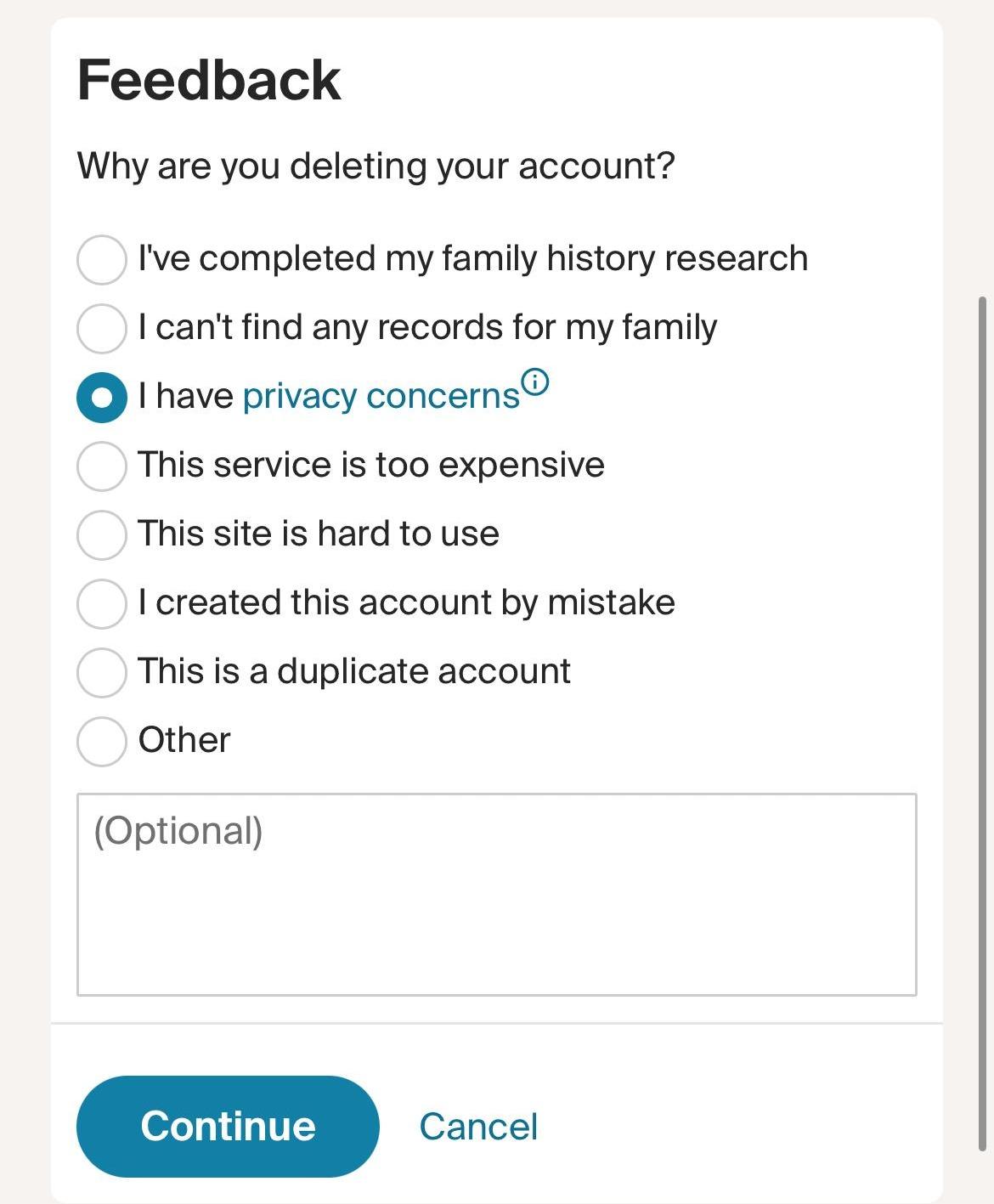
Select a reason for deleting your account and click Continue
Step 10
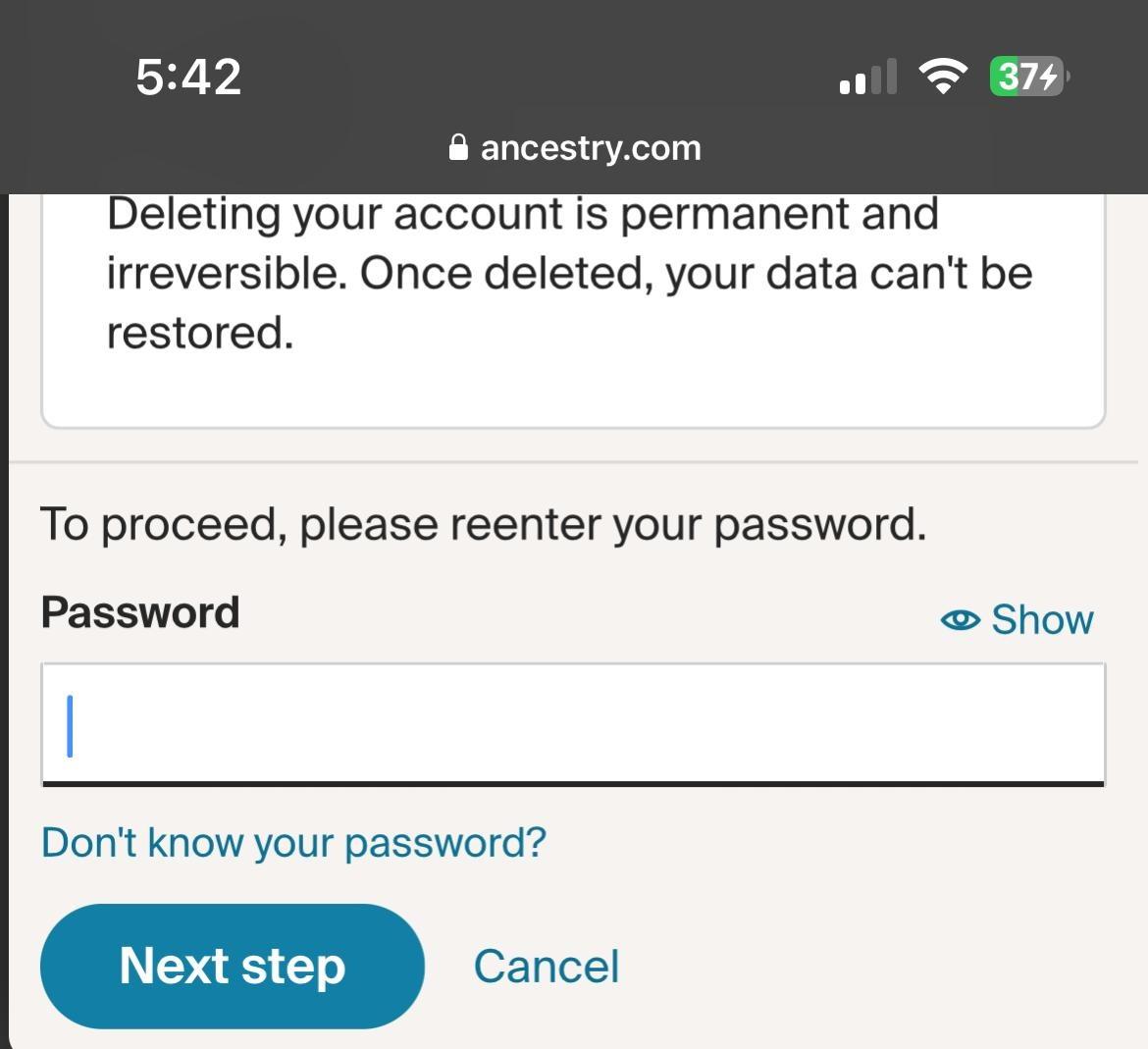
Enter your account password and click Next Step
Step 11
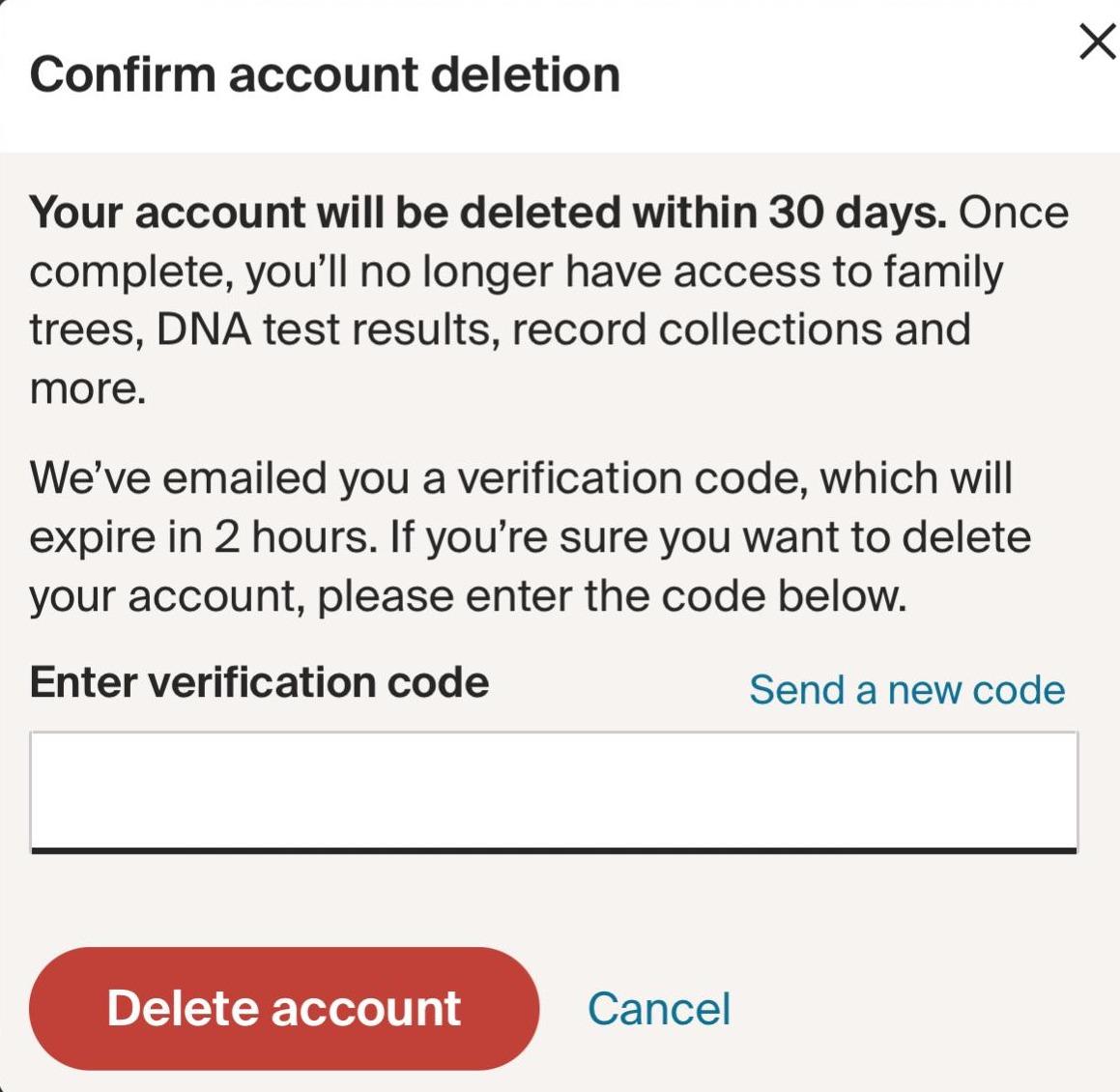
A verification code will be sent to your email. Enter the code within two hours of receiving it and click Delete Account to complete the process. Your account will be deleted within 30 days, but the process will begin immediately. An email will be sent to you to confirm the deletion. NOTE: This cannot be reversed