How to Adjust Privacy Settings and Delete Your 23andMe Account
Step 1
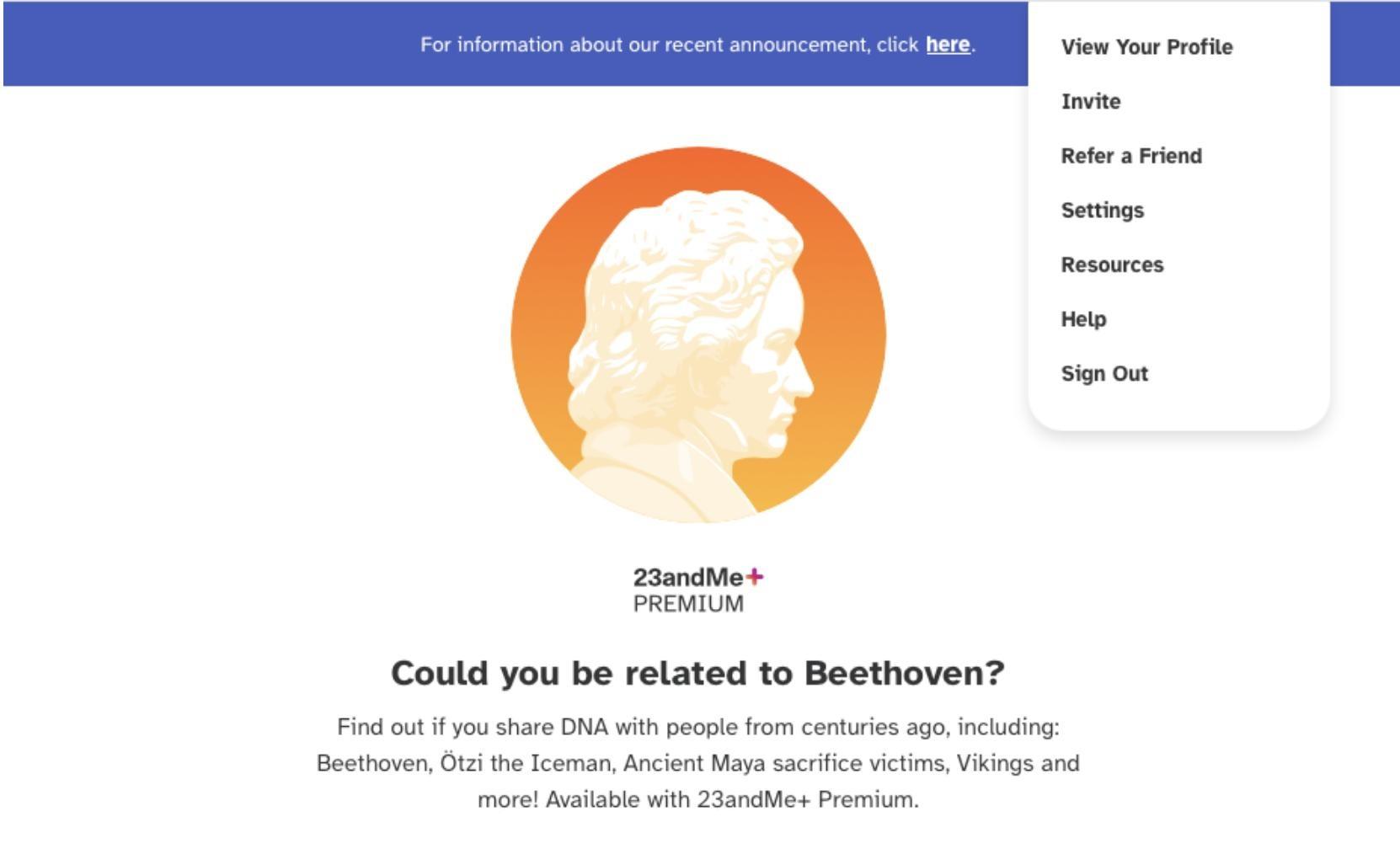
Under your profile, go to Settings
Step 2
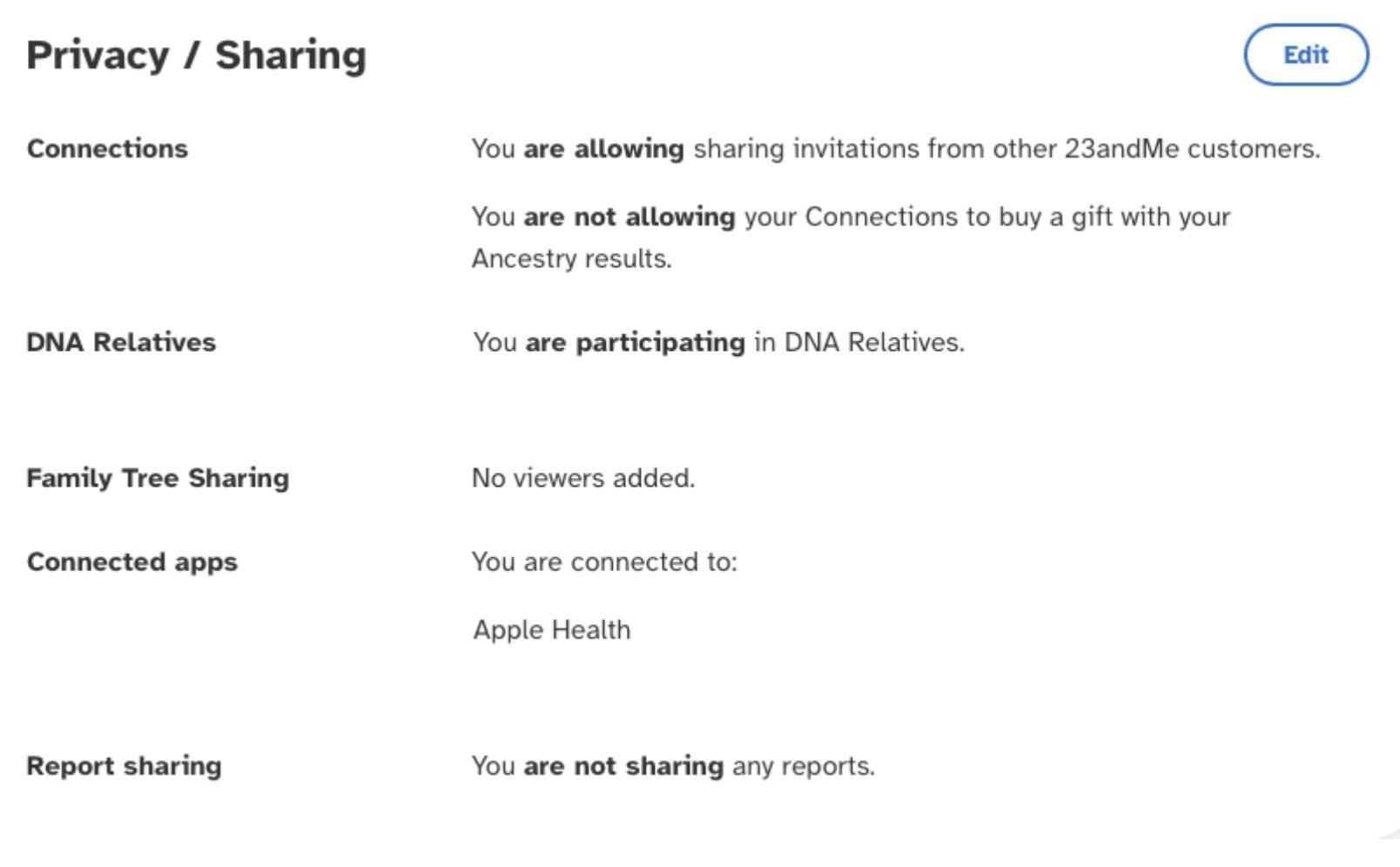
Under the Privacy / Sharing Section, click Edit
Step 3
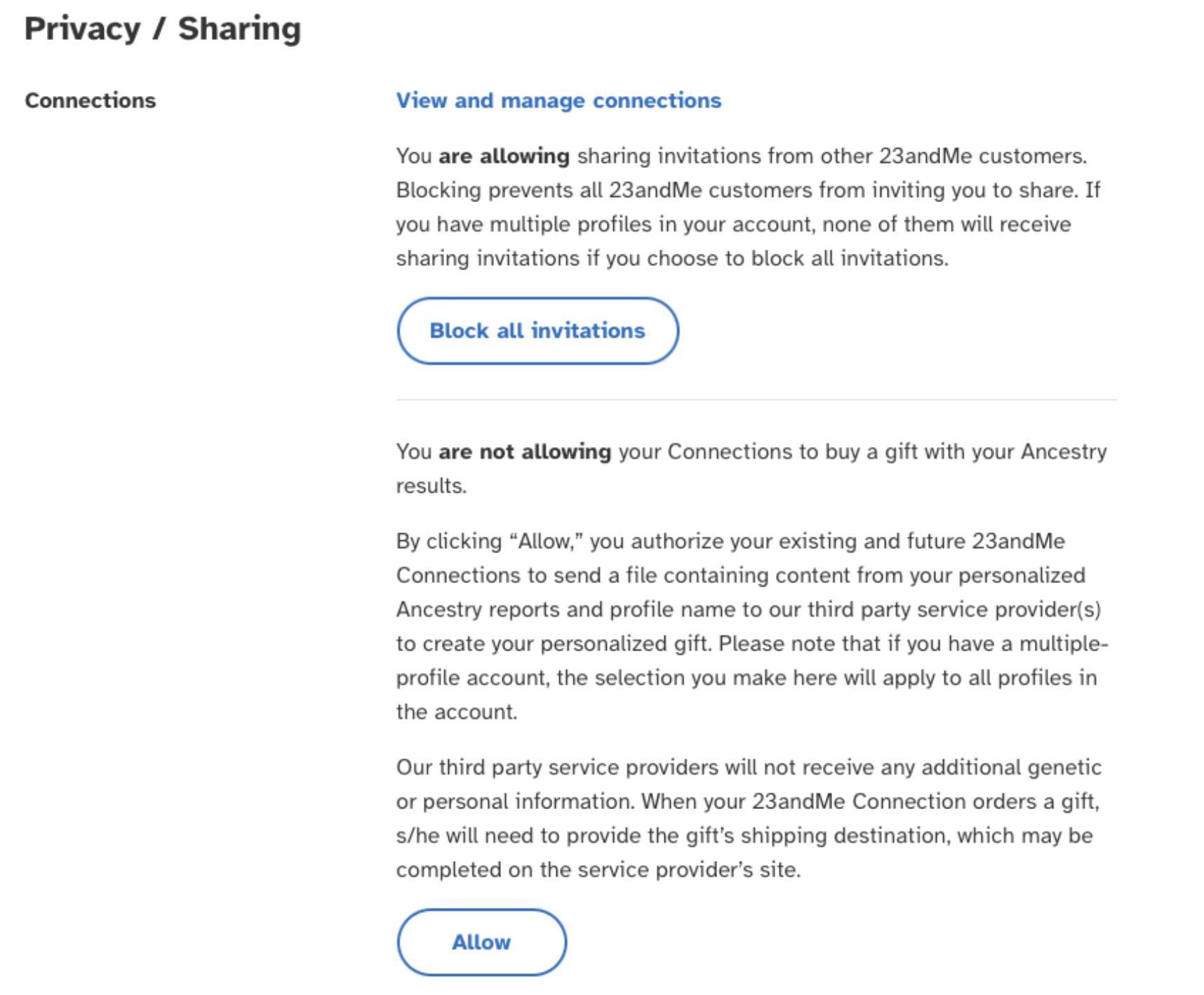
In this section, turn off/opt out of all features associated with sharing your data, including, but not limited to "Connections and DNA Relatives"
Step 4
Go back to Settings
Step 5
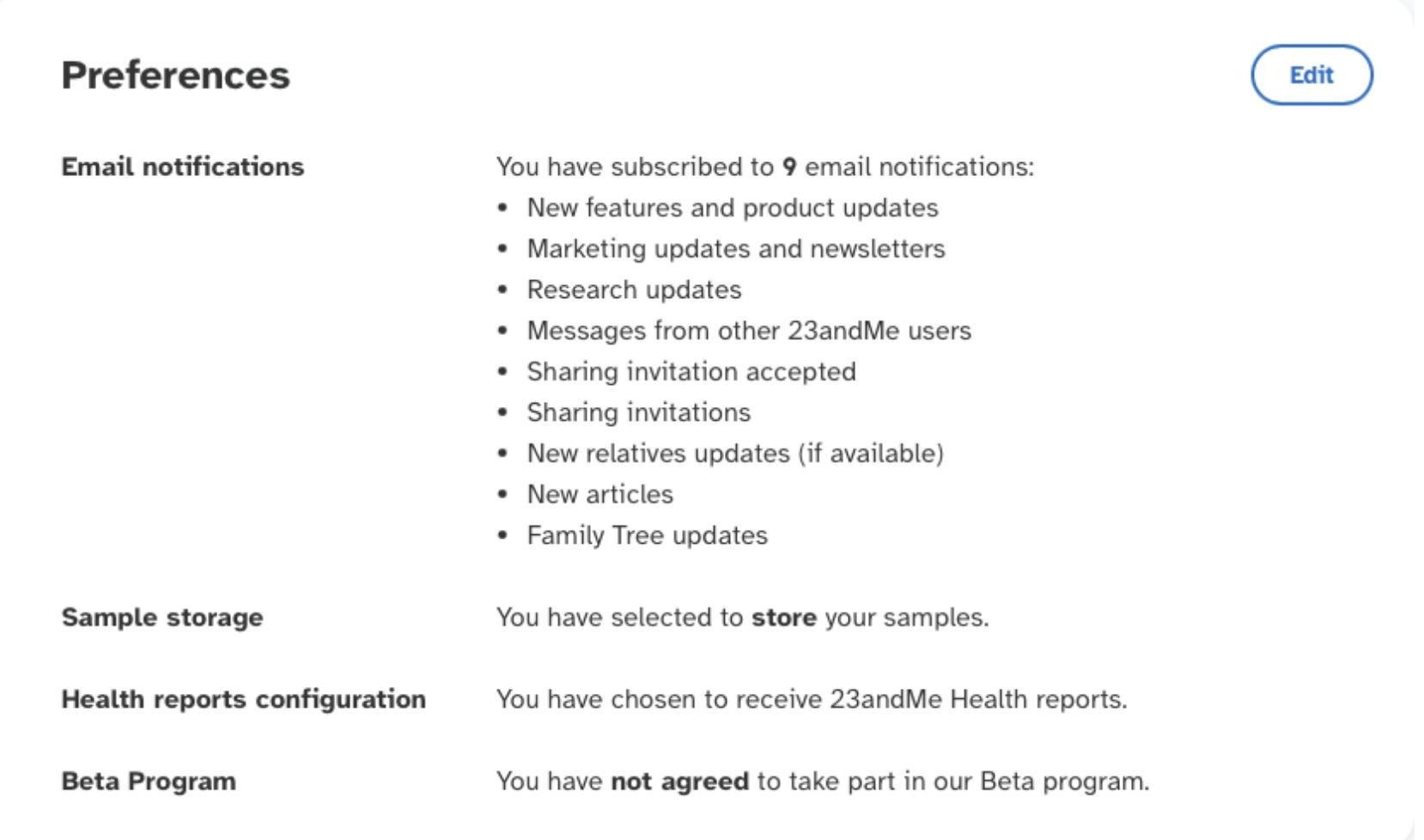
Under the Preferences section, click Edit
Step 6
In this section, turn off/opt out of all features that center around holding and using your data, including, but not limited to Sample Storage, Health Report Configurations and the Beta Prorgam
Step 7
Go back to Settings
Step 8
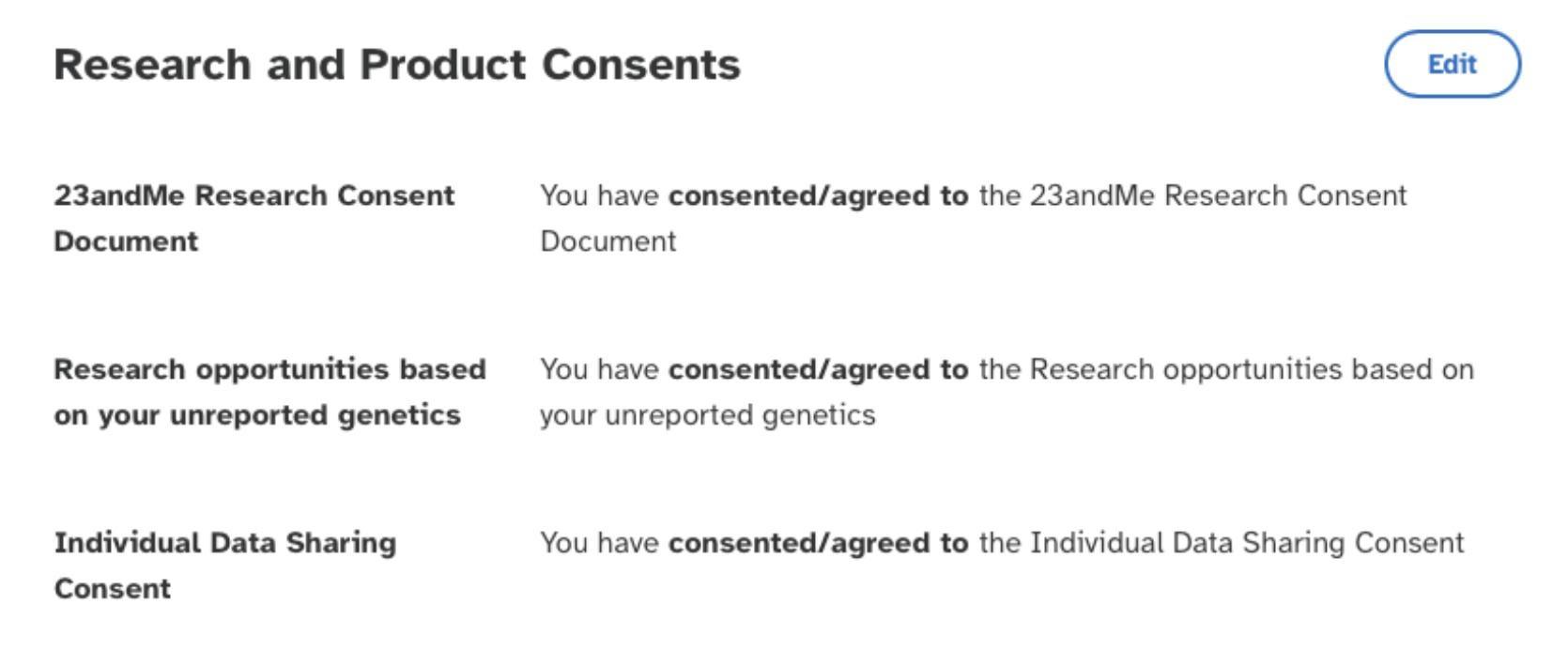
Under the Research and Product Consents section, click Edit
Step 9
Opt out of consenting to Individual Data Sharing
Step 10
Go back to Settings
Step 11
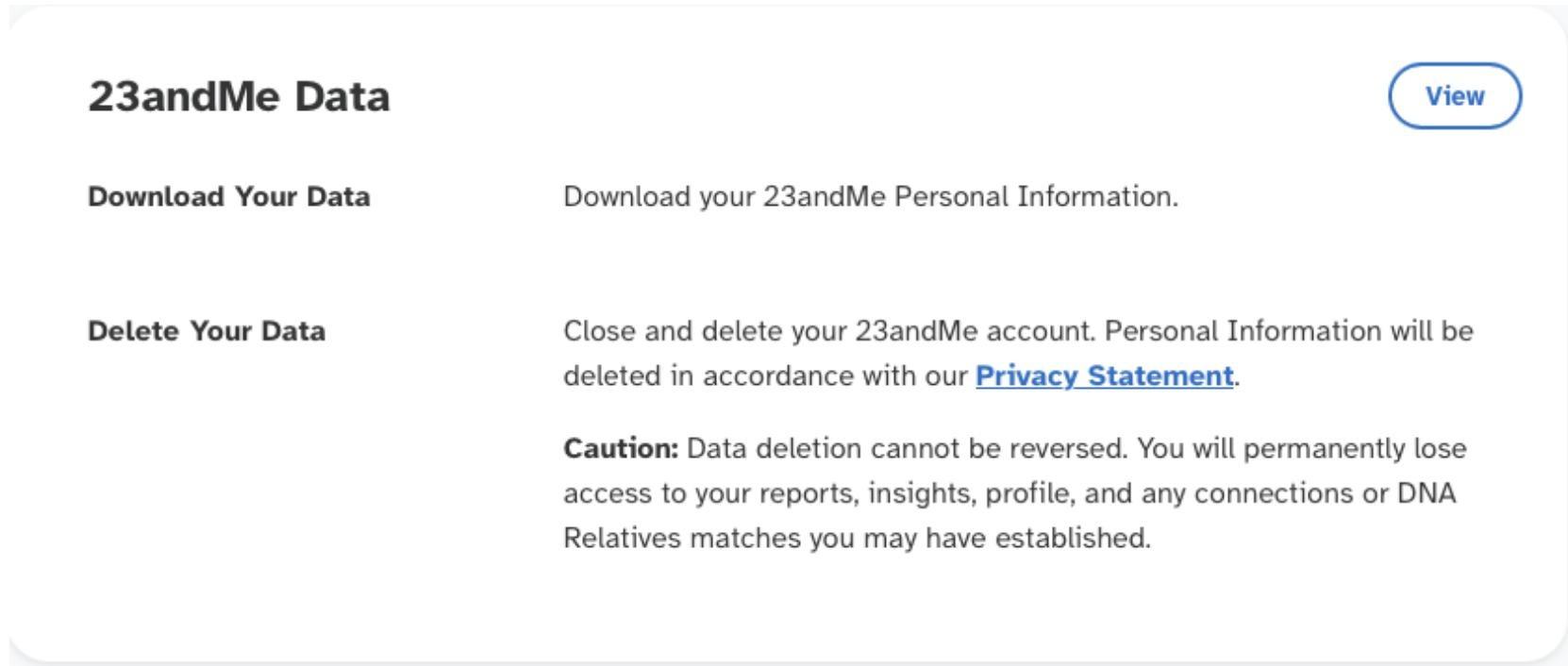
Under the 23andMe Data section, click View
Step 12
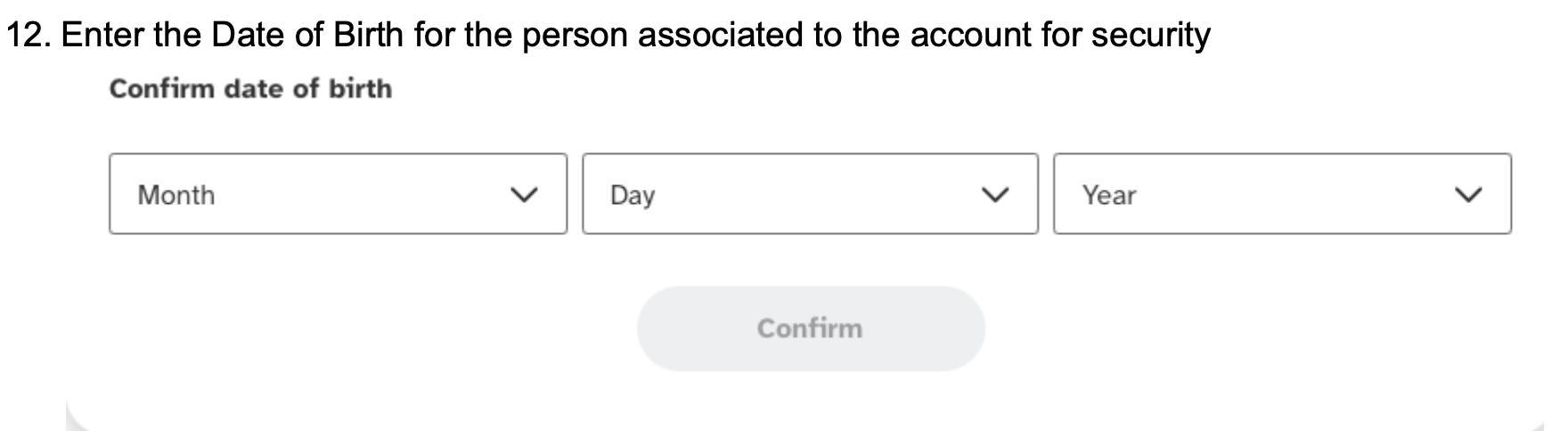
For security purposes, enter the date of birth for the person associated with the account, then click Confirm
Step 13
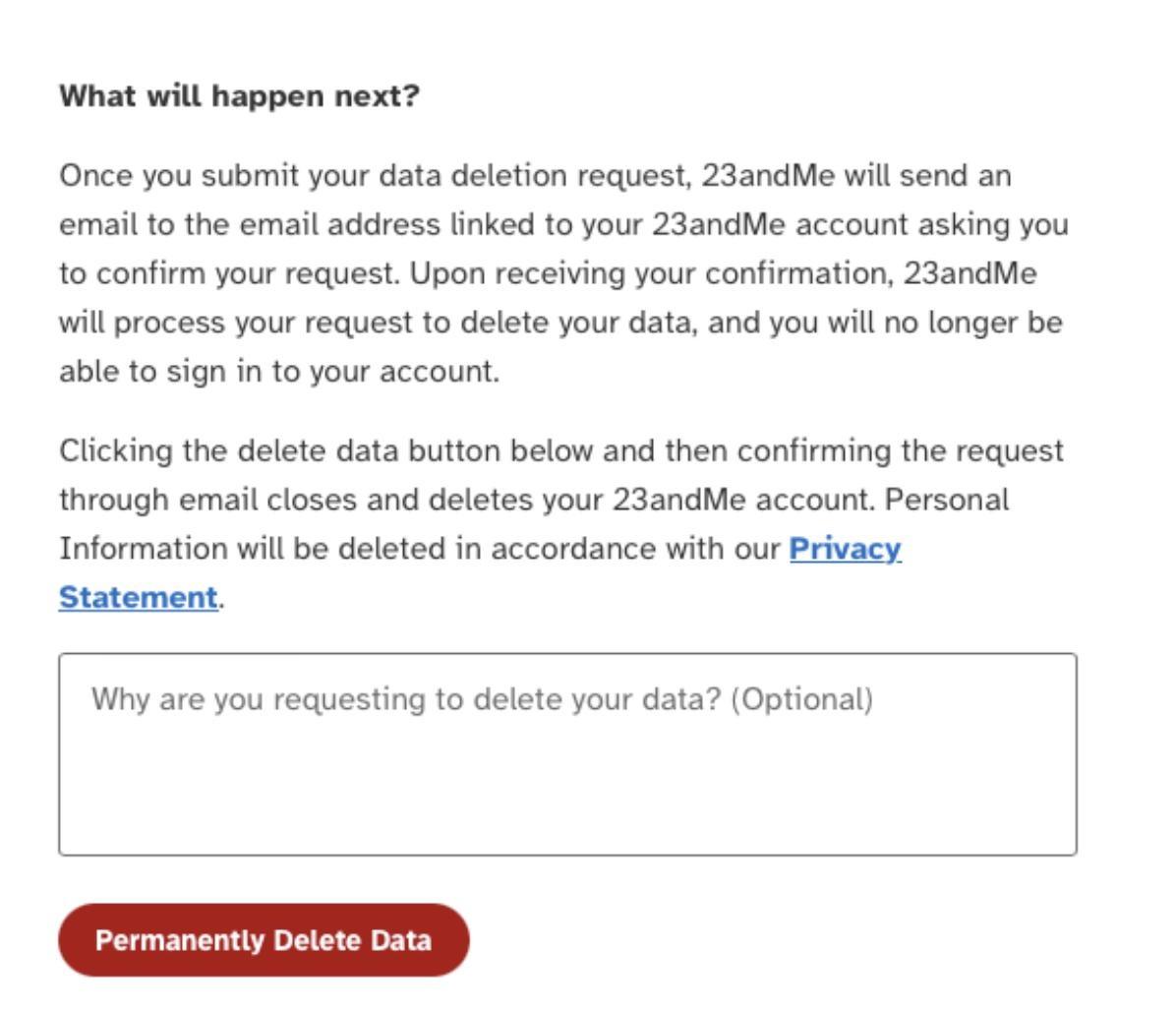
Before you delete your data, download any information tied to your account
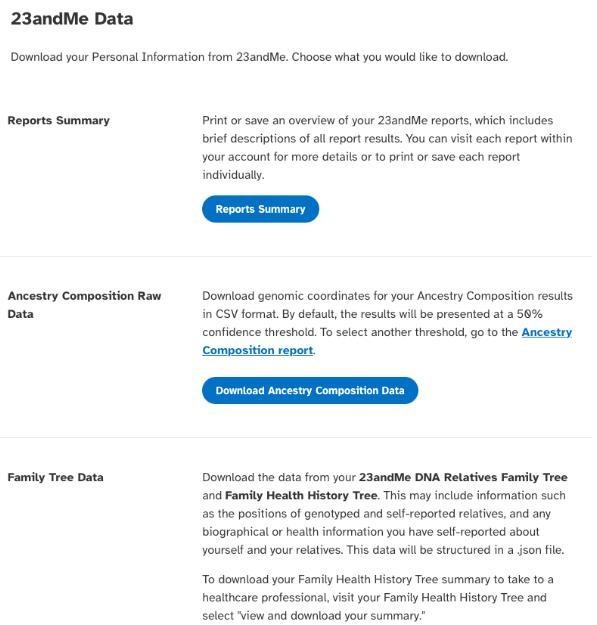
Step 14
NOTE: If you decide to download your raw genotyping data, it may take a few days for this request to be completed. By downloading your raw genotyping data, you will have full access to your data, and the ability to share it with similar services if you so choose
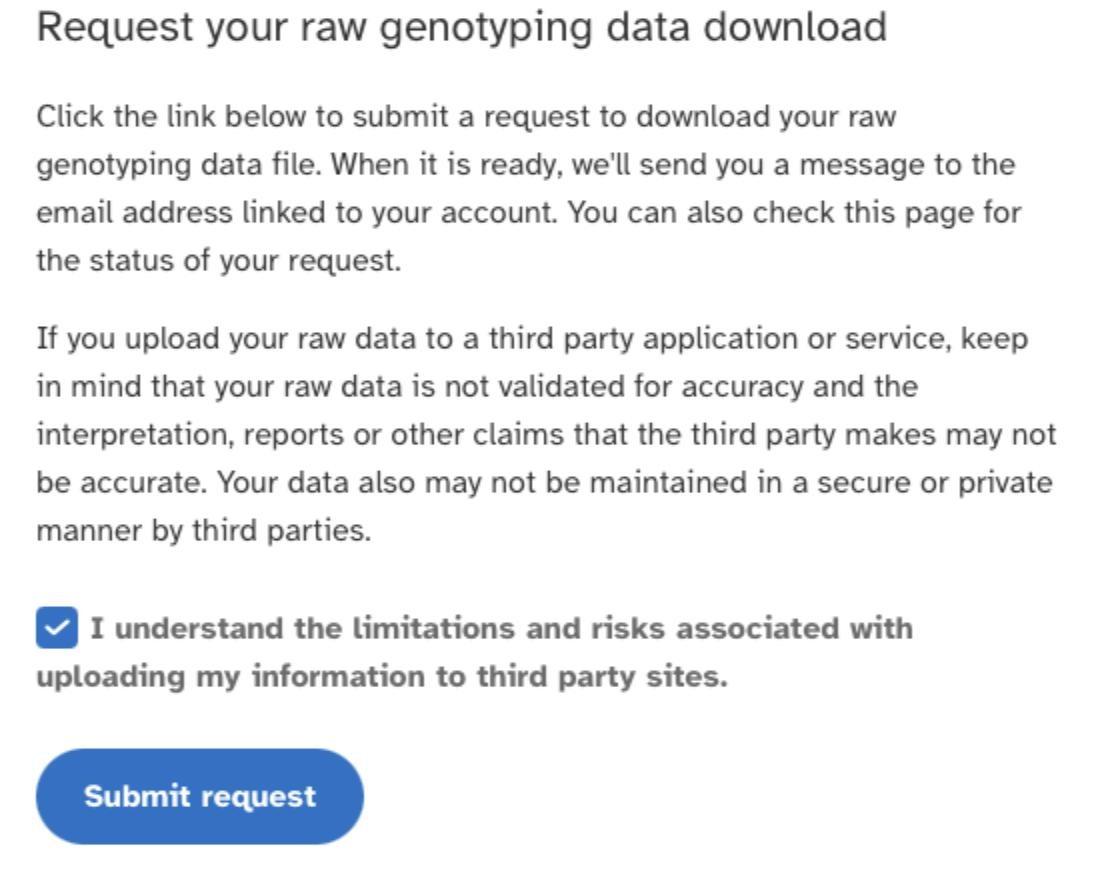
Step 15
Under the Delete Data section, click Permanently Delete Data. Data deletion is irreversible, and once it is done, you will no longer be able to access the account. NOTE: The deletion will not be finalized until you confirm the request via an email sent by 23andMe