BlackCloak Concierge Scheduling
Edited
Schedule a 15, 30 or 45 minute appointment with the BlackCloak Concierge team to answer your privacy and cybersecurity questions. You can schedule a session through the Concierge Portal or the BlackCloak app (mobile or desktop) using the steps below:
Desktop
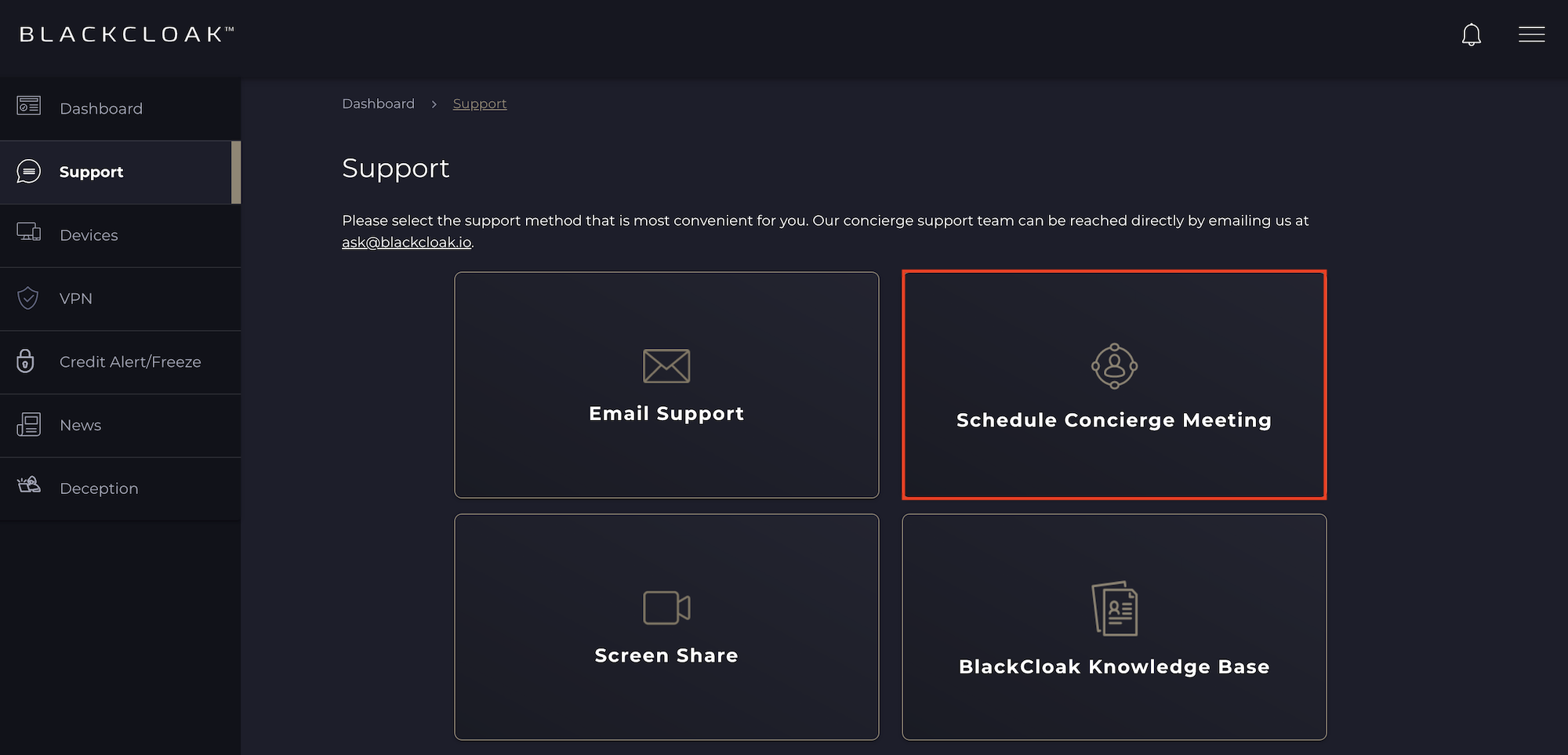
On desktop, click on the Support tab and then select the Schedule Concierge Meeting tile. If you don't see a time that works for you, please contact the BlackCloak Concierge team at ask@blackcloak.io.
Mobile
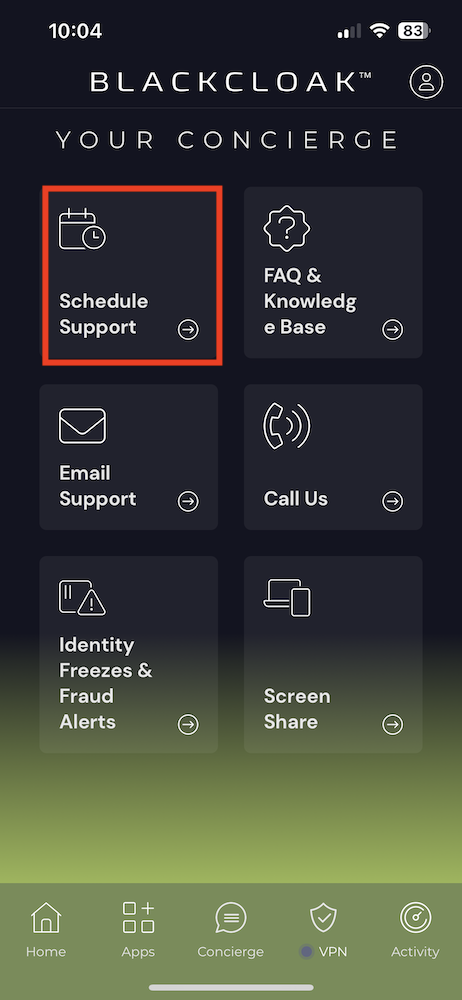
On mobile, click on the Concierge tab and then select the Schedule Support tile. If you don't see a time that works for you, please contact the BlackCloak Concierge team at ask@blackcloak.io.