
Android Hardening
Edited
What is the Purpose of Privacy and Security Hardening?
The primary purpose of privacy and security hardening an Android phone is to protect the device and its data from unauthorized access, malware, and other security threats, while also enhancing user privacy.
Configured Recommended Privacy Settings
Manage application access:
Although apps request permissions, it’s definitely worth revising what they can and cannot access in your settings. Here’s how:
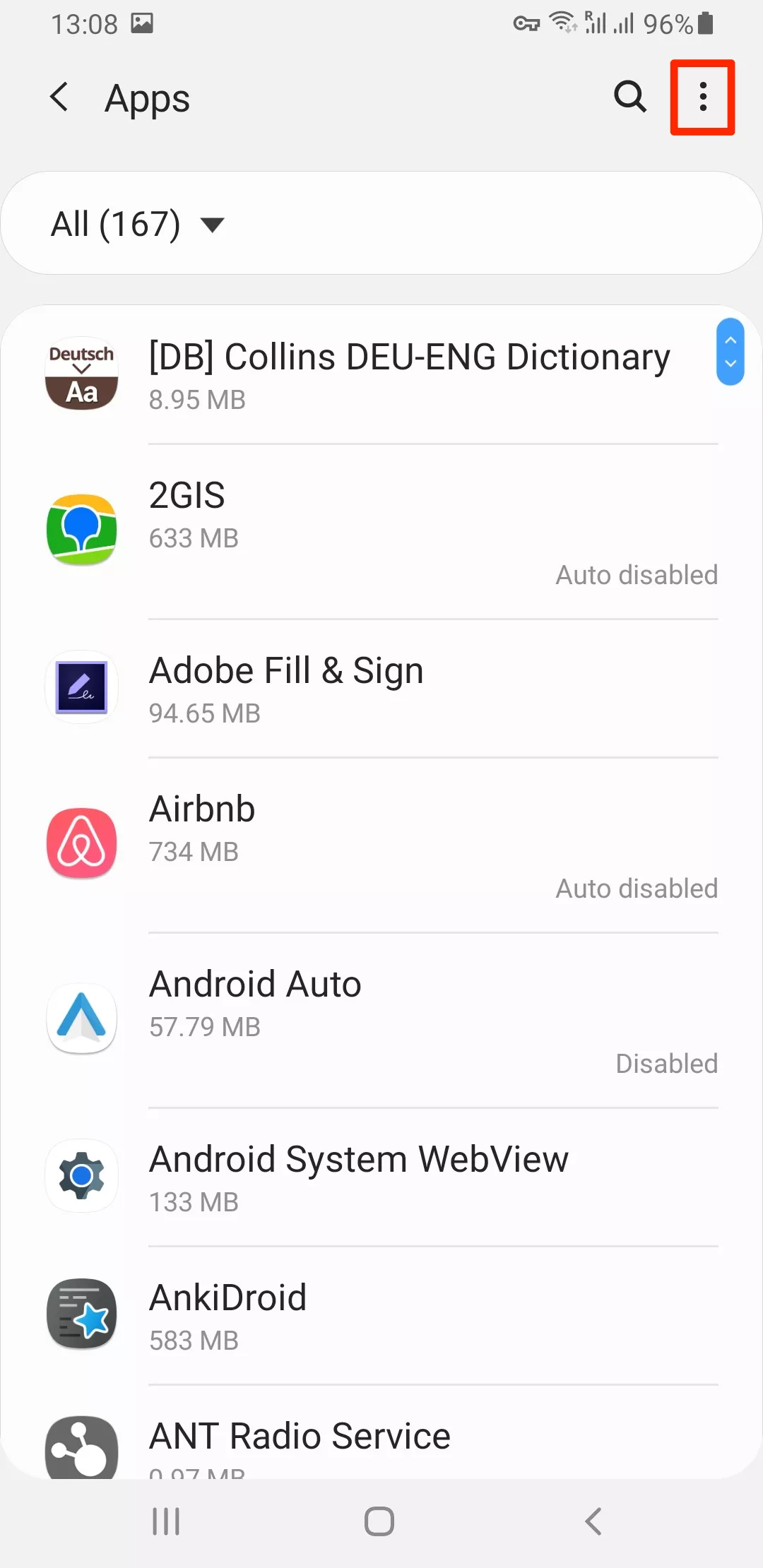
Head to Settings > Apps and tap the three-dot menu
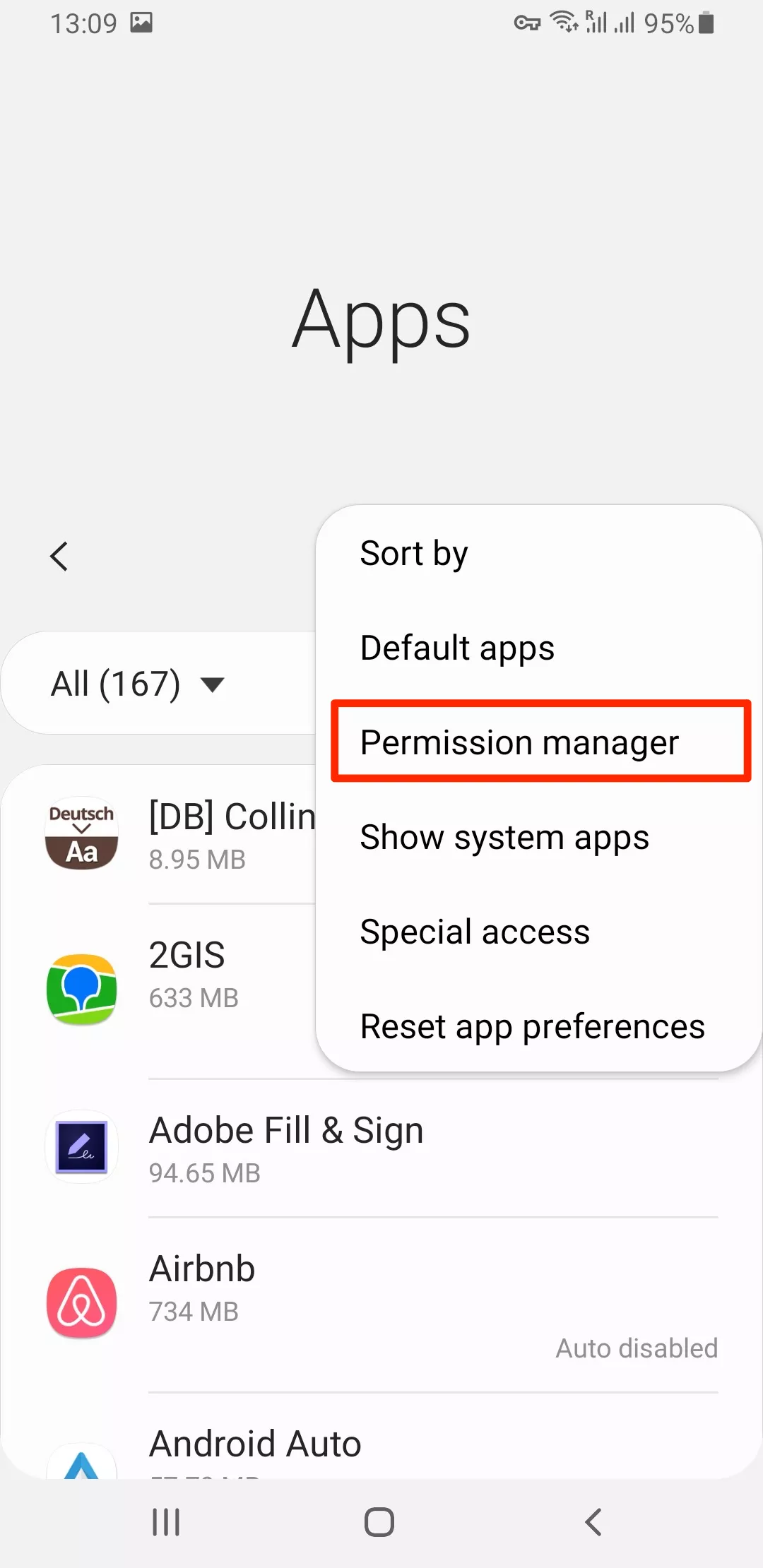
Open Permission Manager. Now you can see the list of system permissions you can allow or deny.
Choose a particular type of data – for example, the microphone.
