How to Request Free Credit Reports
Step 1
The purpose of this guide is to walk you through how to request free credit reports through the Annual Credit Report website. This is a great resource if you don't have ongoing credit monitoring with access to your credit reports.
Getting Started
Step 2
Go to <https://www.annualcreditreport.com/index.action>
Step 3
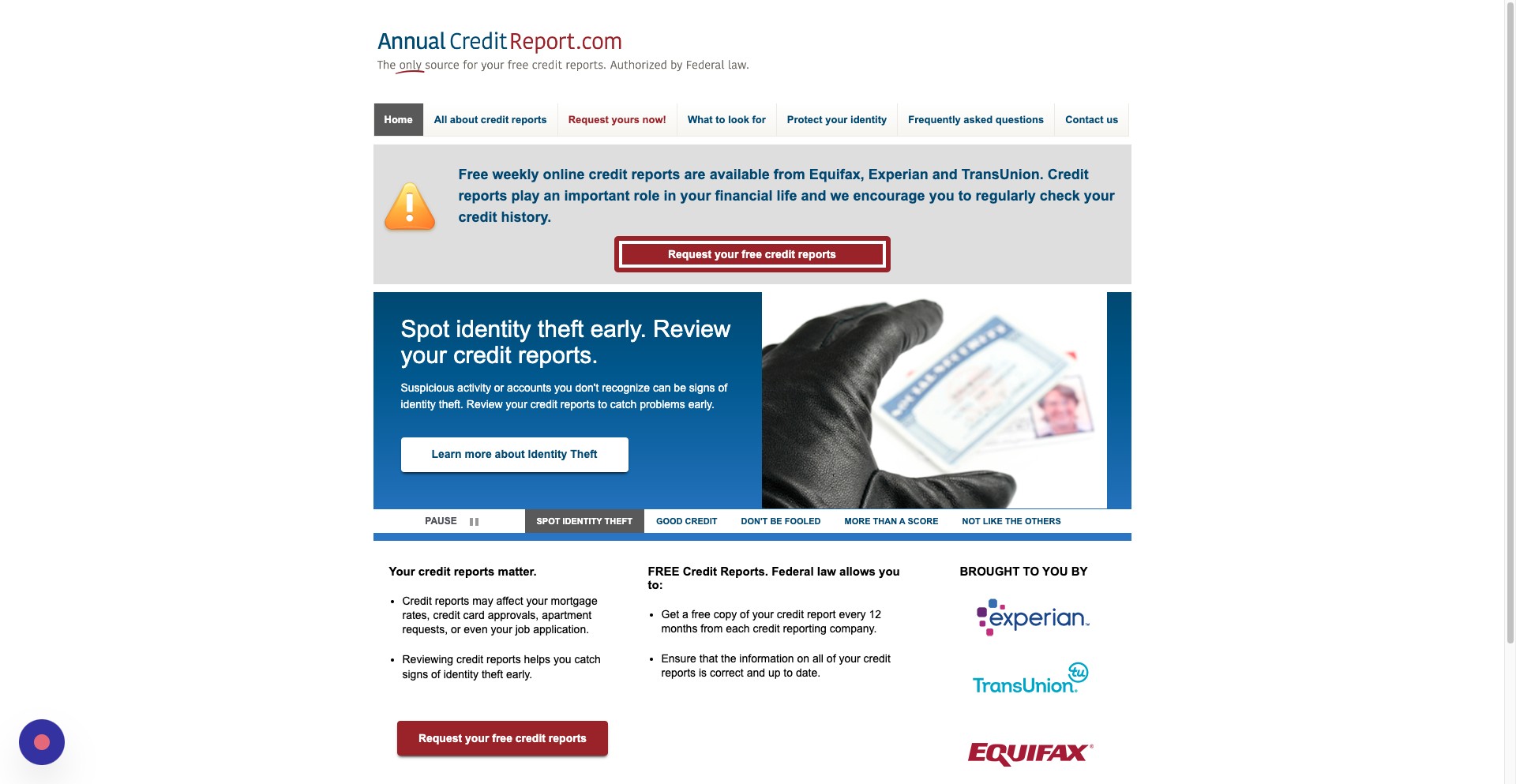
On the Annual Credit Report website, click Request your free credit report
Step 4
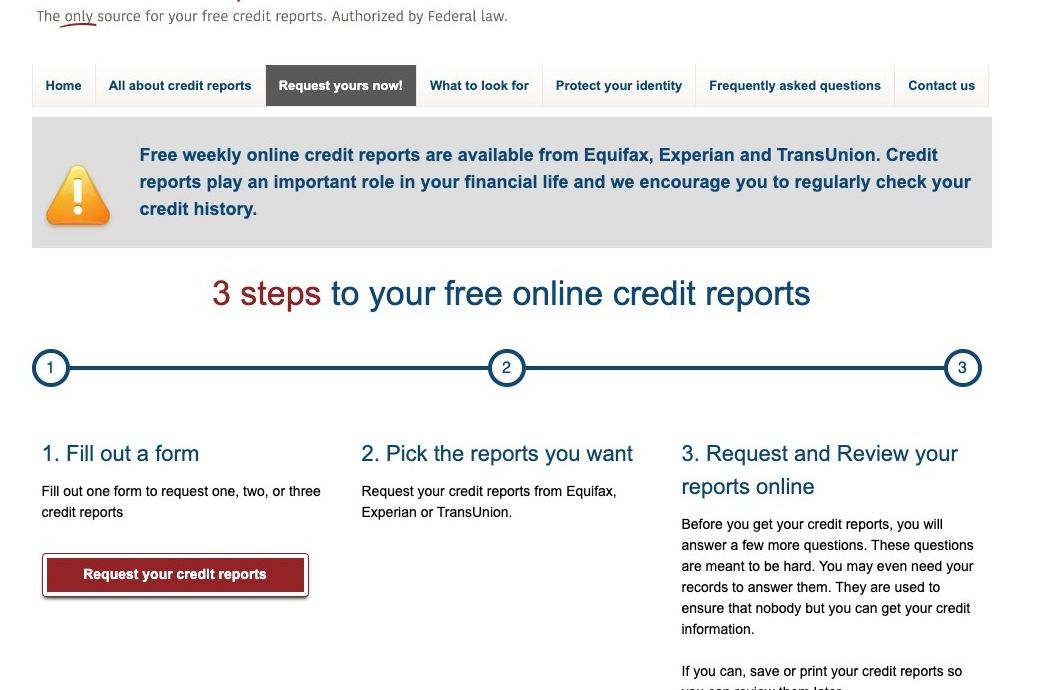
On the next page, click Request your credit reports
Step 5
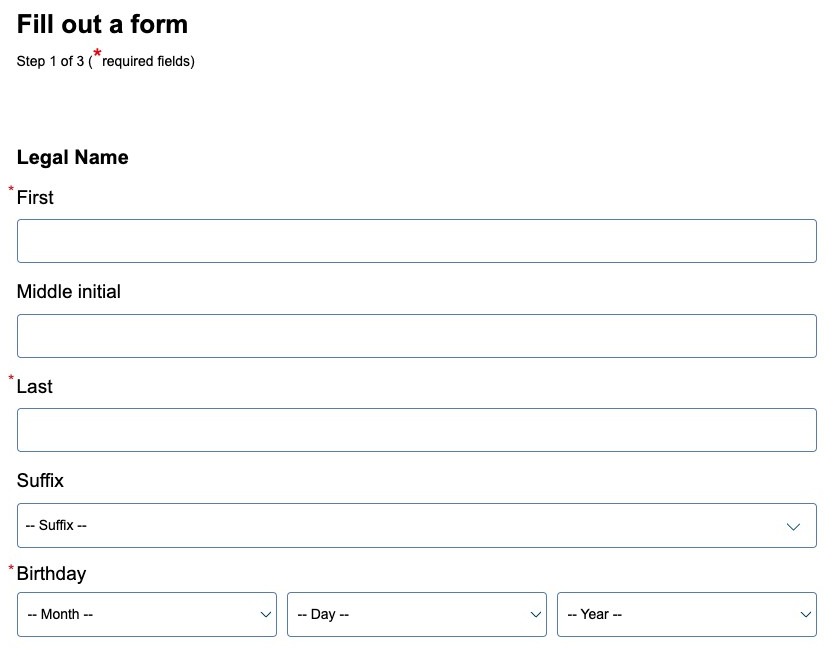
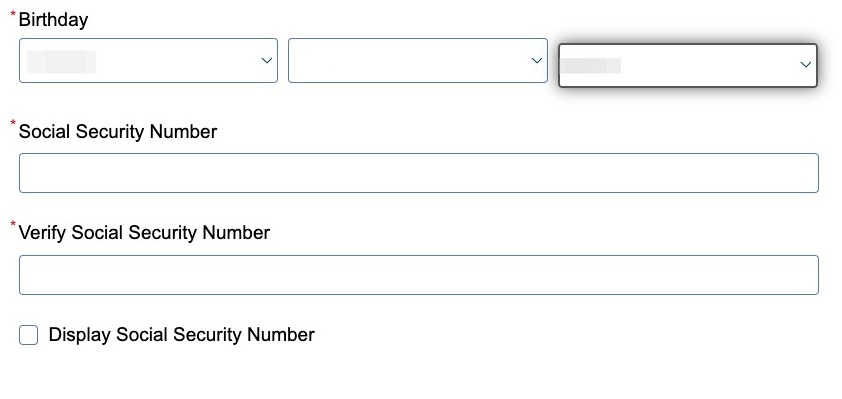
On the next page, enter your first and last name, and your birthday
Step 6
Enter and confirm your Social Security number
Step 7
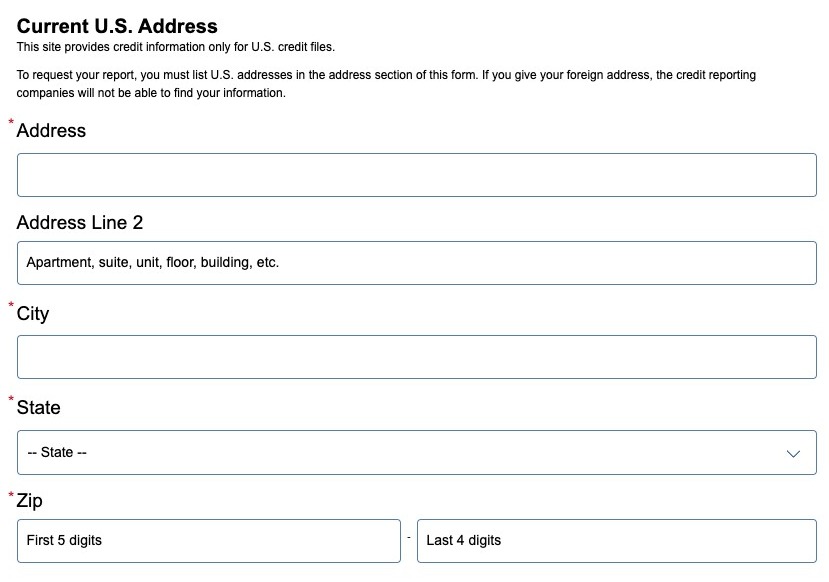
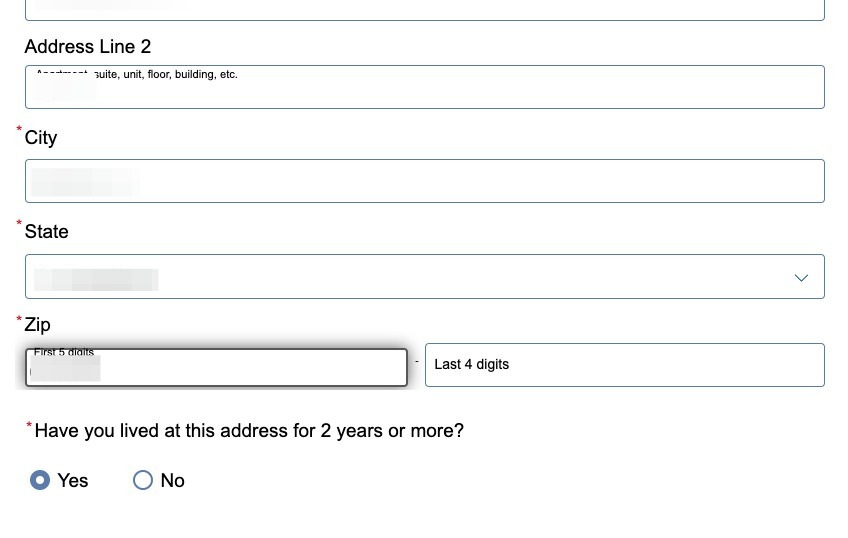
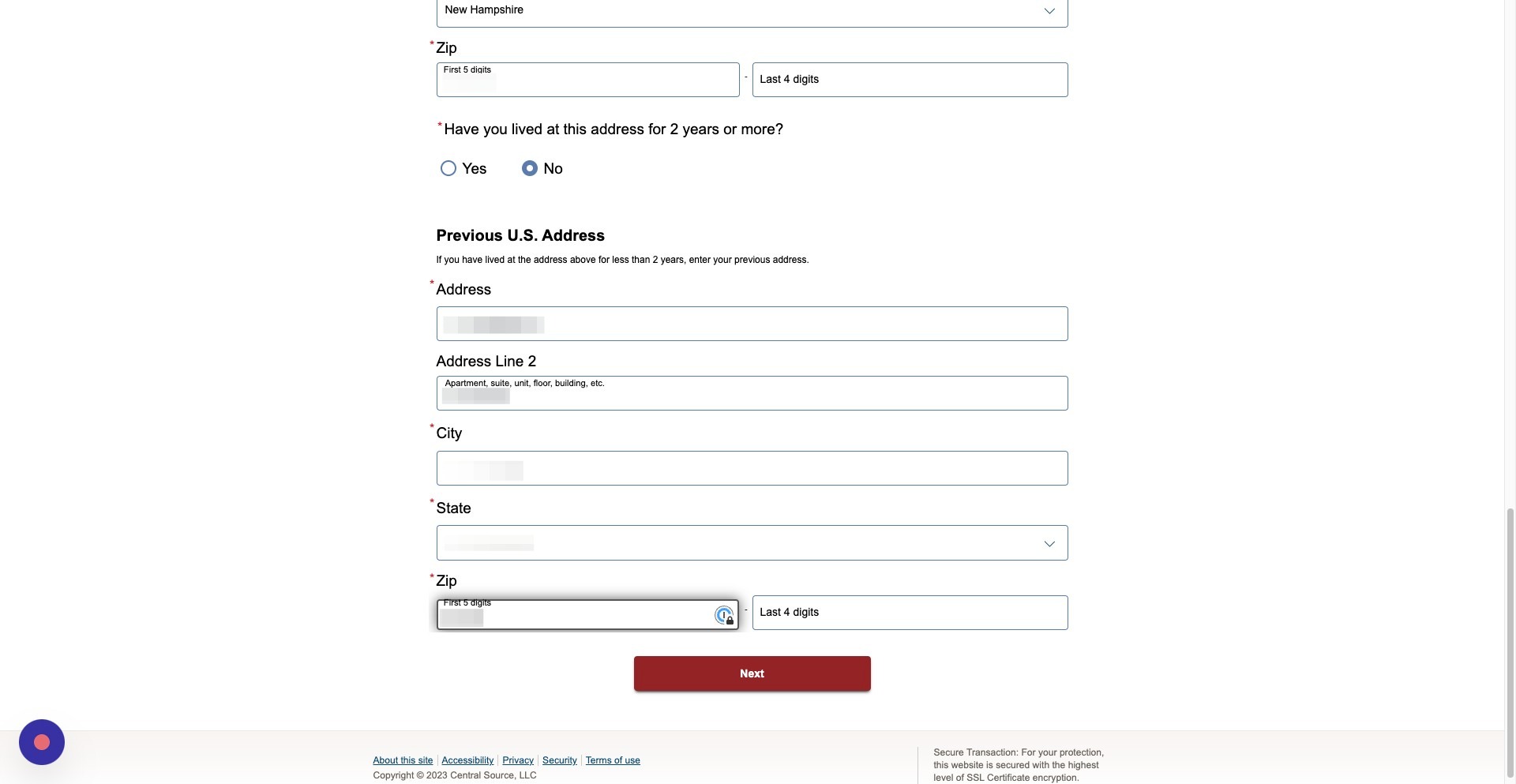
Enter your current address
Step 8
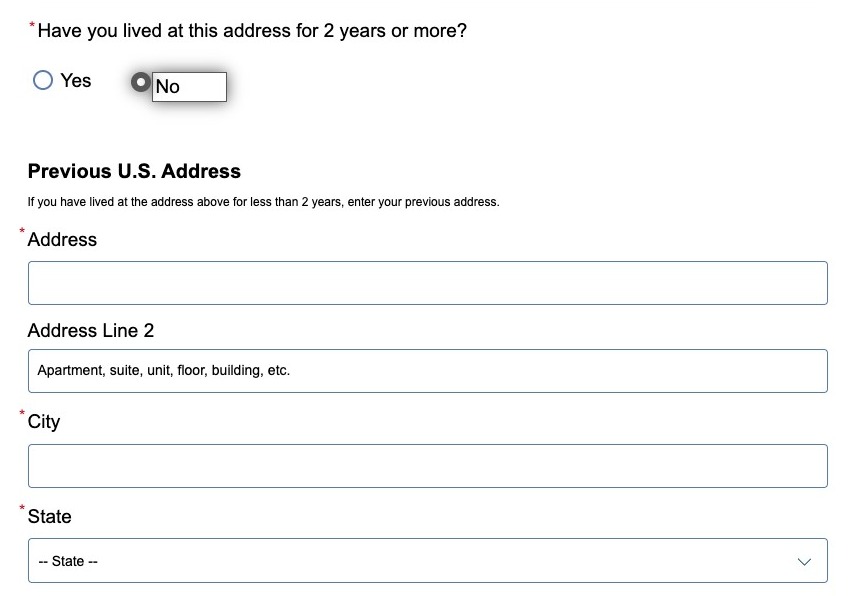
If you lived at your current address for less than two years, click no
Step 9
If you clicked no, enter in your previous address
Step 10
Once you are done, click next
Step 11
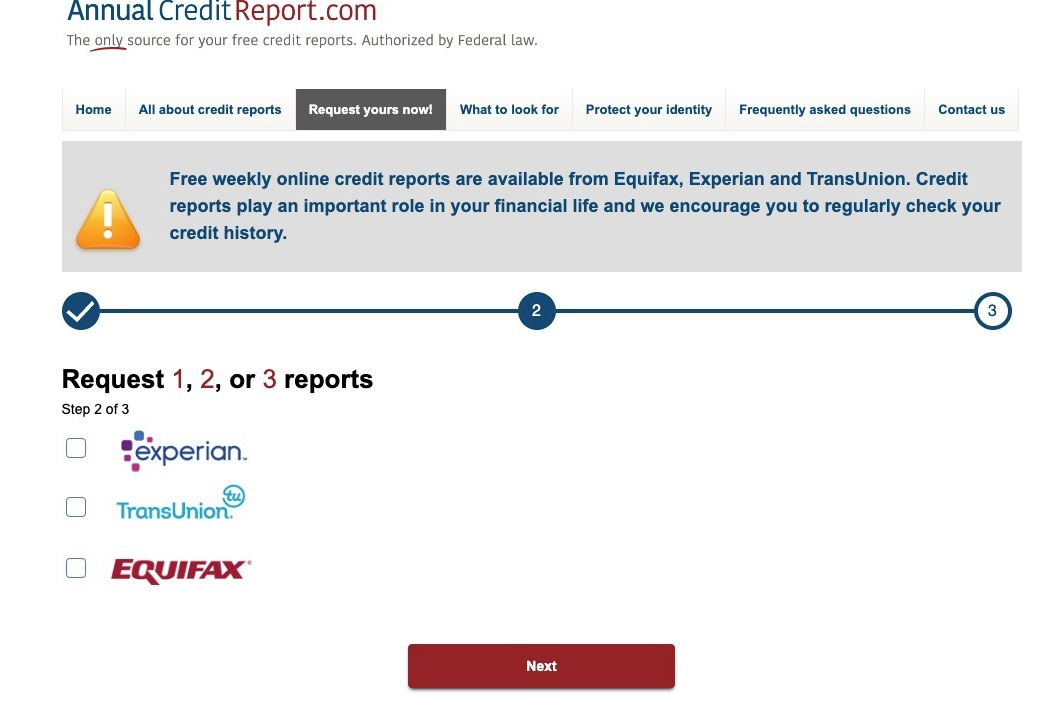
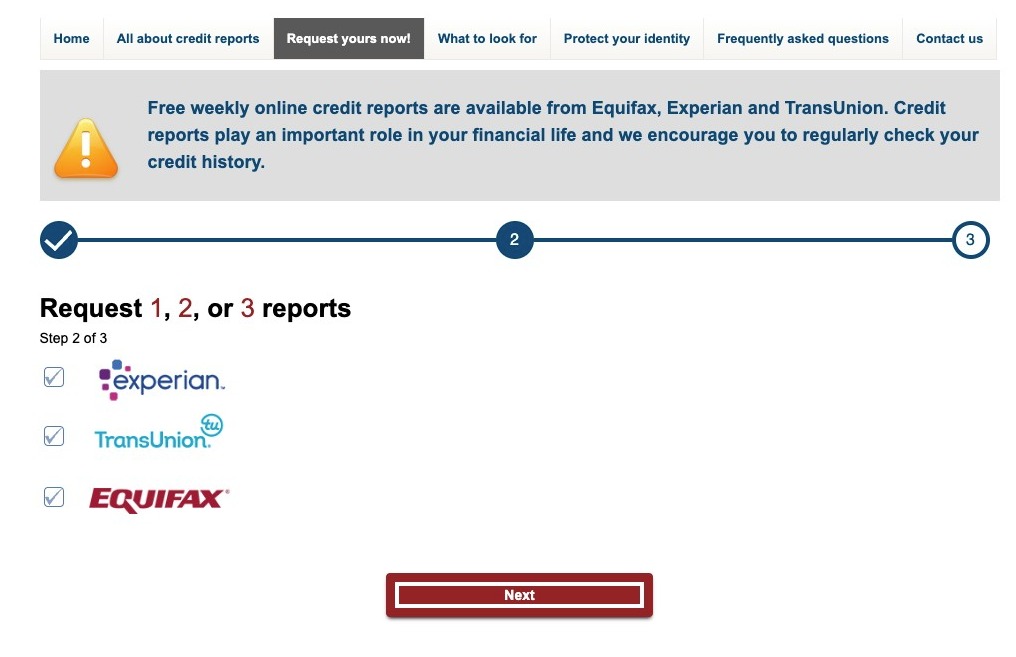
Select the reports you want to receive from the three major credit reporting agencies, Experian, TransUnion and Equifax. NOTE: [AnnualCreditReport.com](http://AnnualCreditReport.com) recommends getting all three reports at once if you are planning on making a major purchase soon, such as a home or a car. Alternatively, if you are not planning on making a major purchase, BlackCloak still recommends requesting a report from one of the three credit reporting agencies every four months. Example: You could request an Experian report at the beginning of the year, then your TransUnion report four months later and your Equifax report four months after that.
Step 12
After you have made your selection, click next
Experian
Step 13
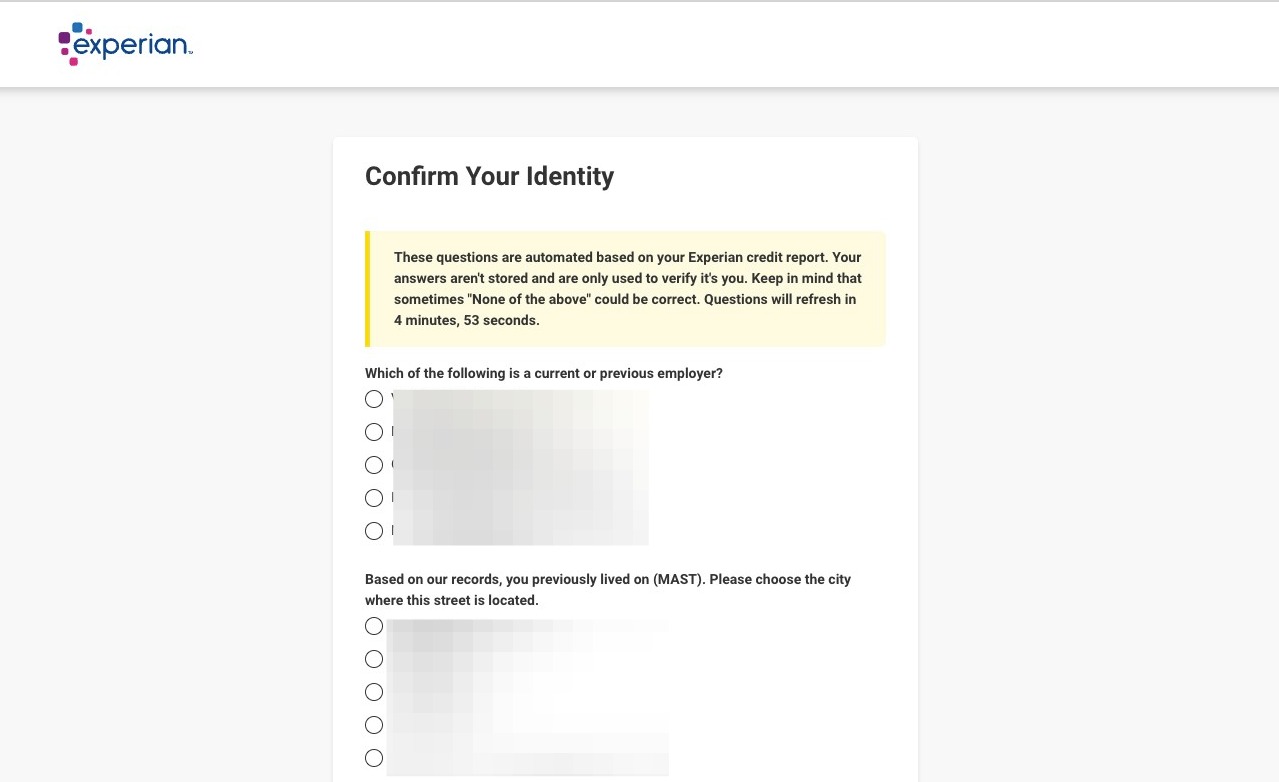
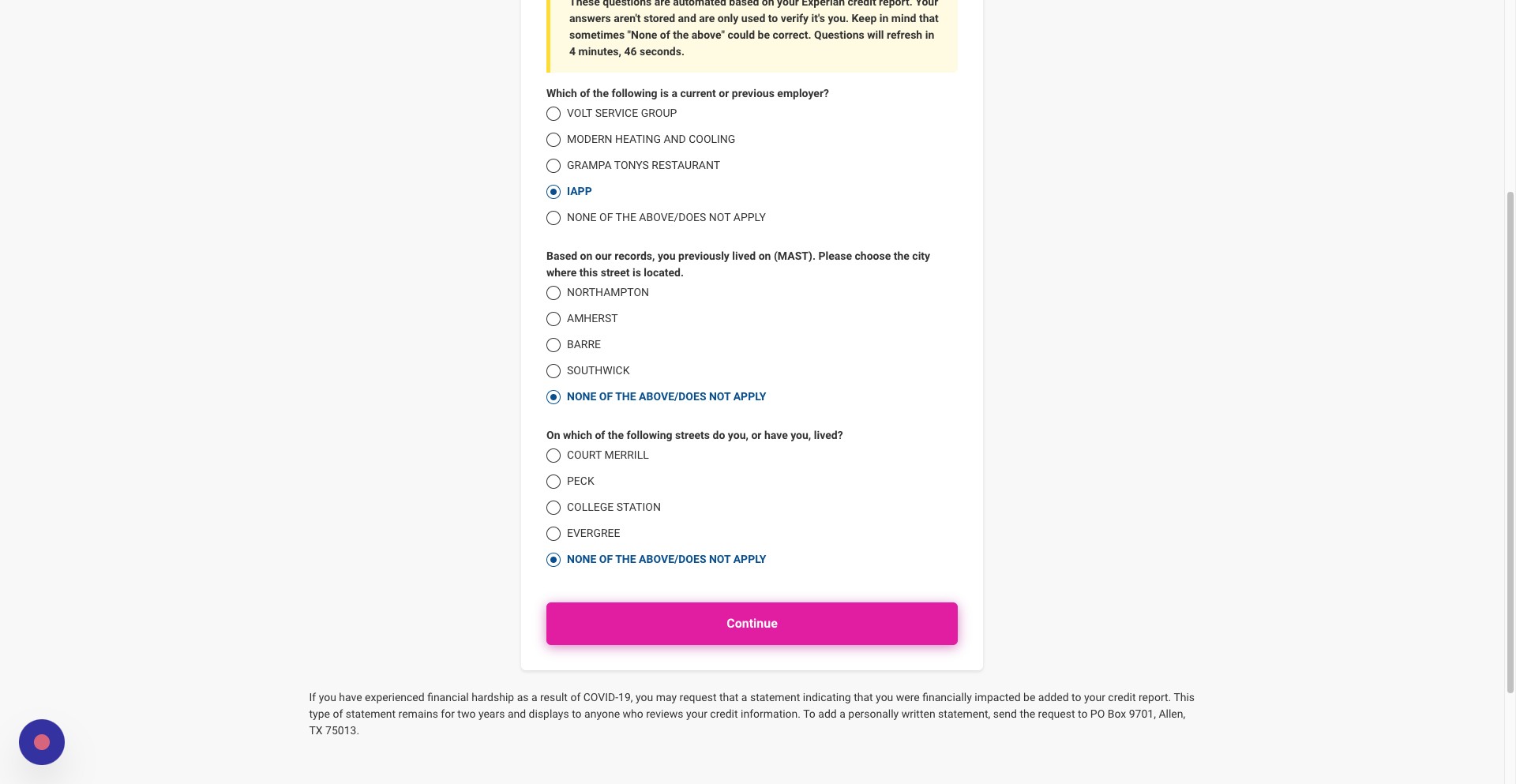
Answer the questions to confirm your identity. NOTE: Some of the questions may result in you answering "do not apply"
Step 14
Once you have finished answering the questions, click continue
Step 15
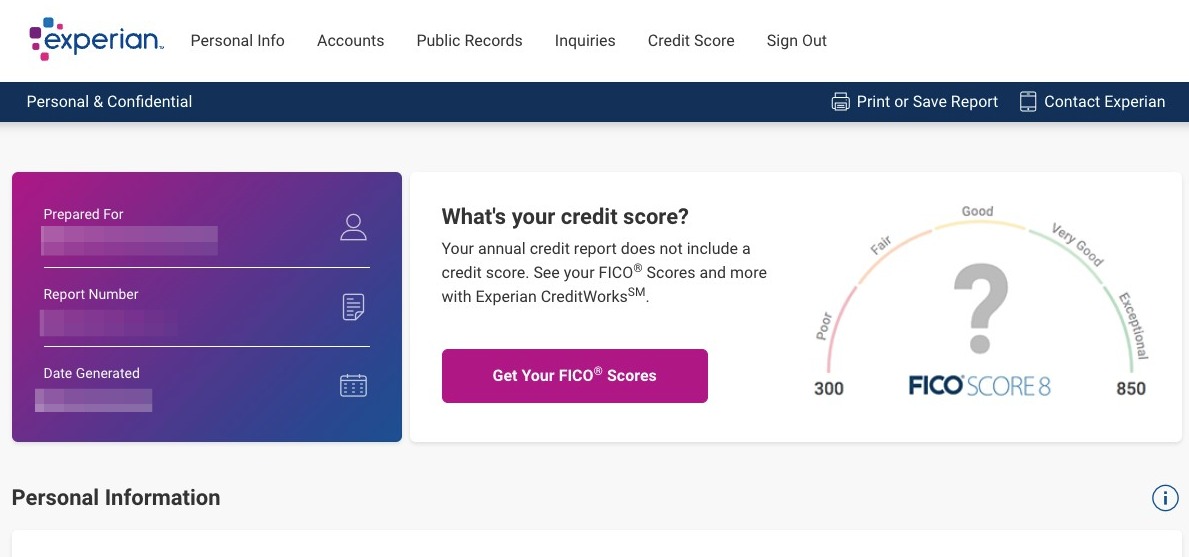
You can now view your Experian report. You can file any disputes if you see anything irregular in your accounts.
Step 16
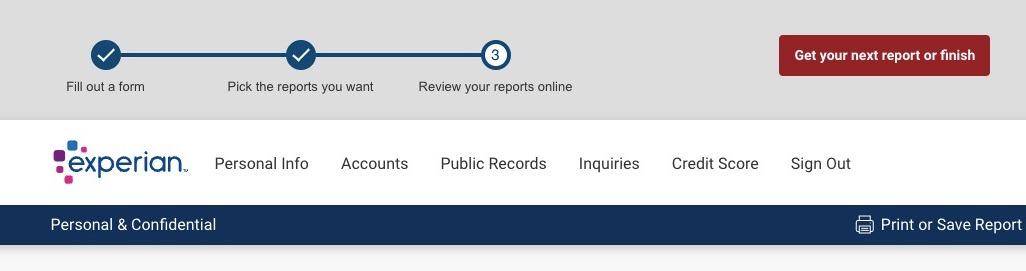
Once you have finished reviewing your report, click Get your next report or finish
Step 17
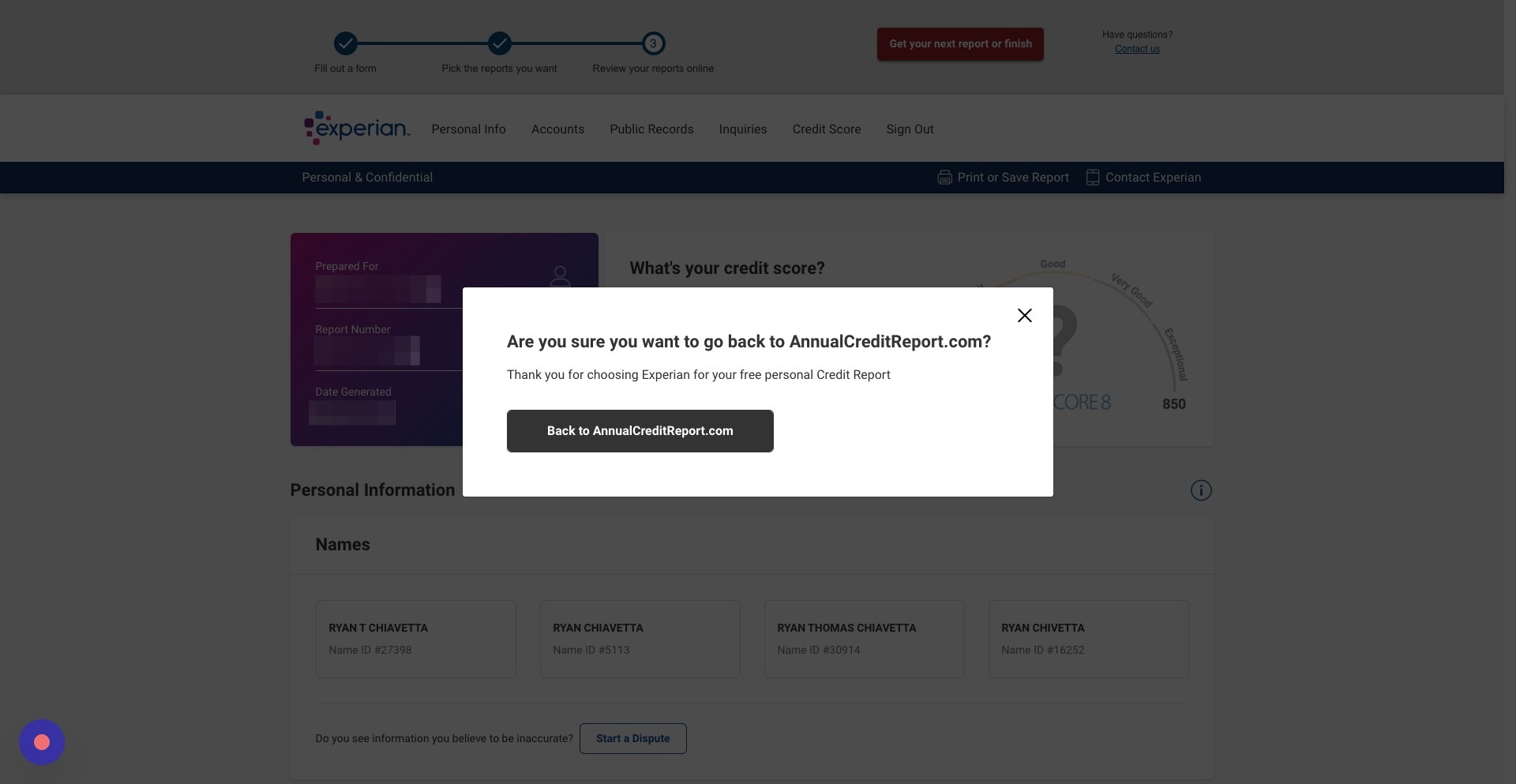
Click Back to [AnnualCreditReport.com](http://AnnualCreditReport.com)
Step 18
Click Get your next credit report
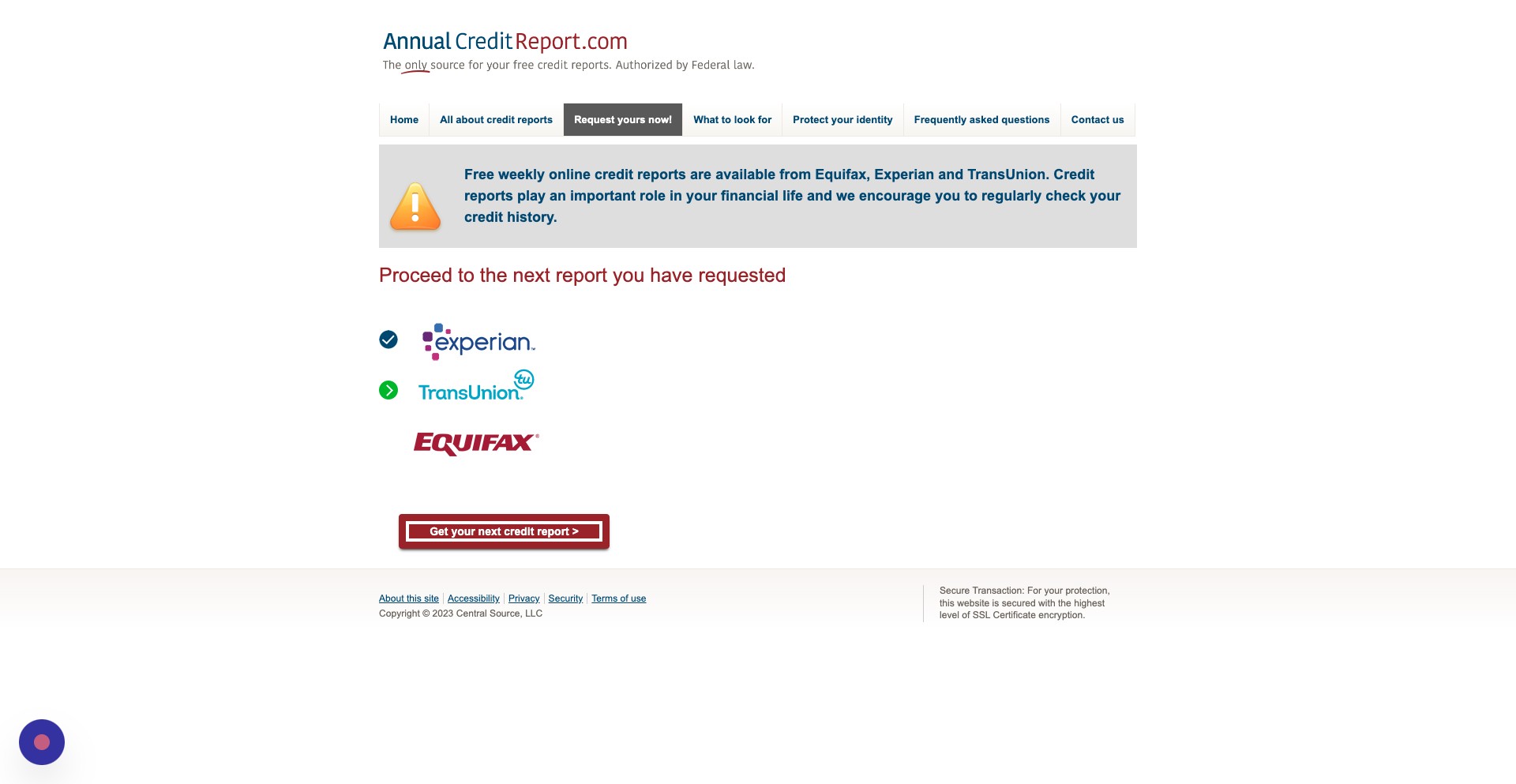
TransUnion
Step 19
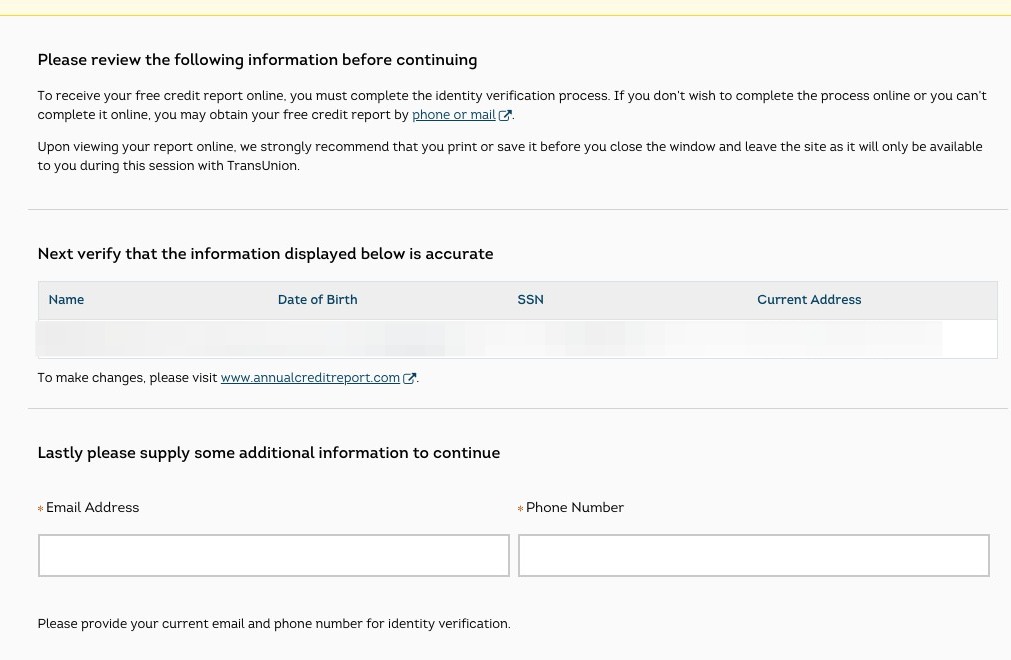
Review the personal information to ensure its accuracy. Then, enter your primary email address and phone number
Step 20
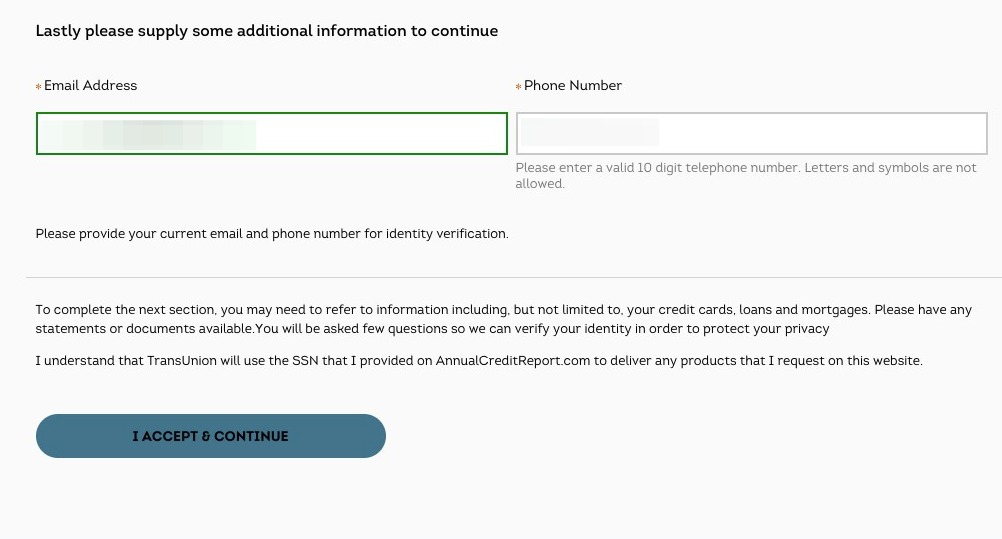
Next, click I accept & Continue
Step 21
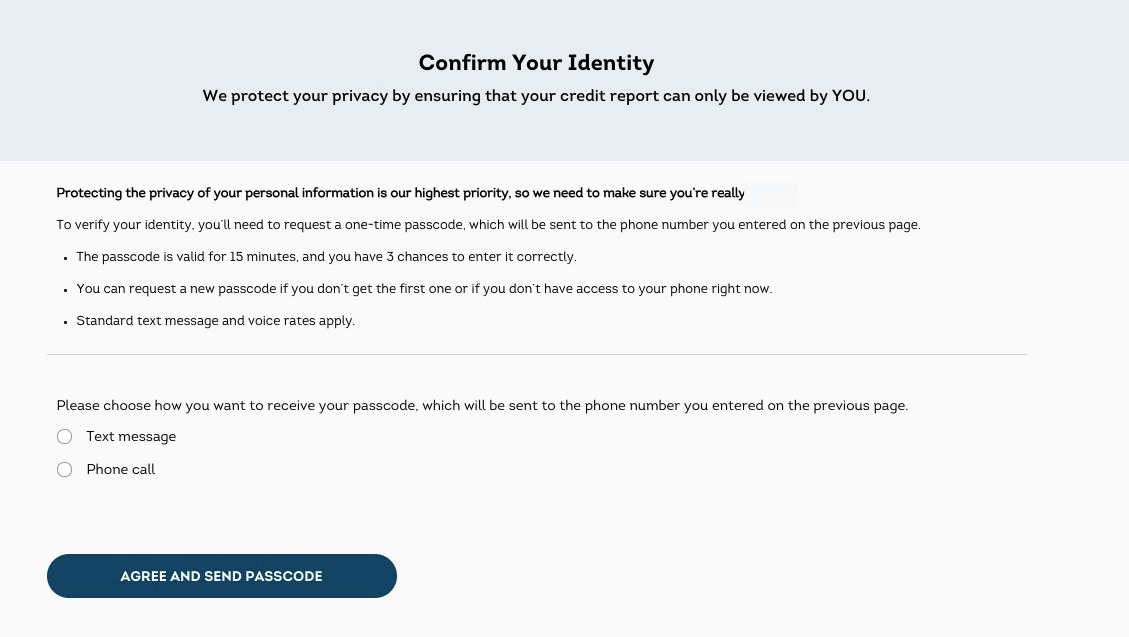
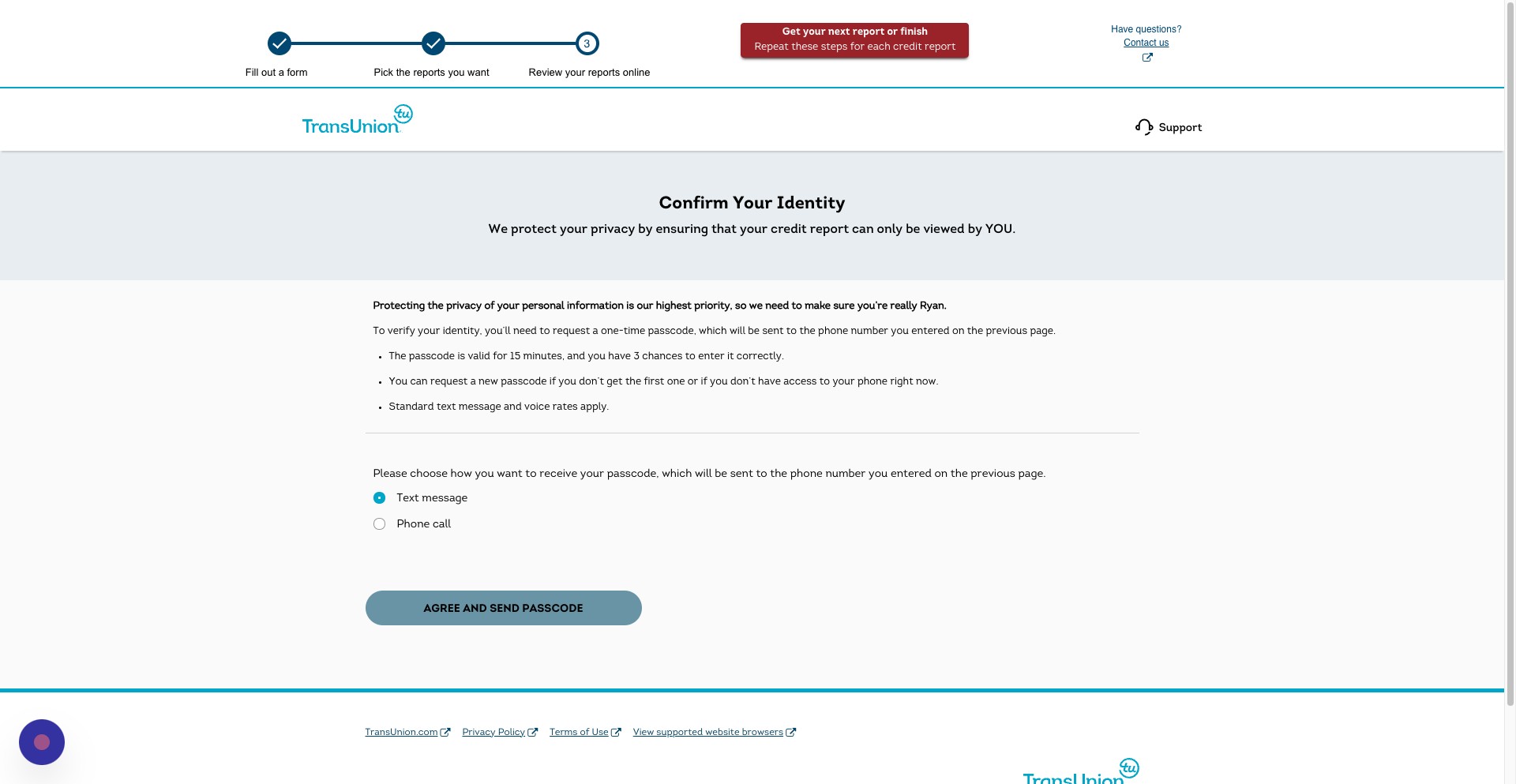
You will then be asked to confirm your identity by receiving a code. You can choose to receive this code either through a text message or by phone call. The code will only be valid for 15 minutes. Choose the method you wish to receive the code.
Step 22
Then, click Agree and Send Passcode
Step 23
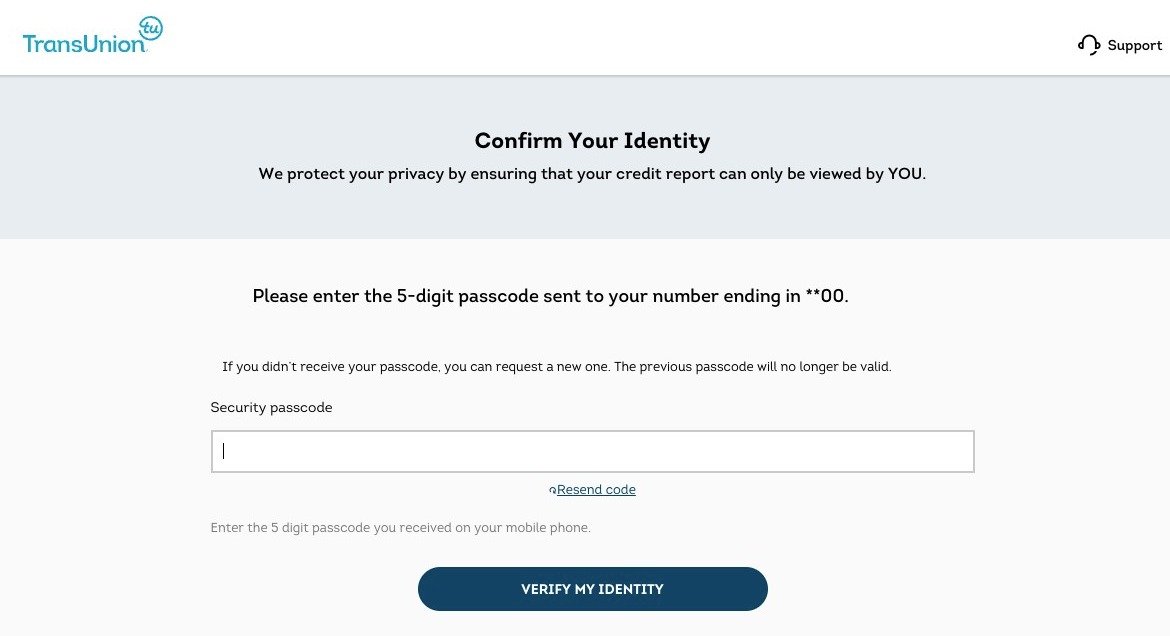
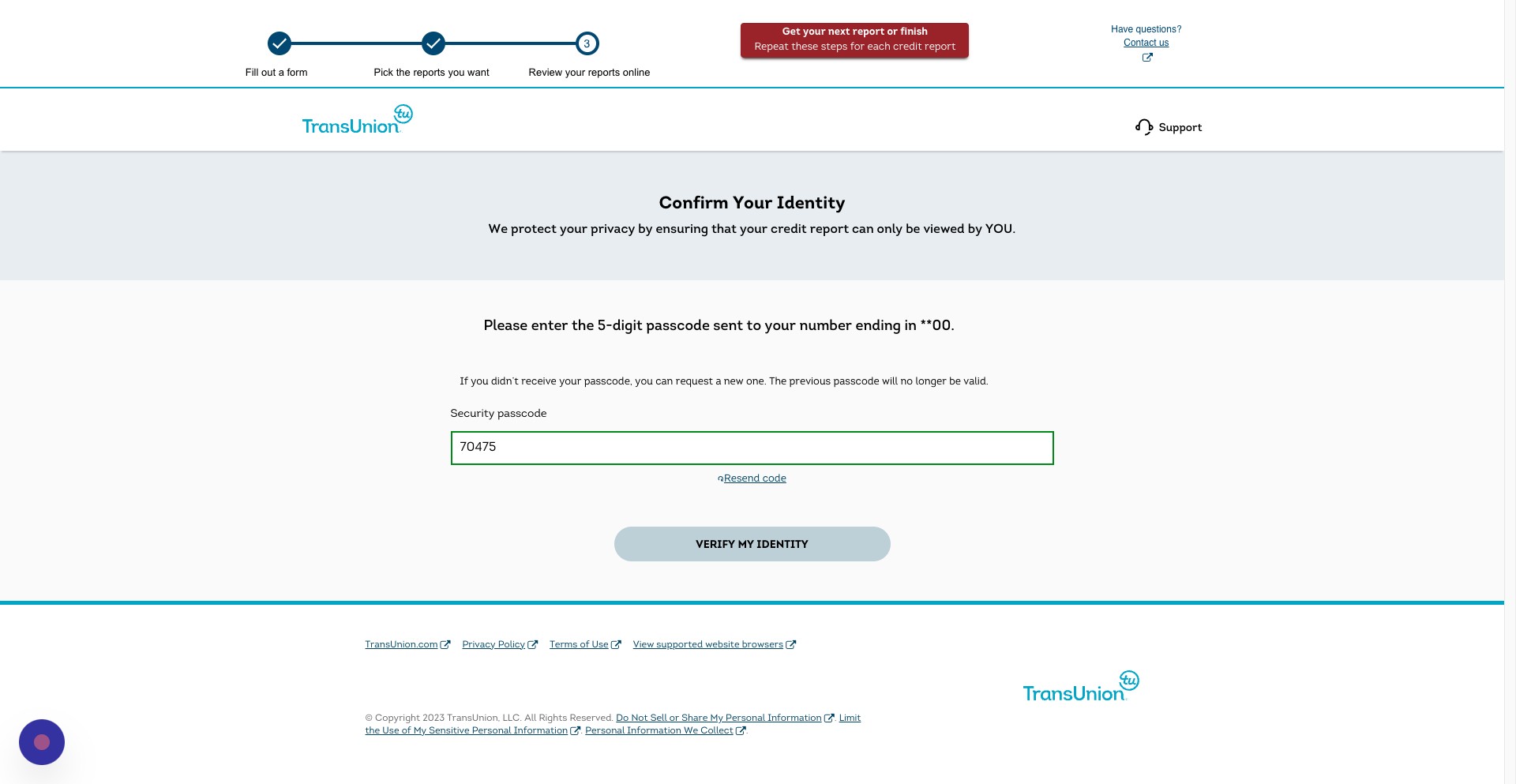
Enter the five digit code in this field
Step 24
Then, click Verify My Identity
Step 25
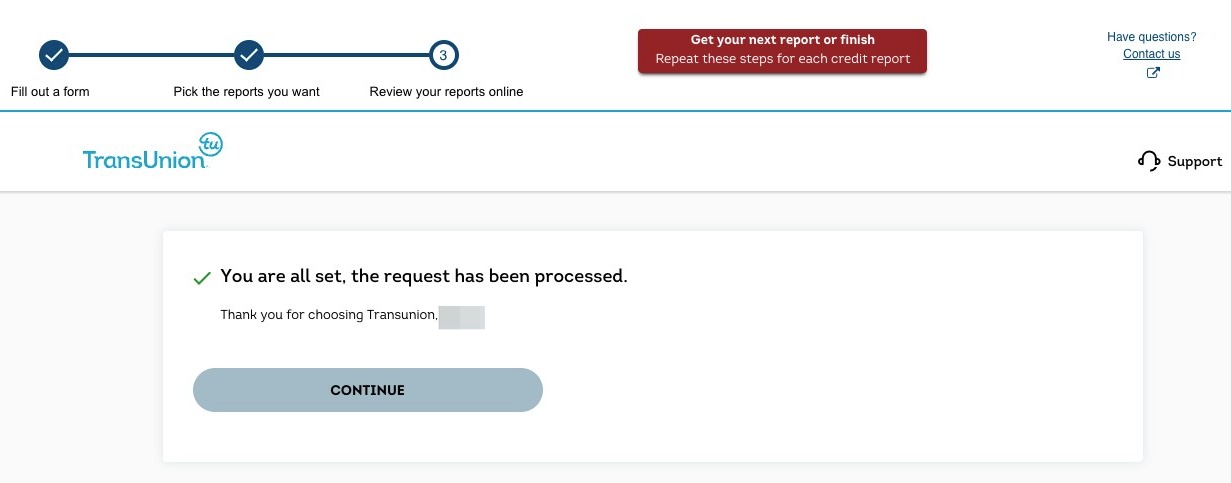
On the next screen, click continue
Step 26
You can now review your account and make any disputes. Once you are done, click Get your next report or finish.
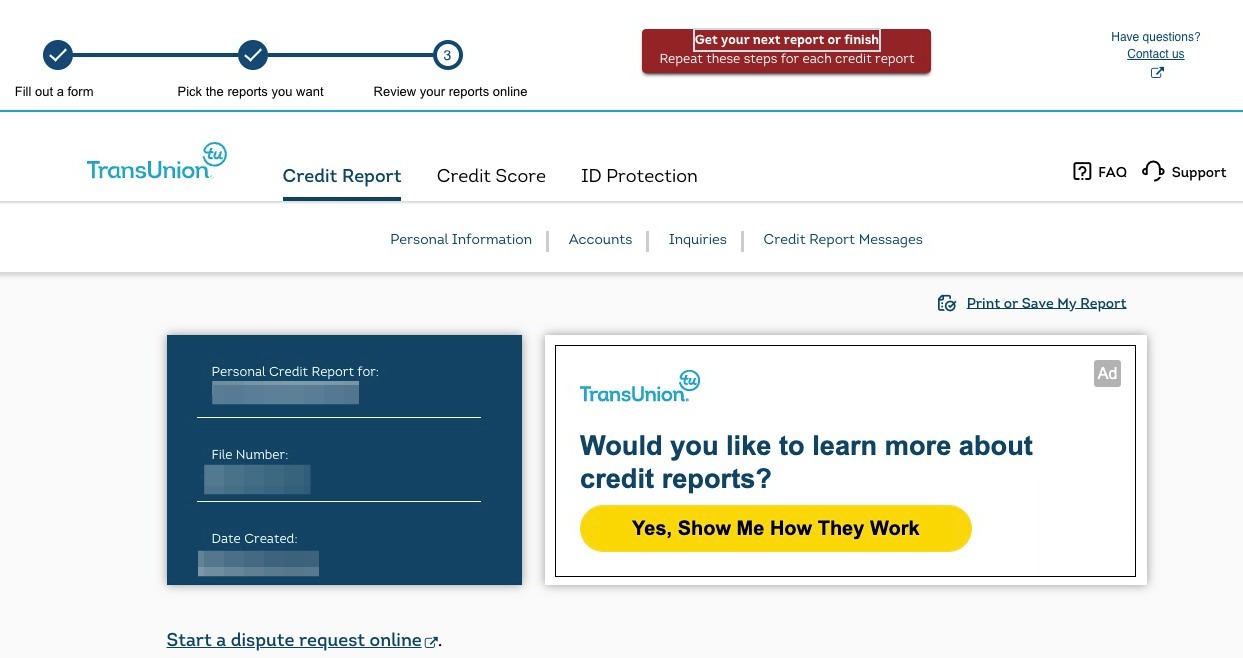
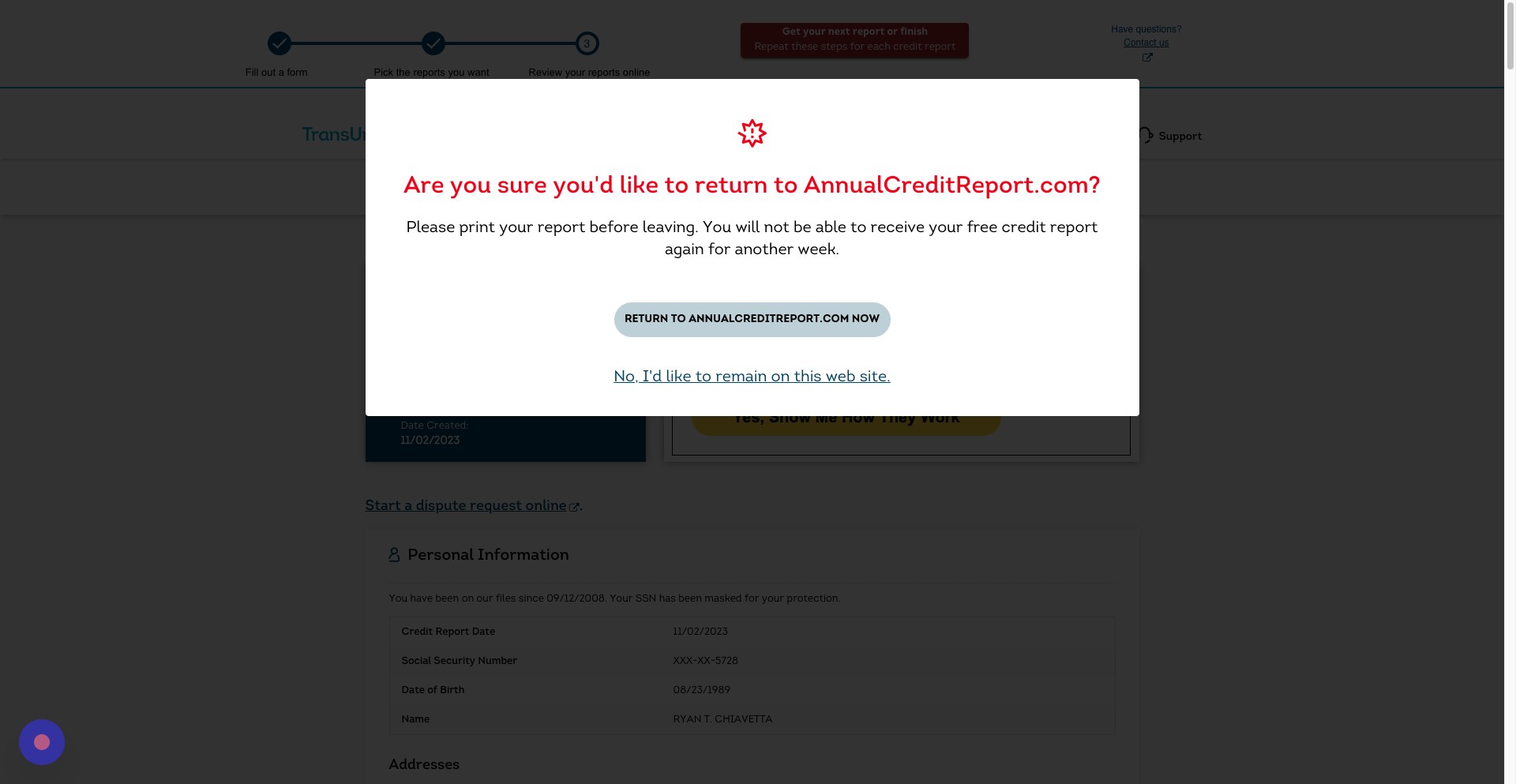
Step 27
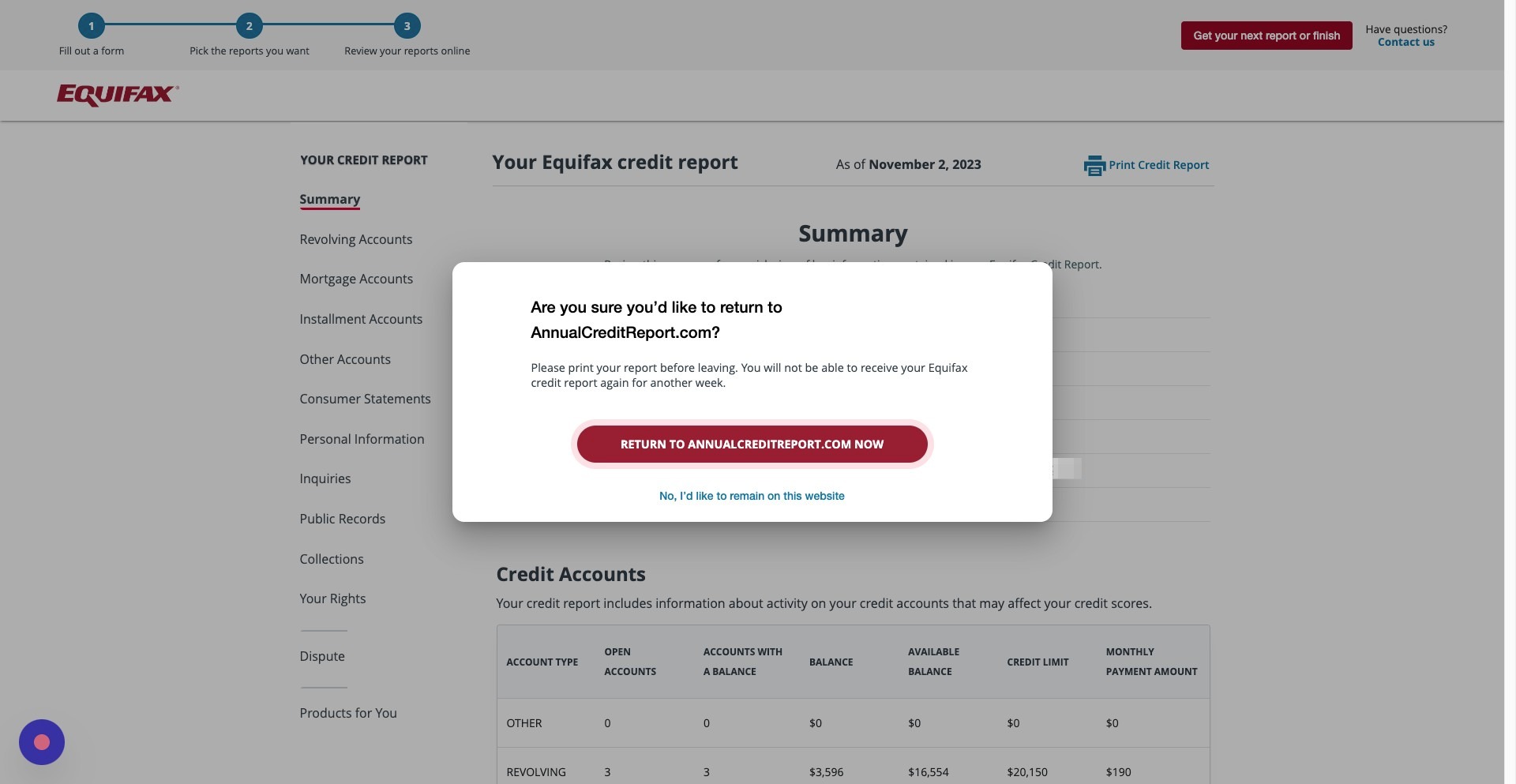
Click Return to [AnnualCreditReport.com](http://AnnualCreditReport.com) now
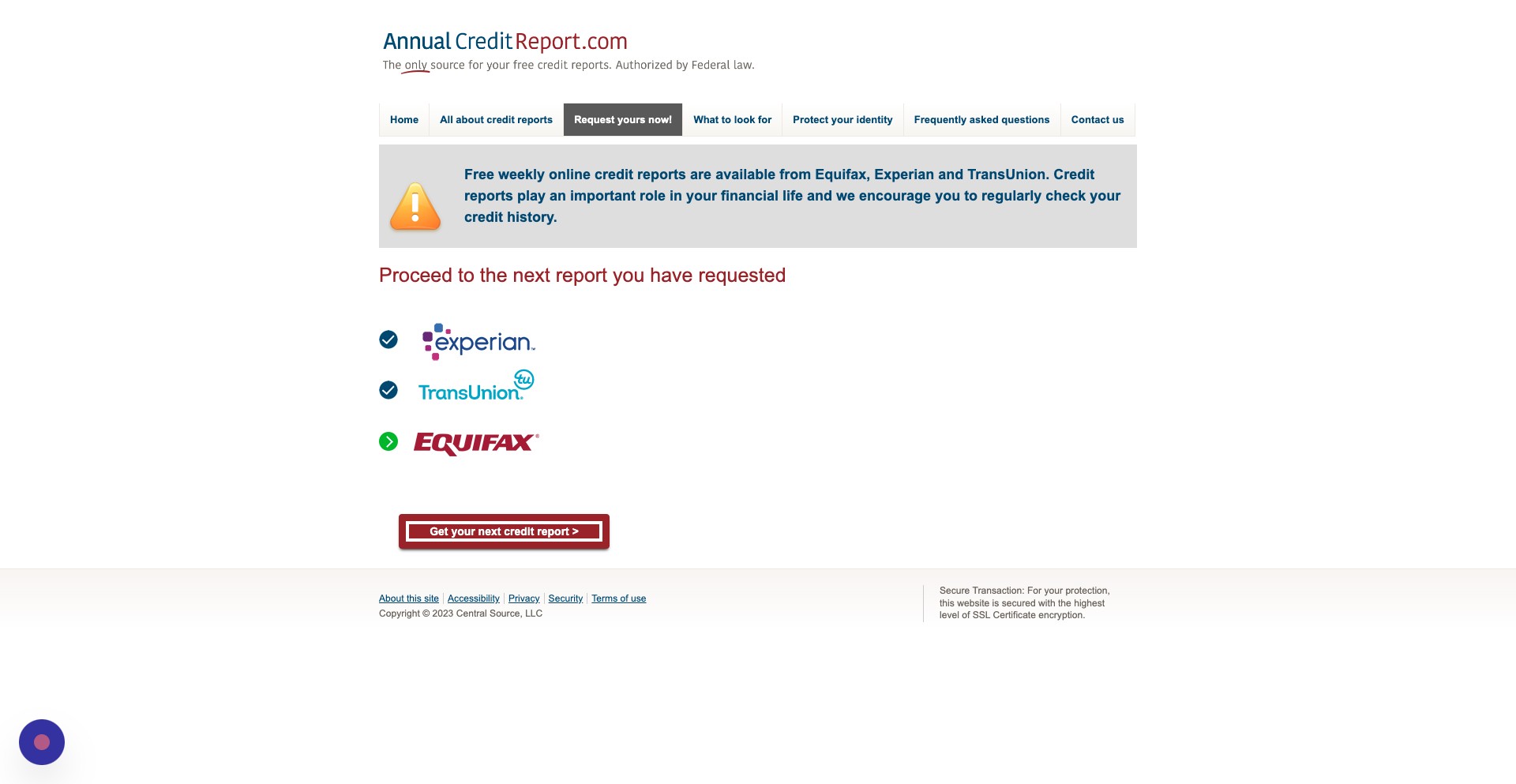
Step 28
Click Get your next credit report
Equifax
Step 29
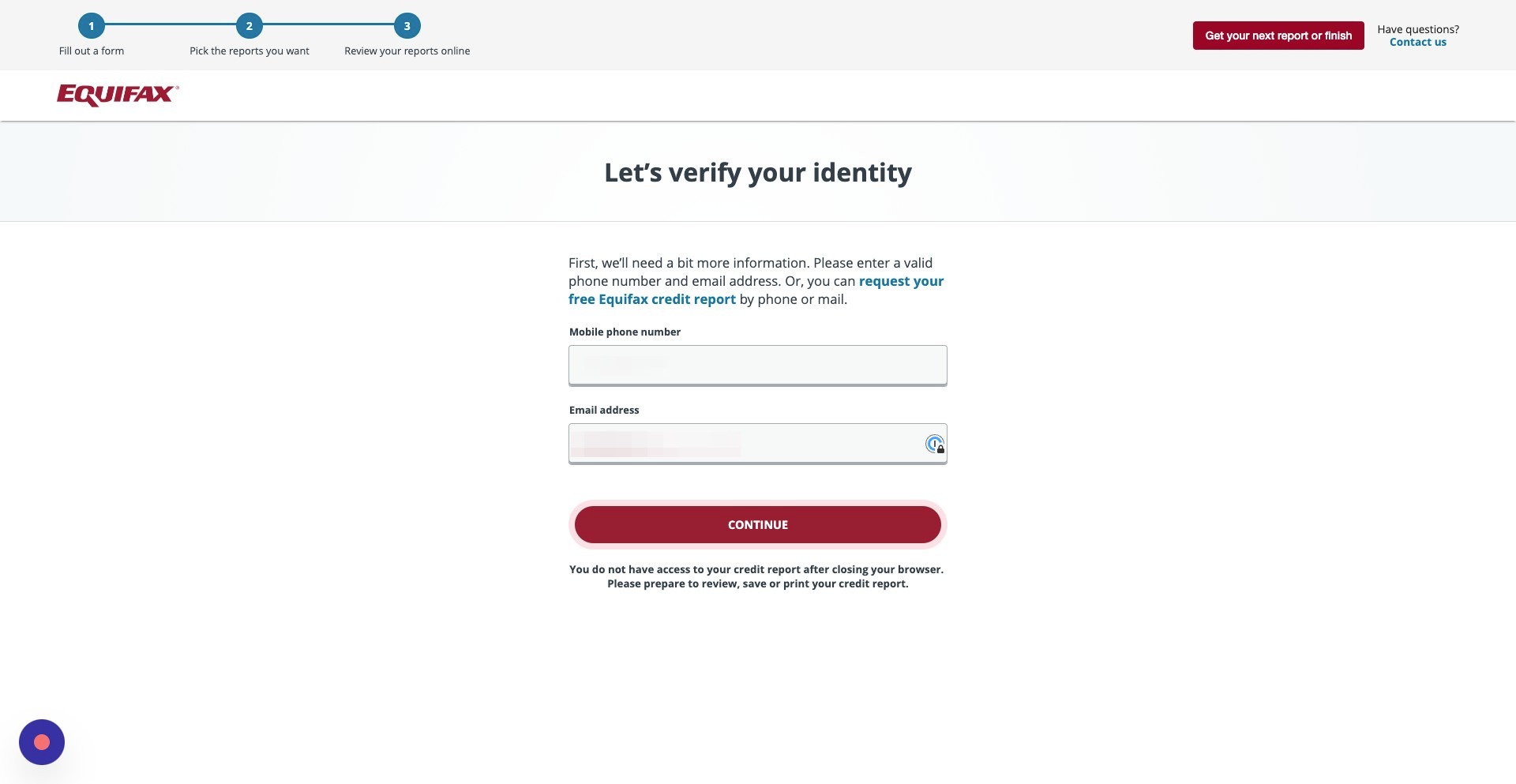
Enter you mobile phone number and email address
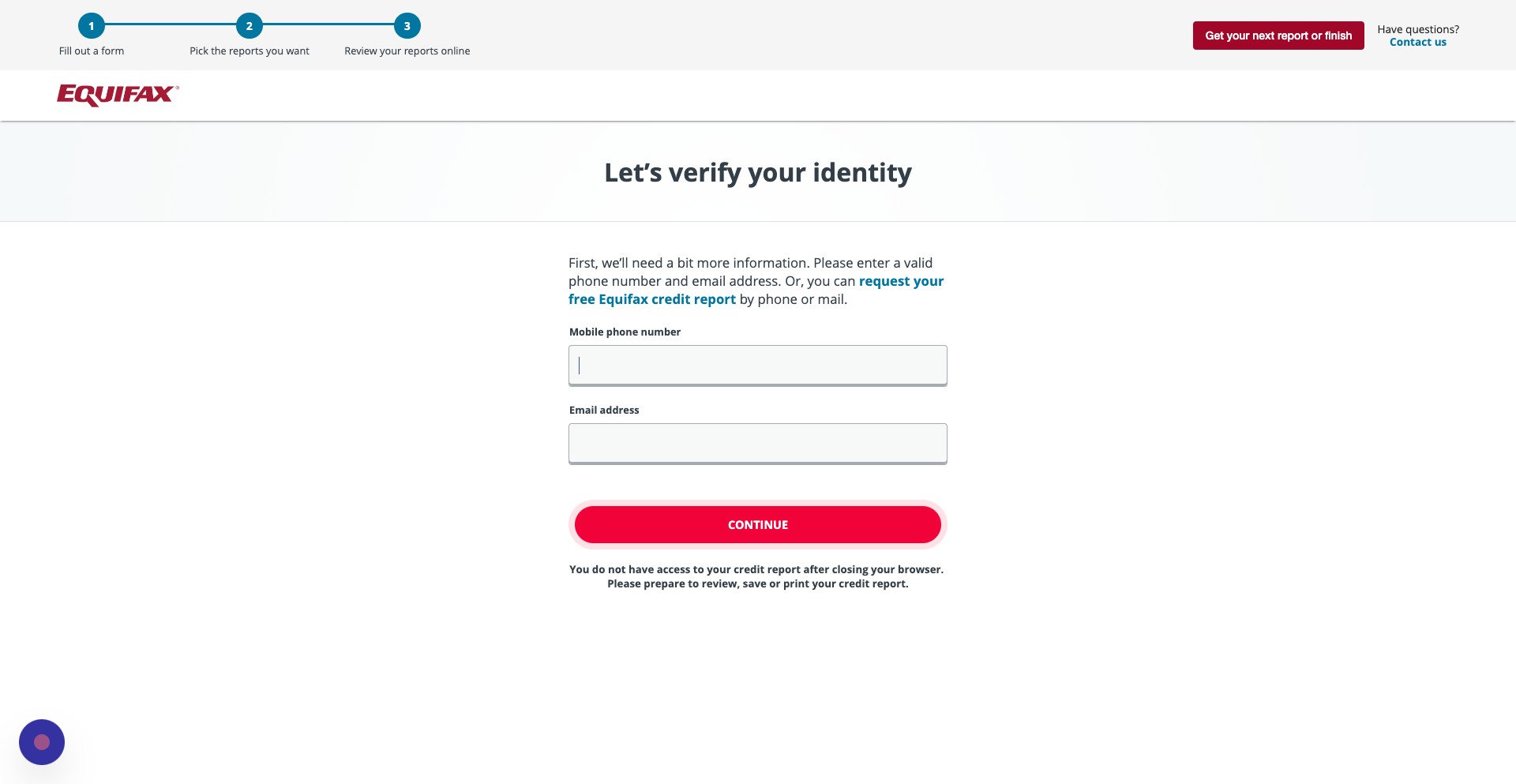
Step 30
Once you do, click continue
Step 31
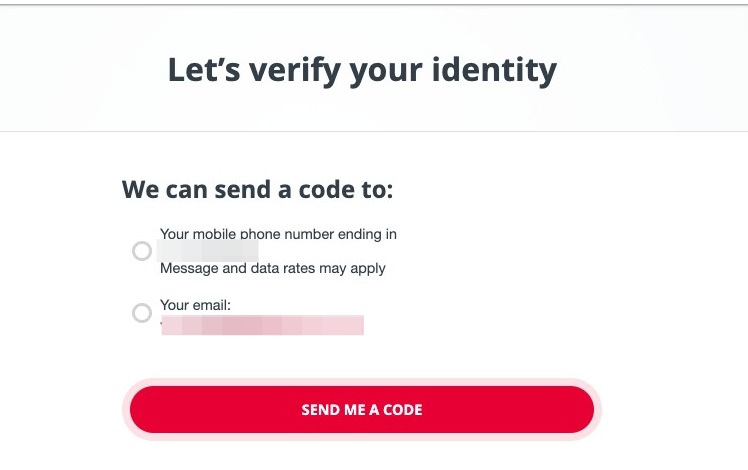
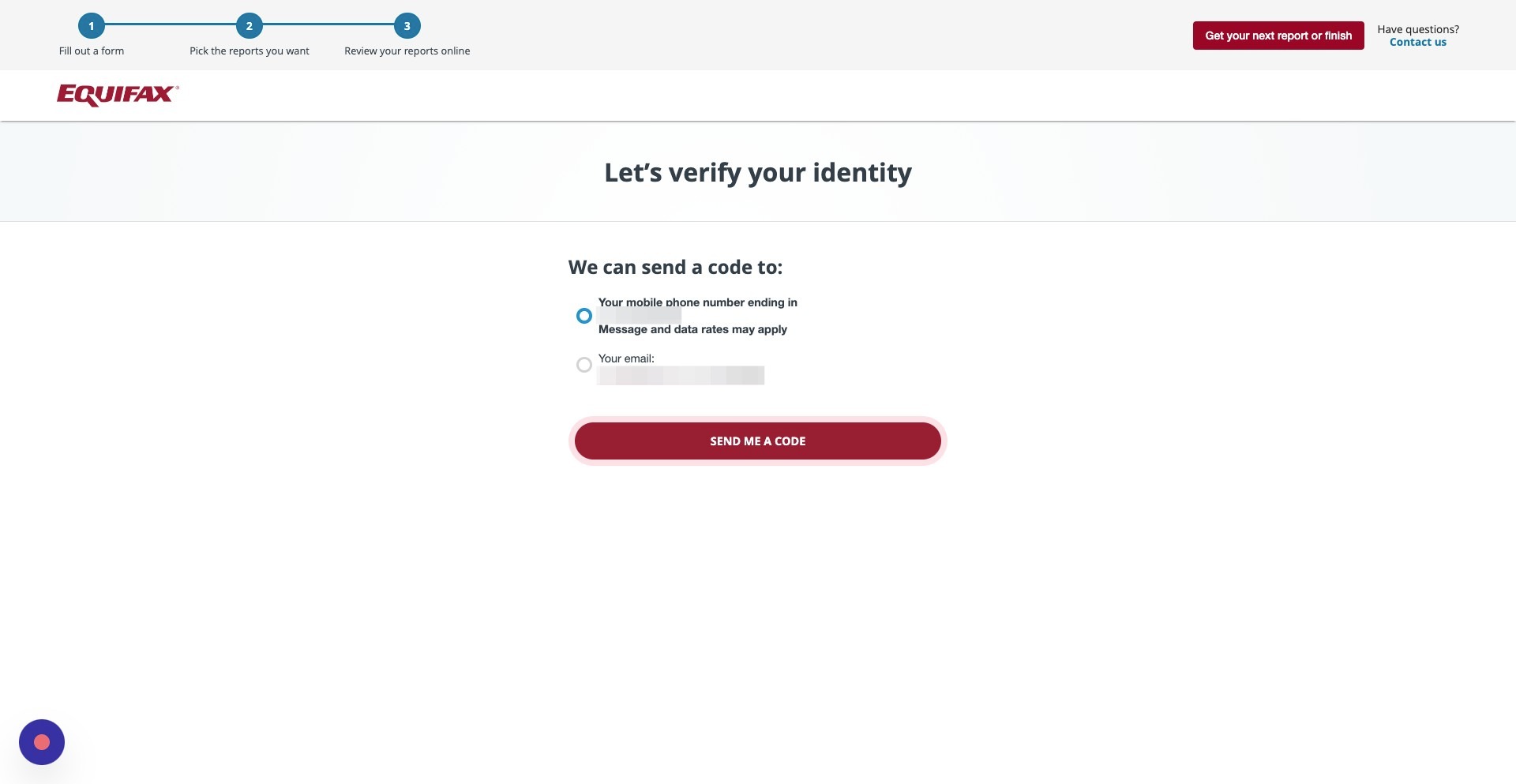
Similar to TransUnion, you'll be asked to verify your identity by entering in a code you can receive by text or by email. Click how you would like to receive the code.
Step 32
Click Send Me a Code
Step 33
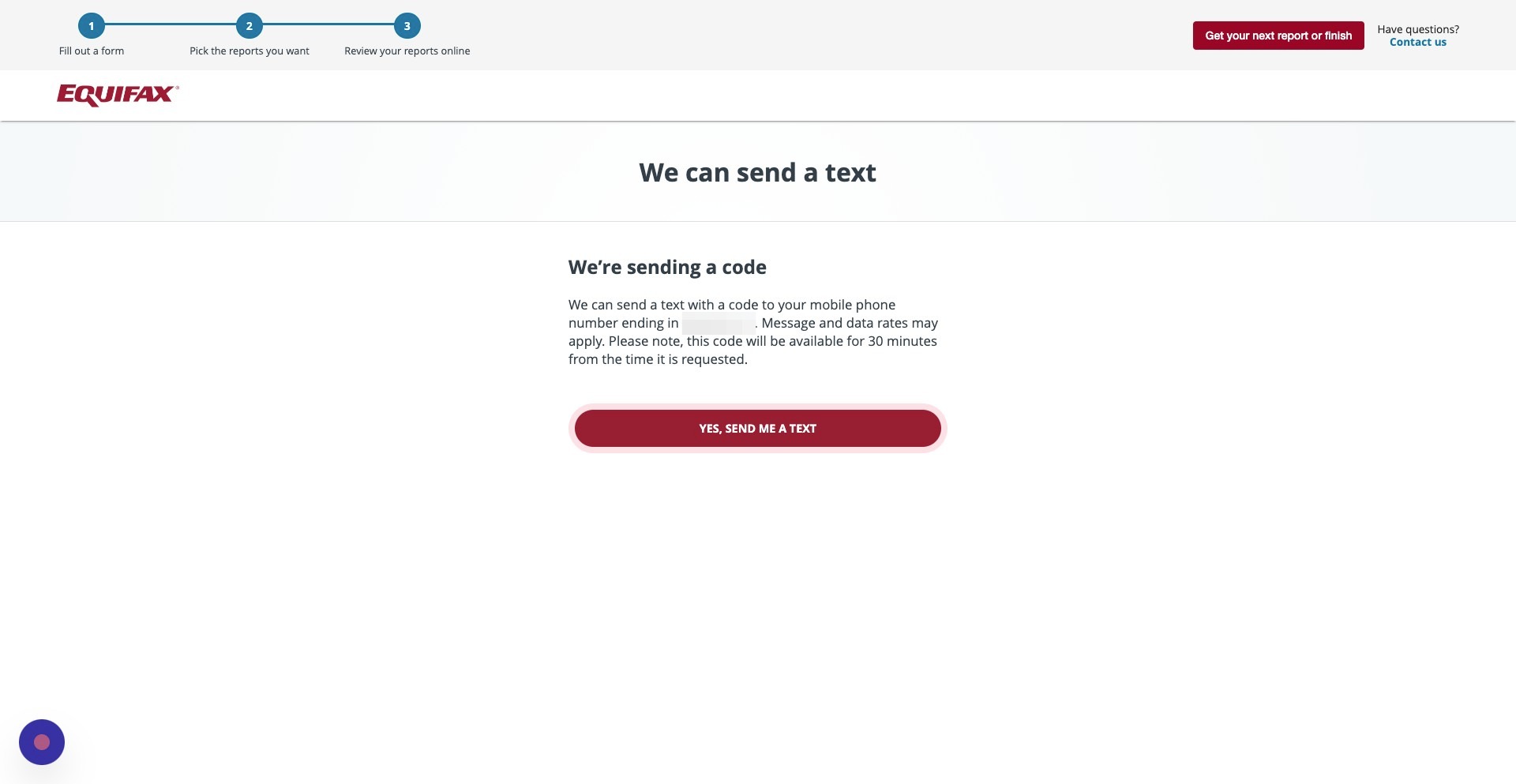
If you chose a text message, click Yes, Send Me a Text. The code will be valid for 30 minutes
Step 34
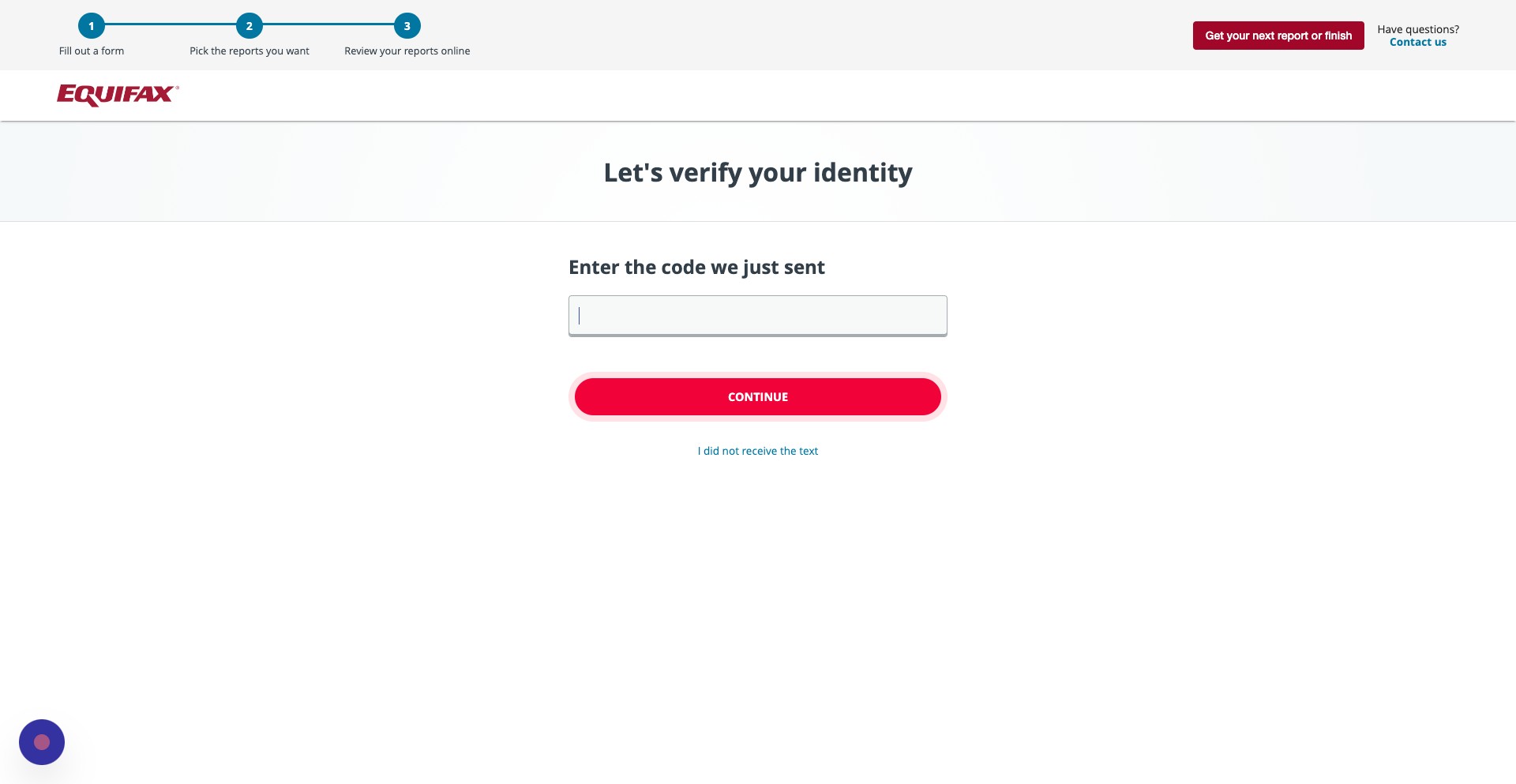
Once you've received the code, enter it into this field
Step 35
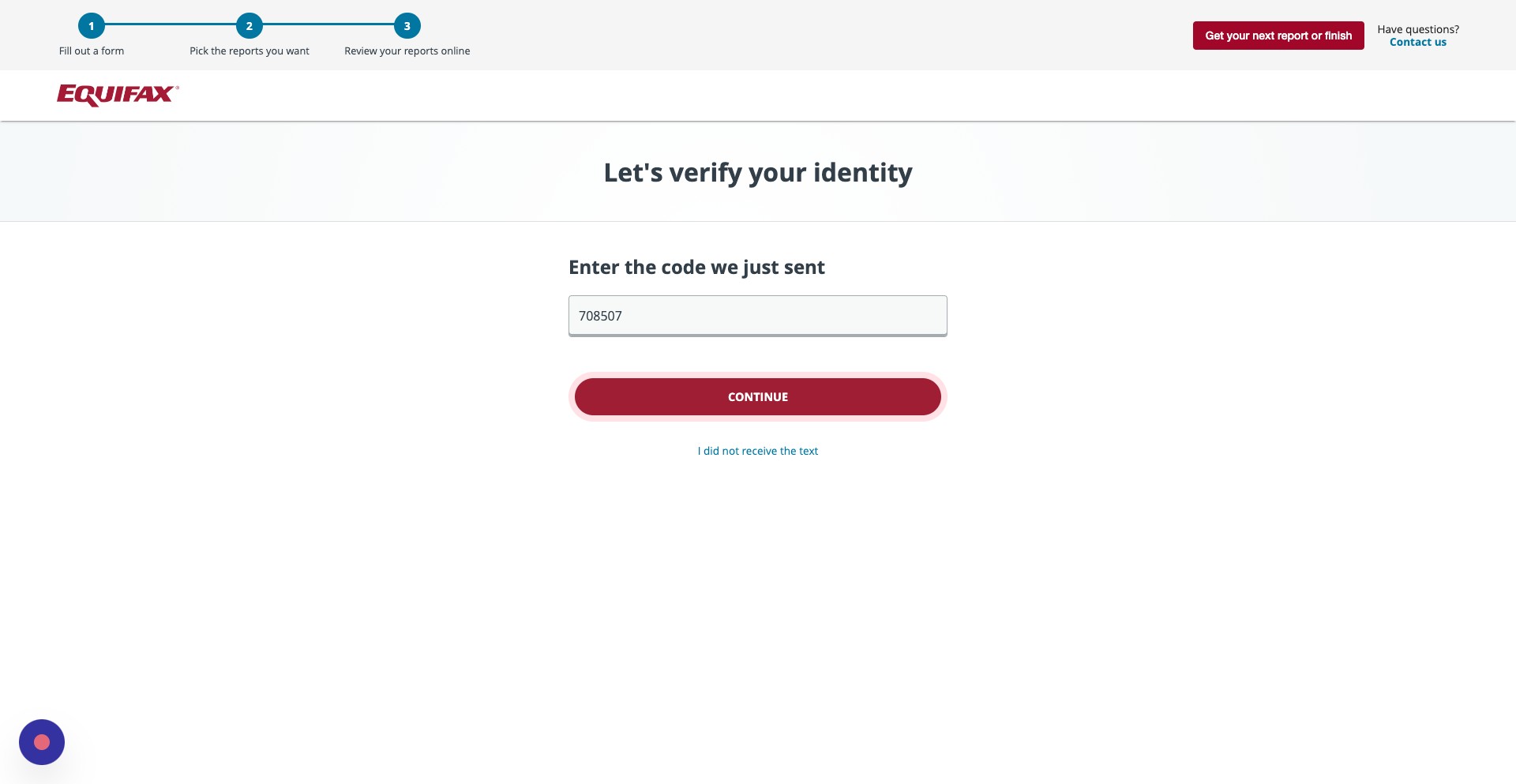
Then, click continue
Step 36
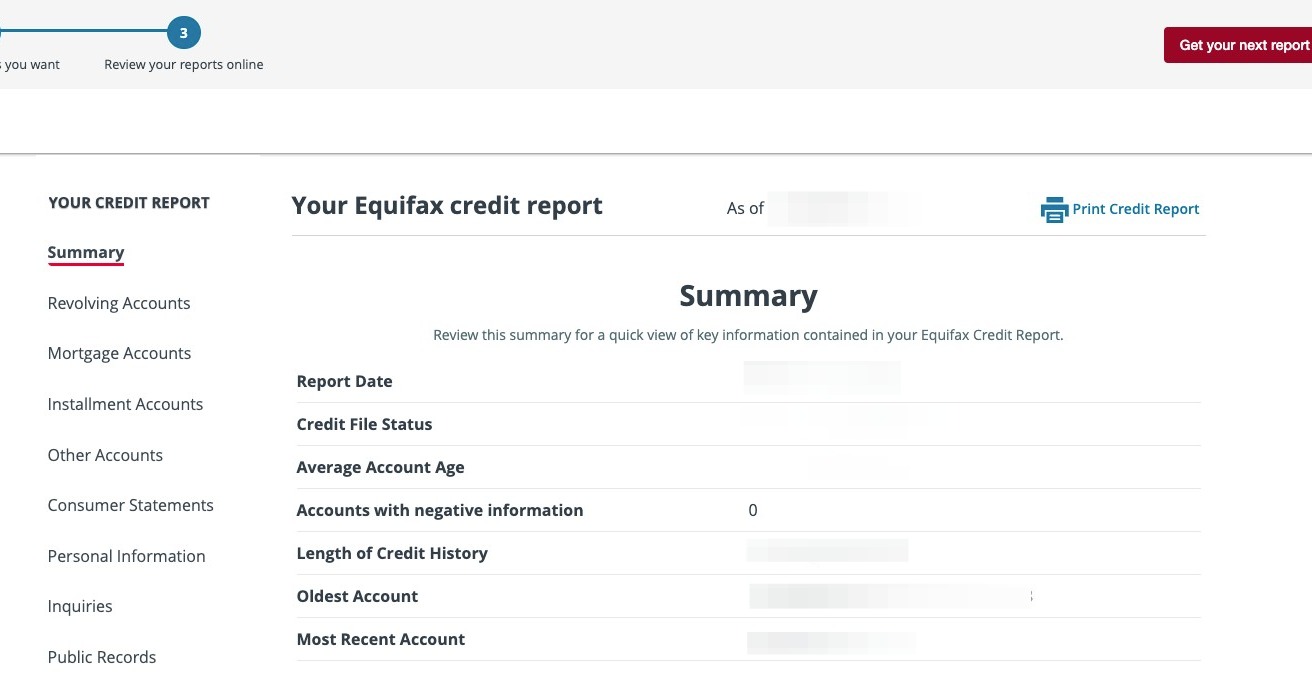
You can now review your Equifax credit report and file disputes. Once you are done, you can click get your next report.
Step 37
You can click Return to [AnnualCreditReport.com](http://AnnualCreditReport.com) or close out the browser. You should print out your credit reports, or, you can request another copy of your credit report in a week.