When and How to Report Identity Theft and Fraud to the FTC
Step 1
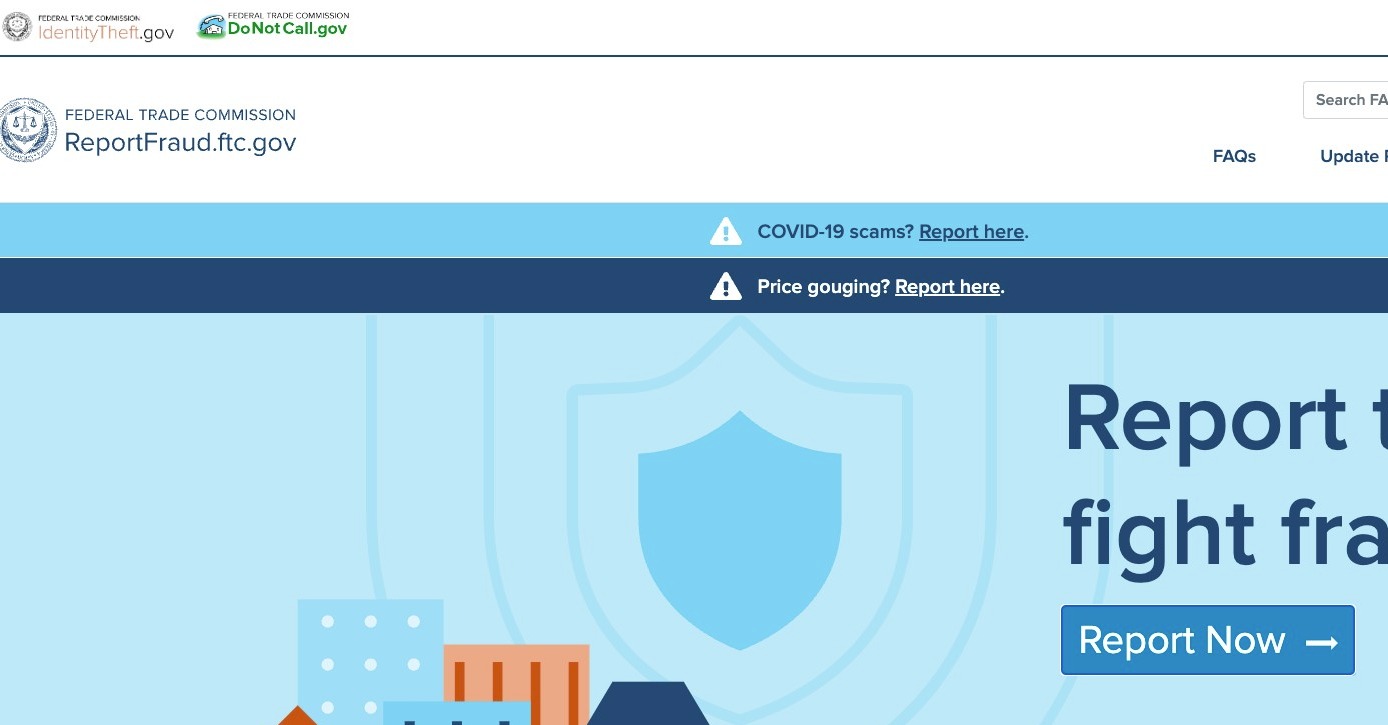
Navigate to [https://reportfraud.ftc.gov/#/](https://reportfraud.ftc.gov/#/)
Step 2
Click Report Now on the homepage
Step 3
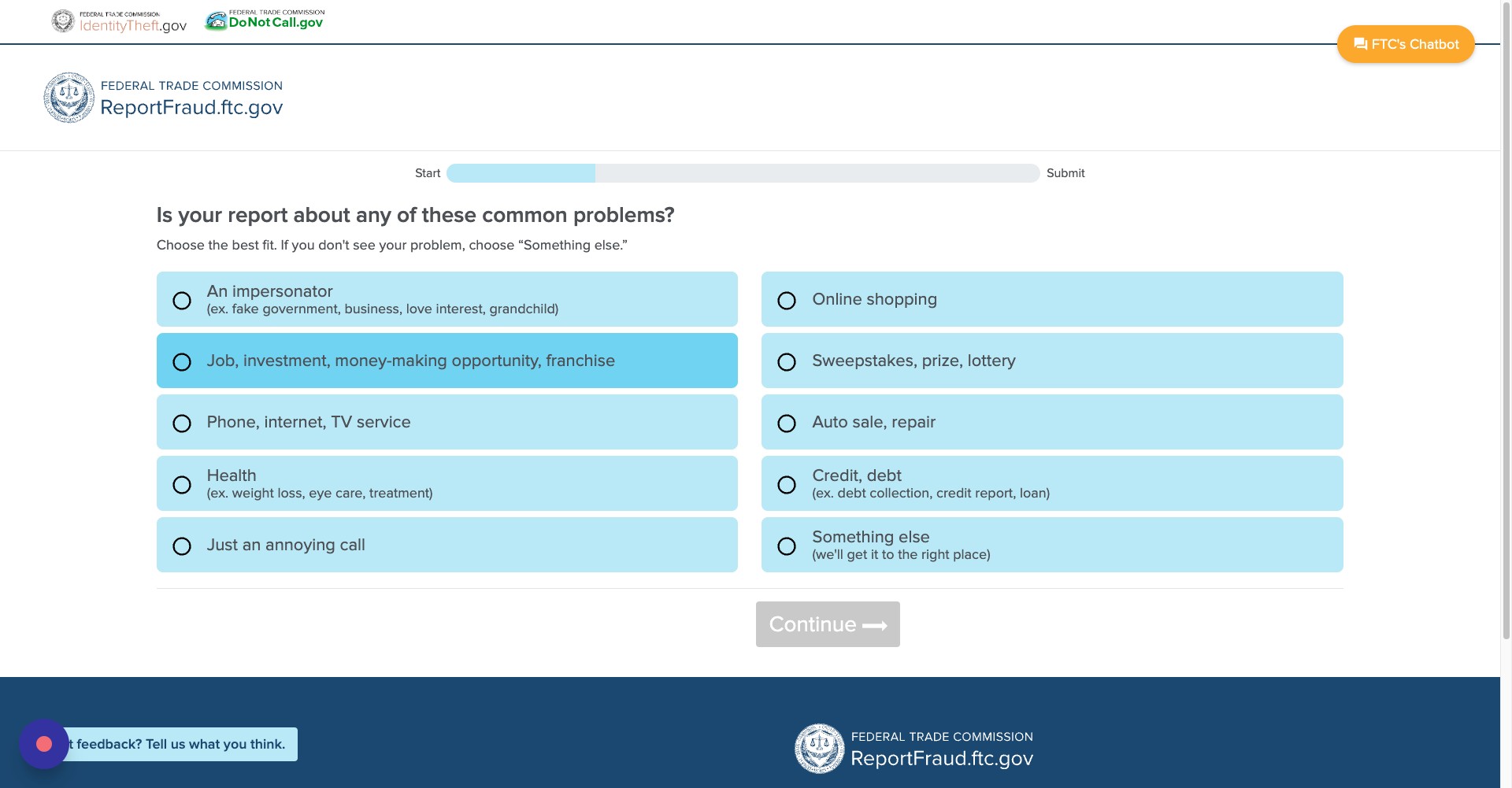
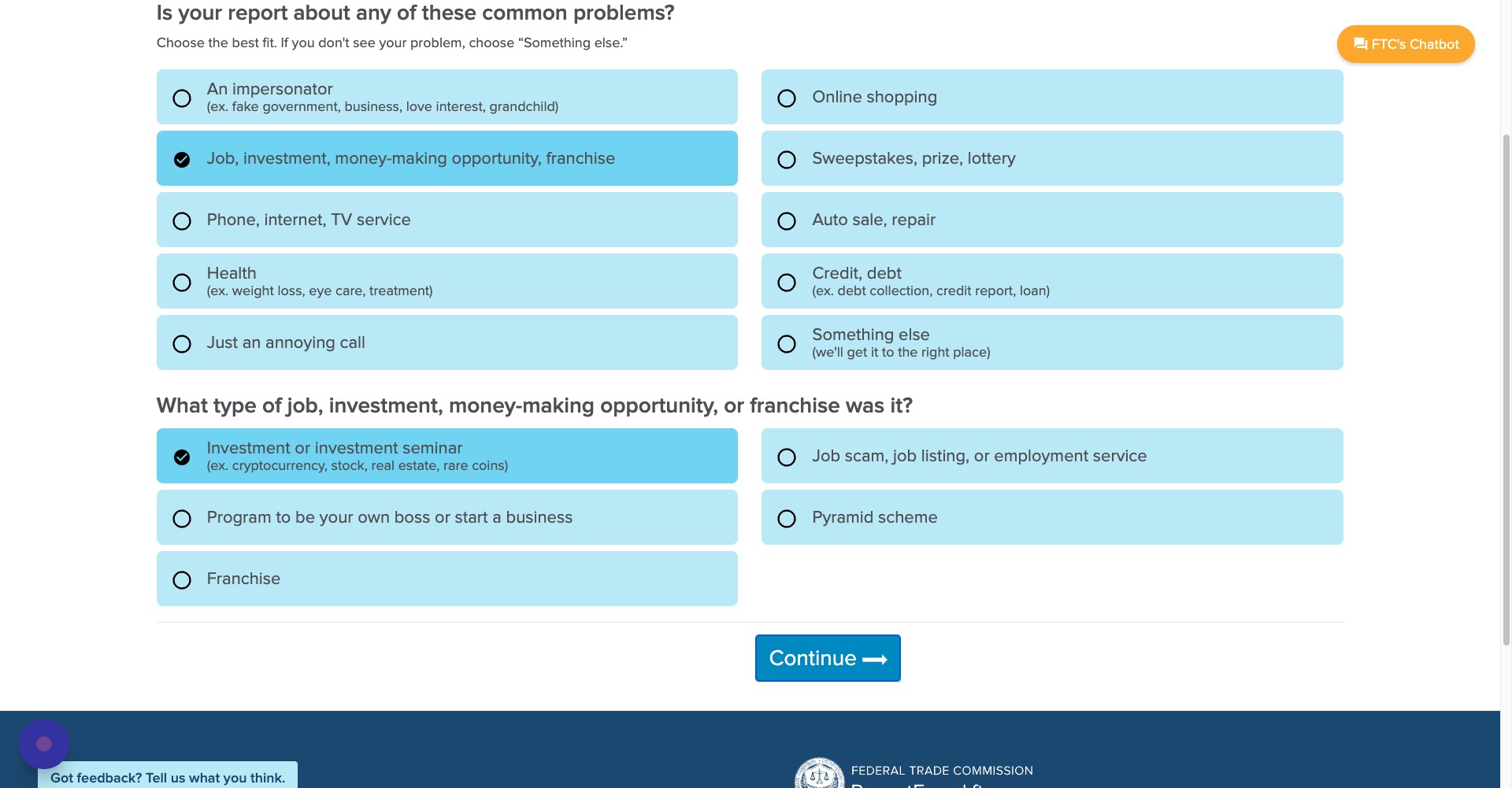
Click on one of the ten categories that best represents the incident. If none of these categories accurately describe the fraud you witnessed, click "something else" and the FTC will direct you to the appropriate place
Step 4
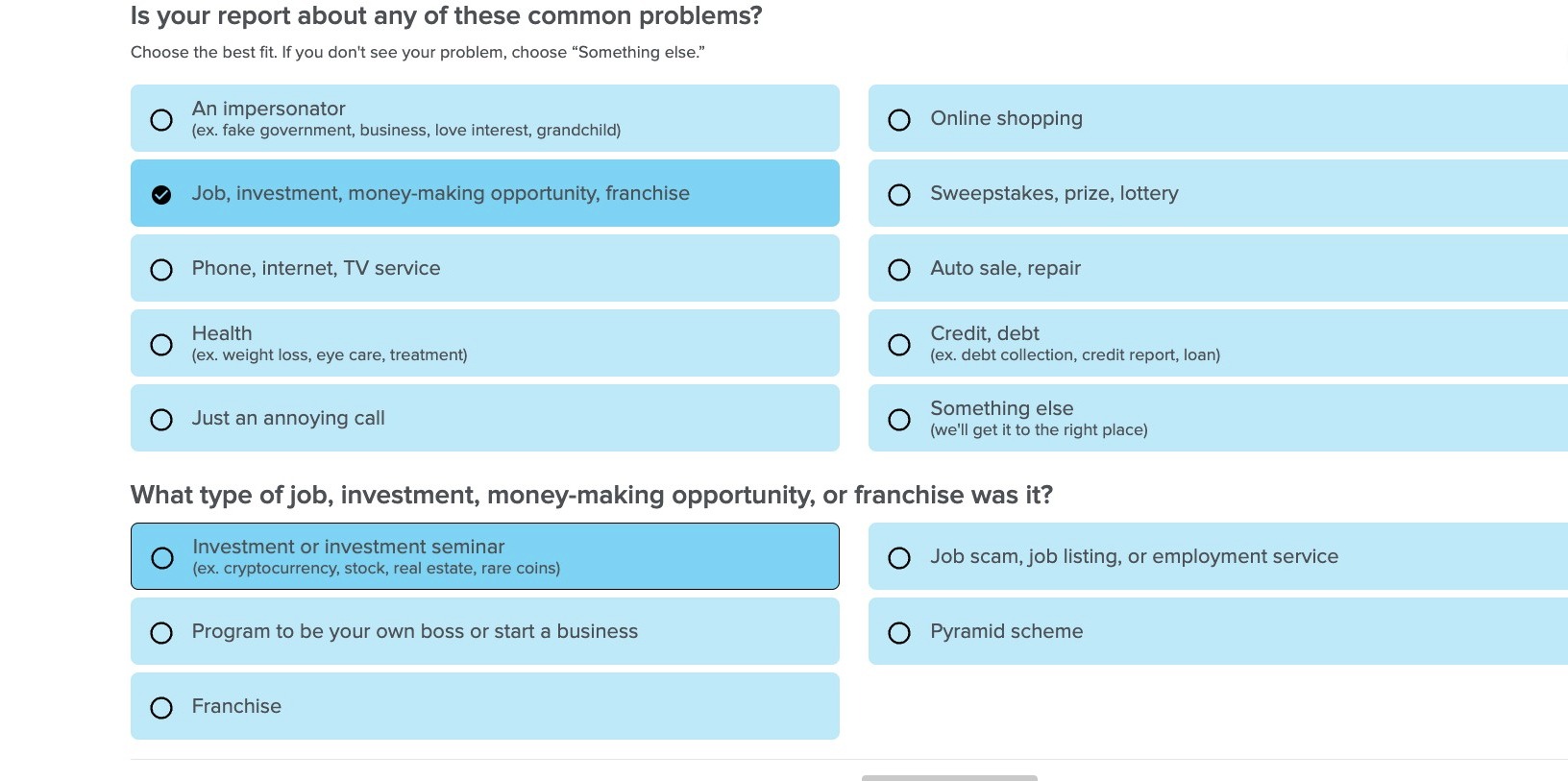
After you select the category, select the subcategory that best represents the incident
Step 5
Then click continue
Step 6
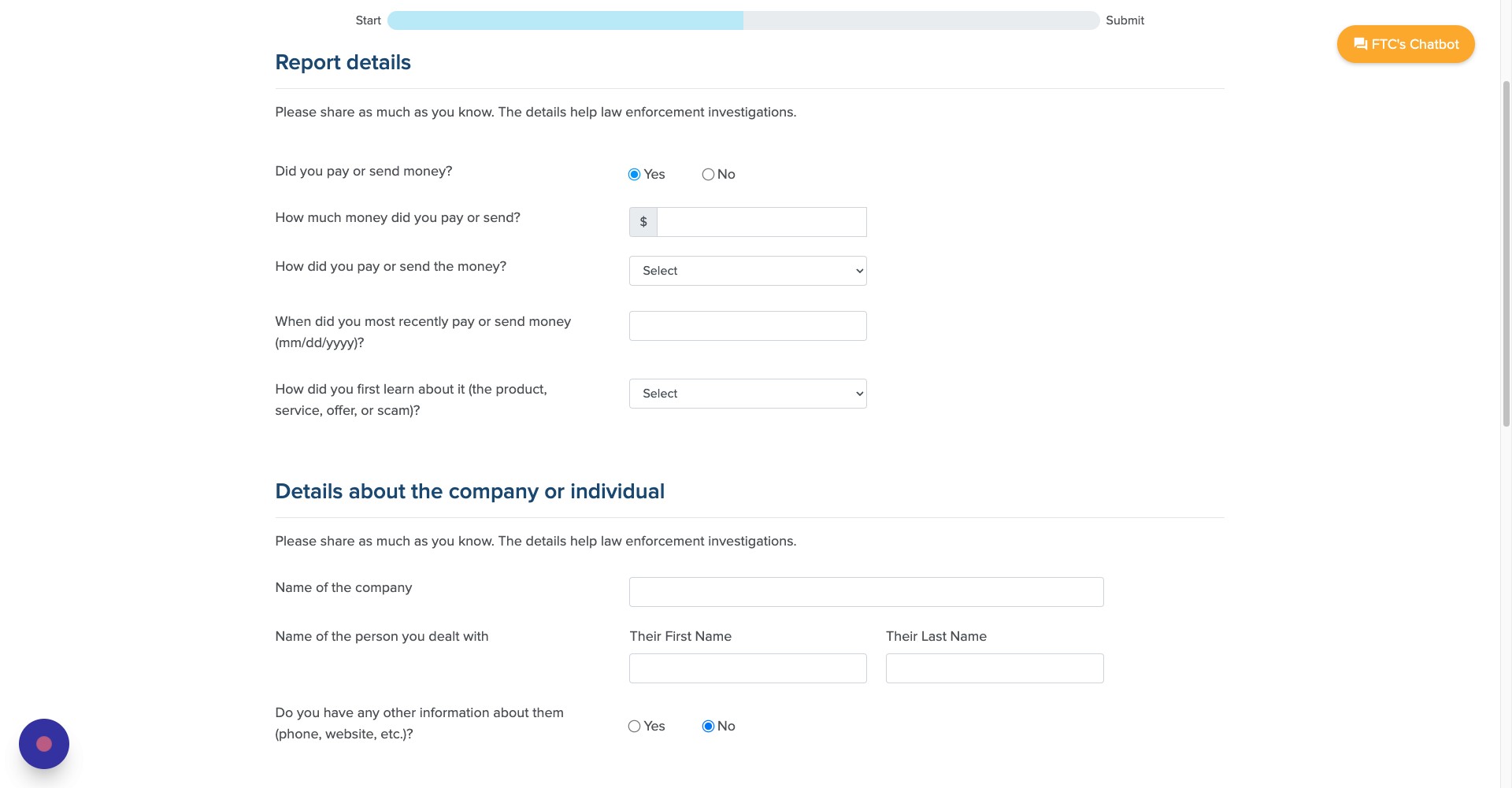
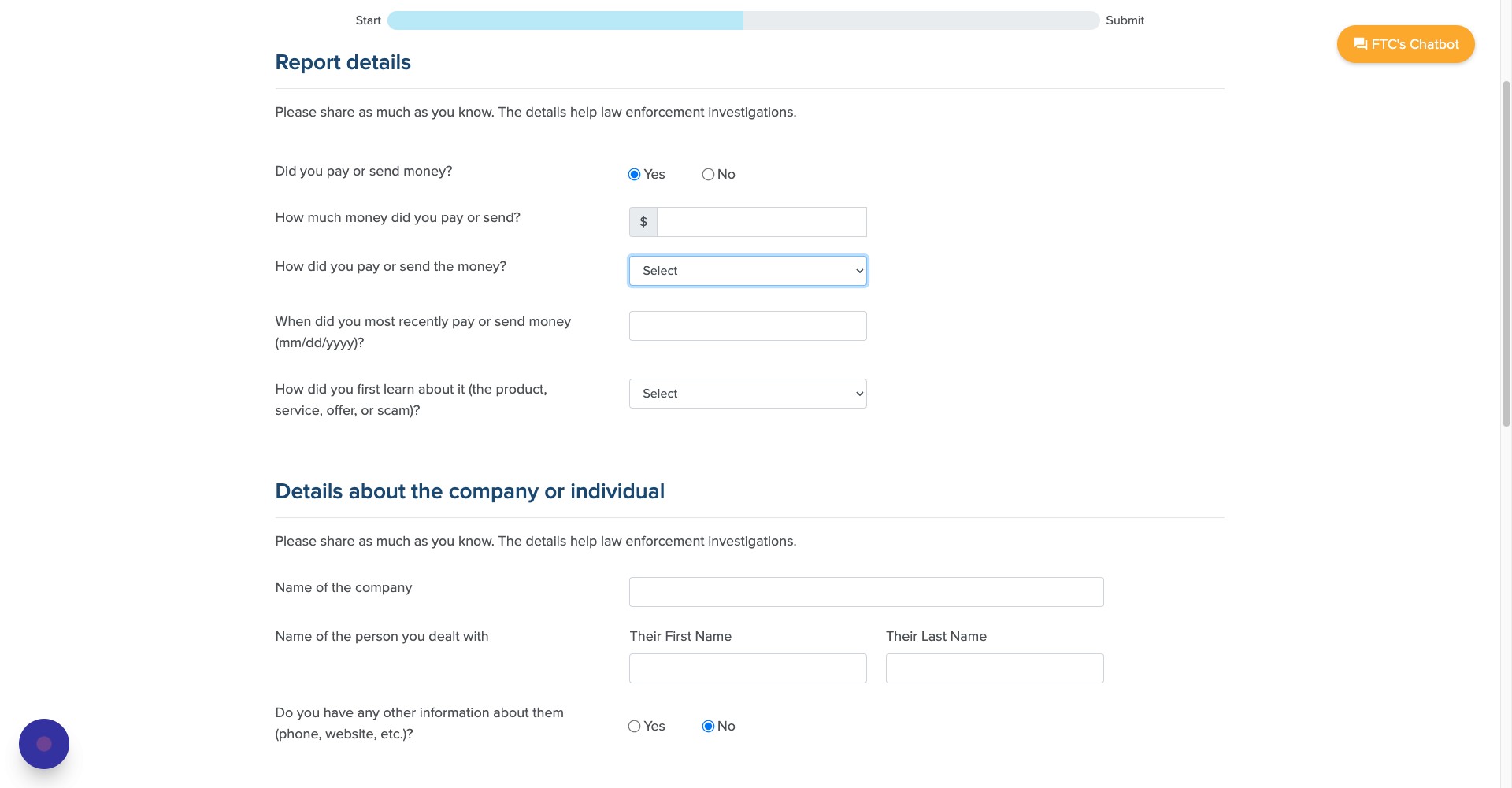
On the next page, answer whether you sent the scammer any more.
Step 7
If you answered yes, enter in how much money you sent
Step 8
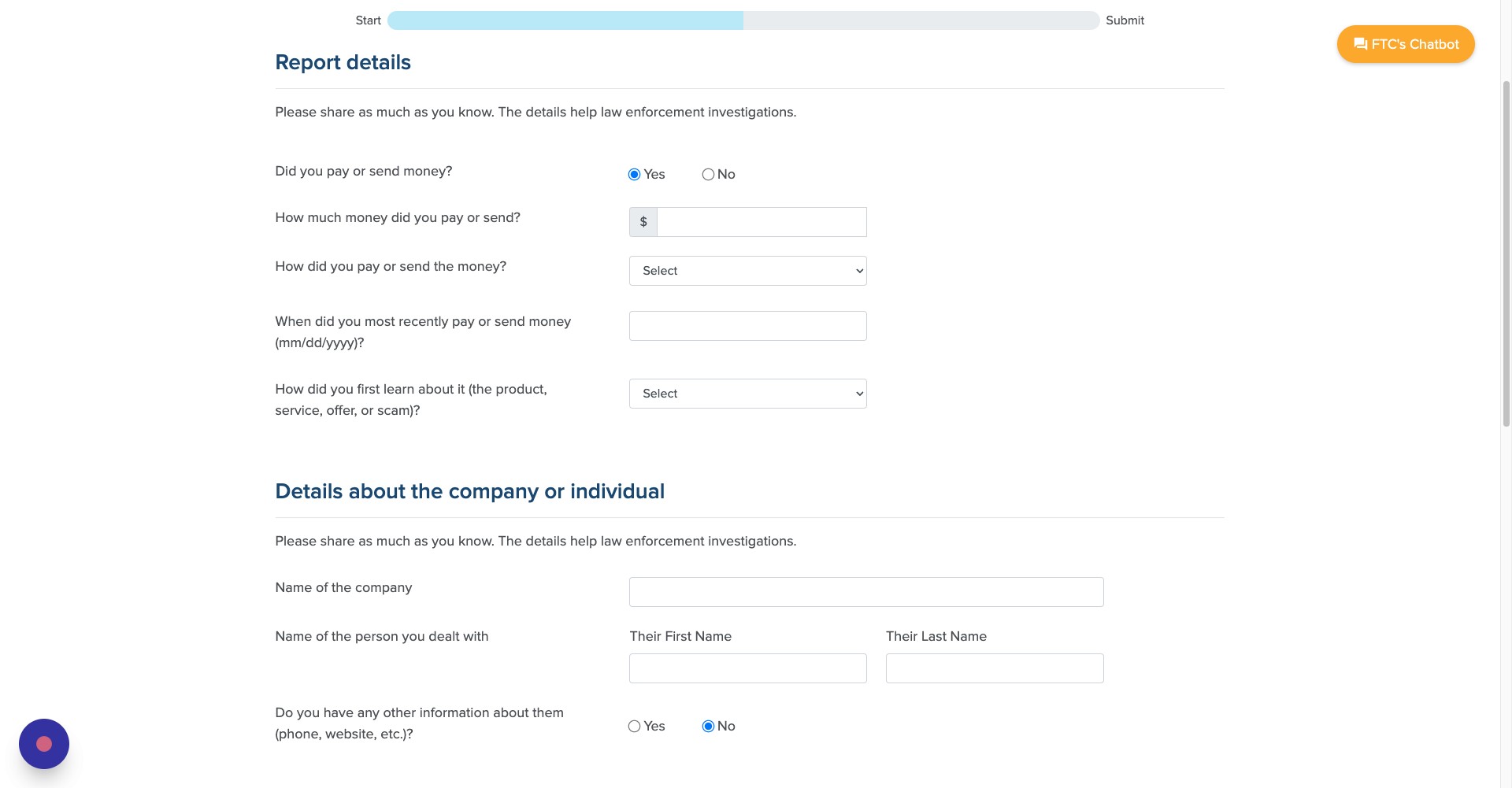
Select the method you paid the scammer
Step 9
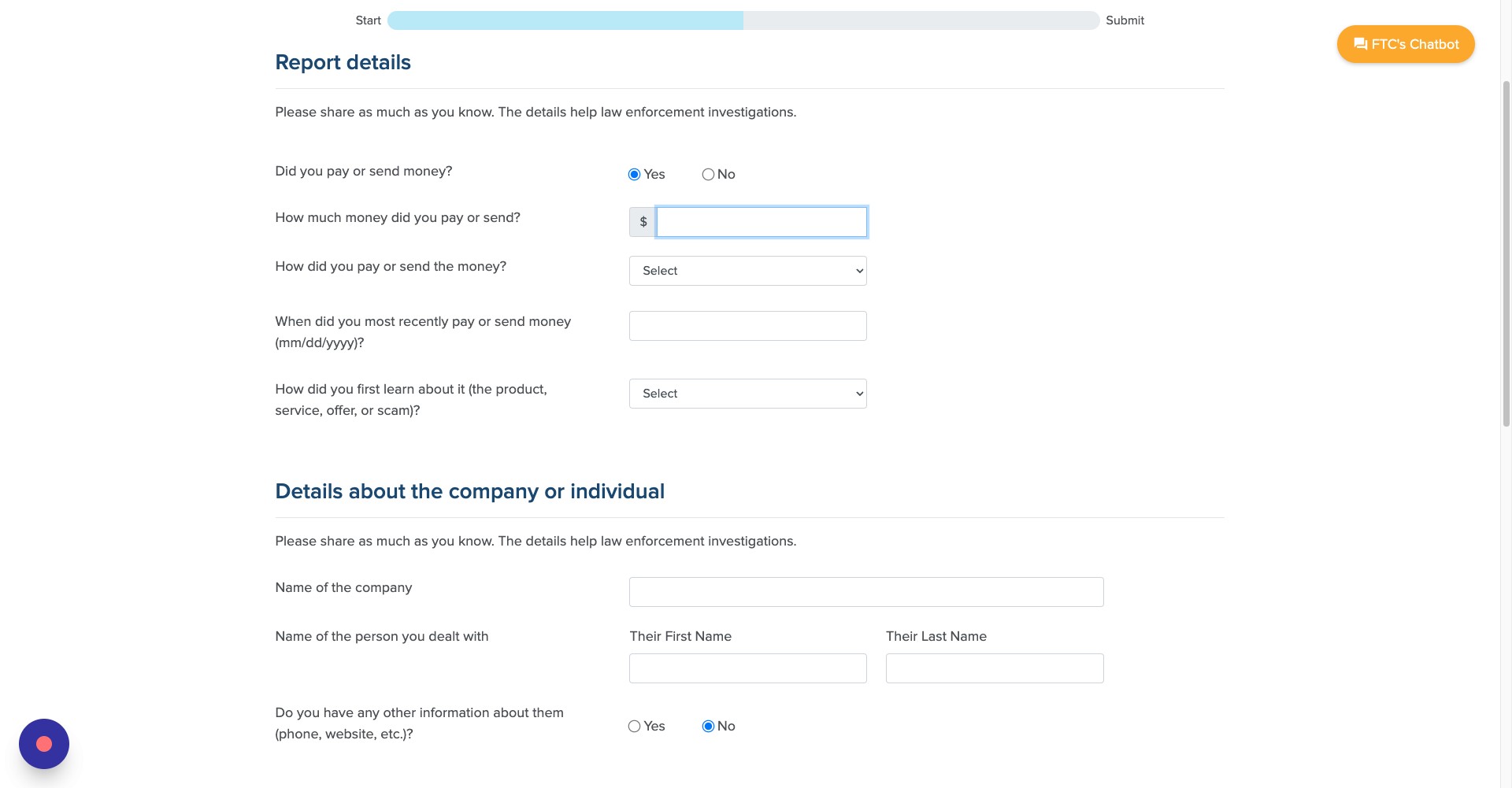
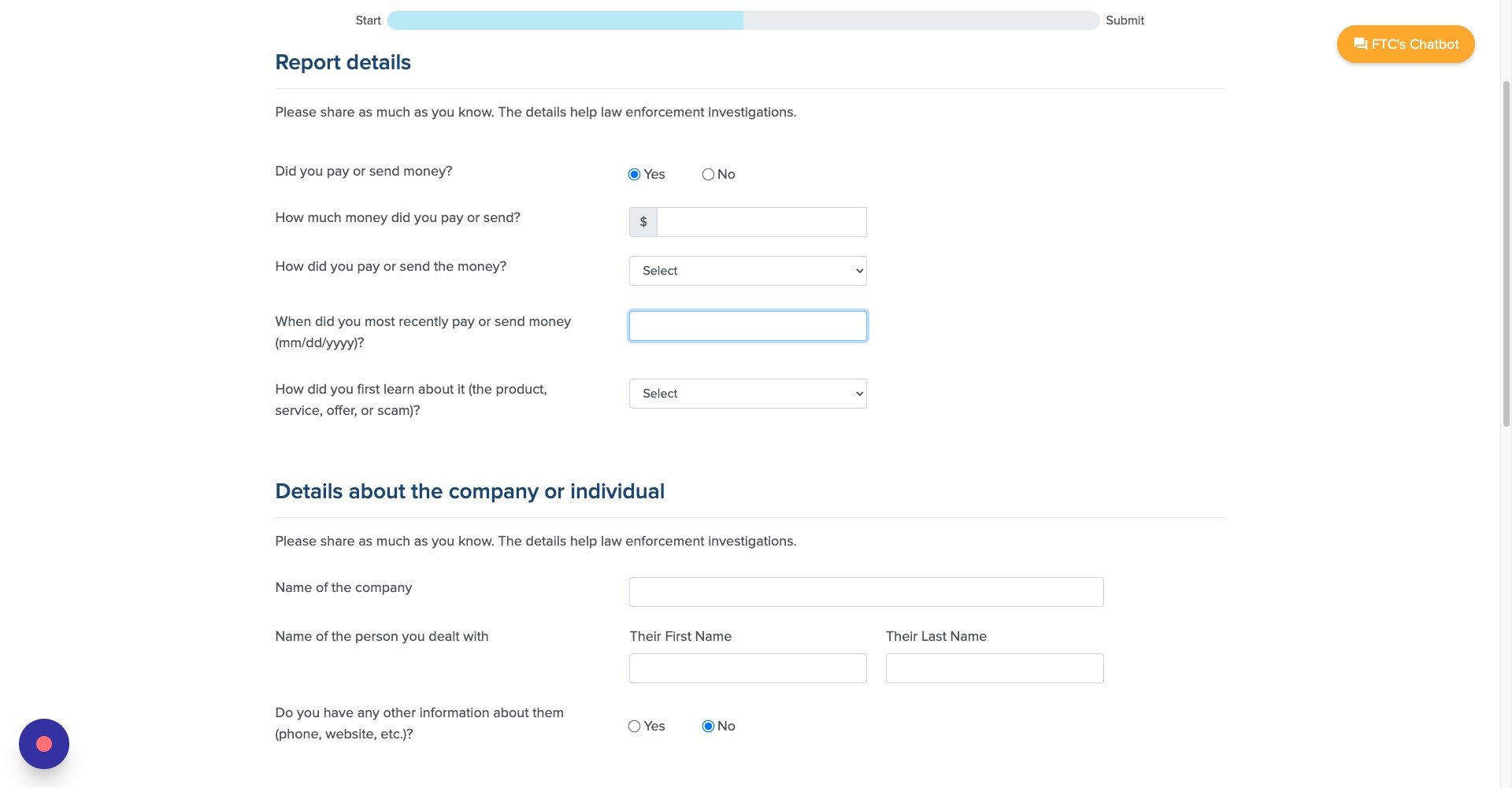
Select the date that the transaction took place
Step 10
Select how you discovered the scam
Step 11
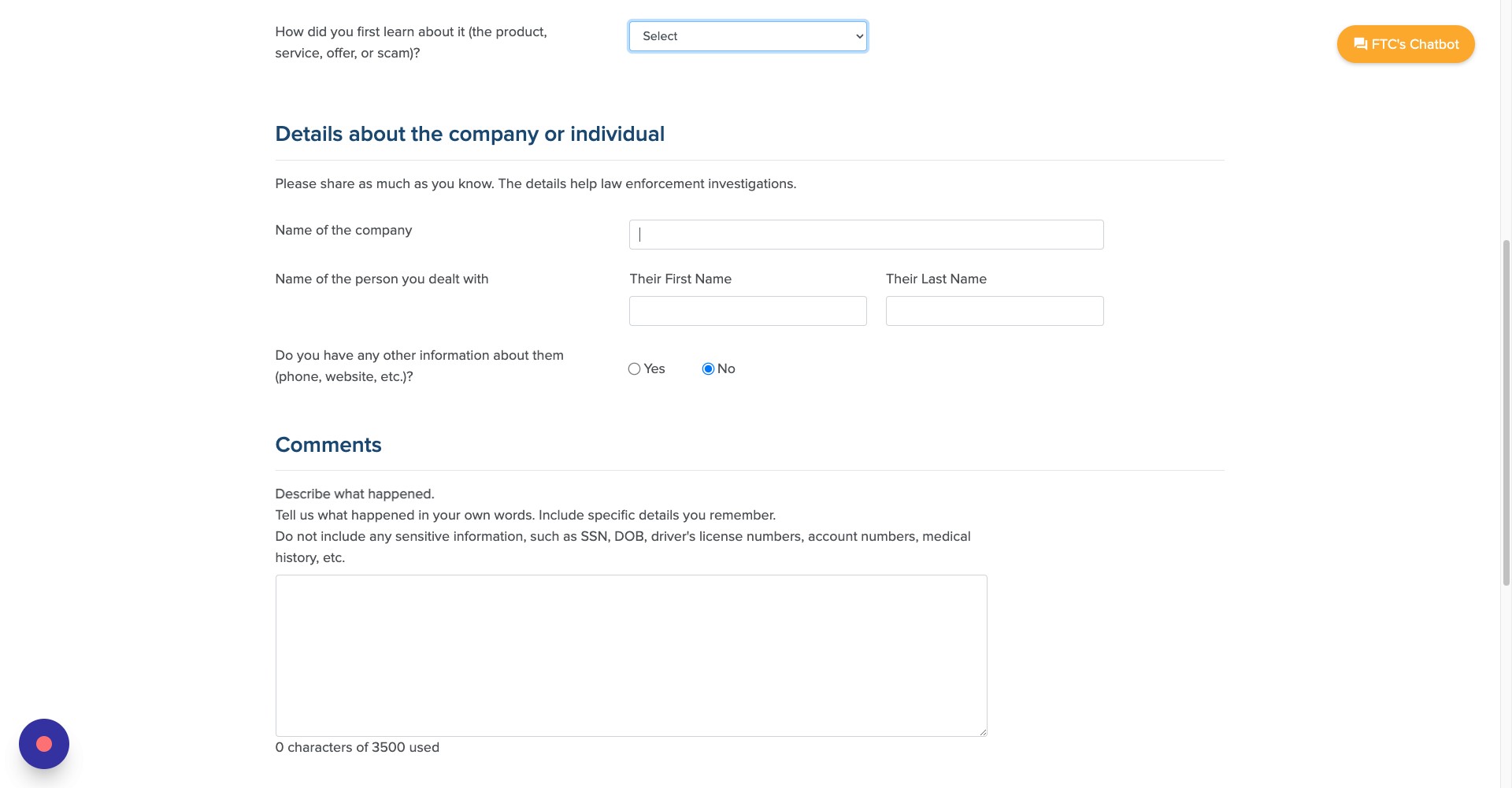
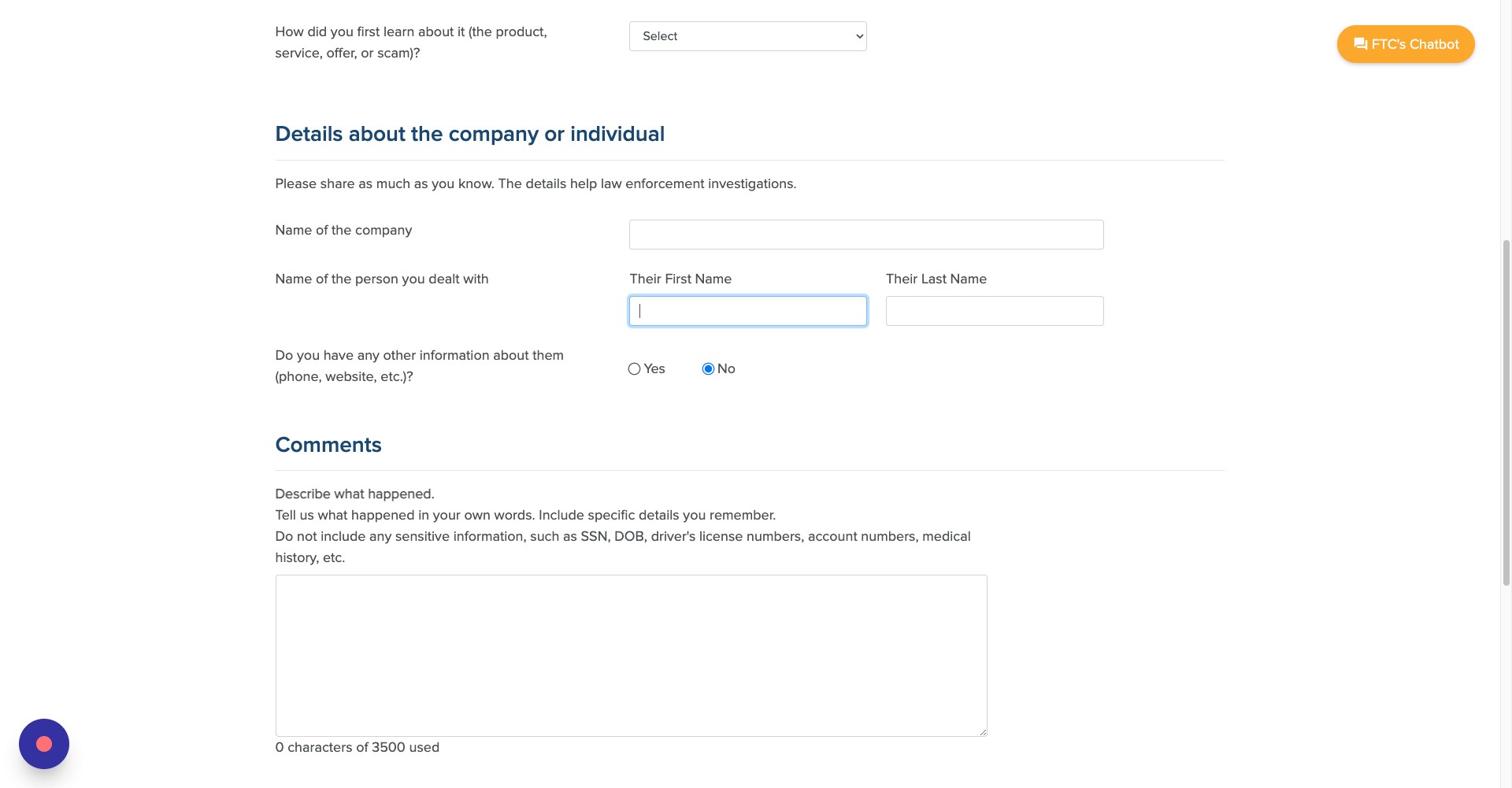
Enter the name of the company that you dealt with. NOTE: If you were the victim of an impersonation scam, this page will ask you for the person the scammer was impersonating, or the government agency/company they claimed to represent
Step 12
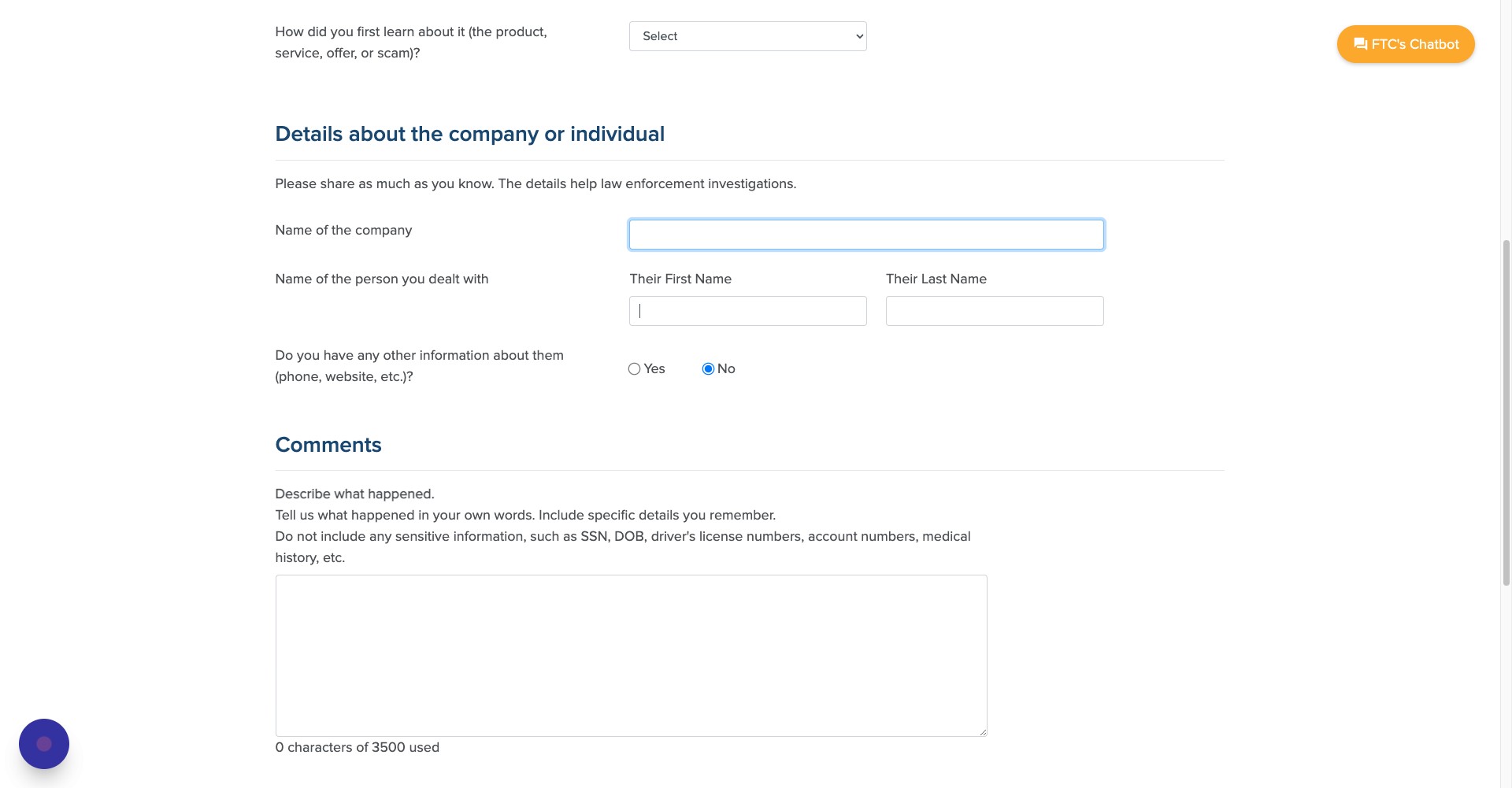
Enter the name of the person you dealt with
Step 13
If you have additional information about the scammer, select yes
Step 14
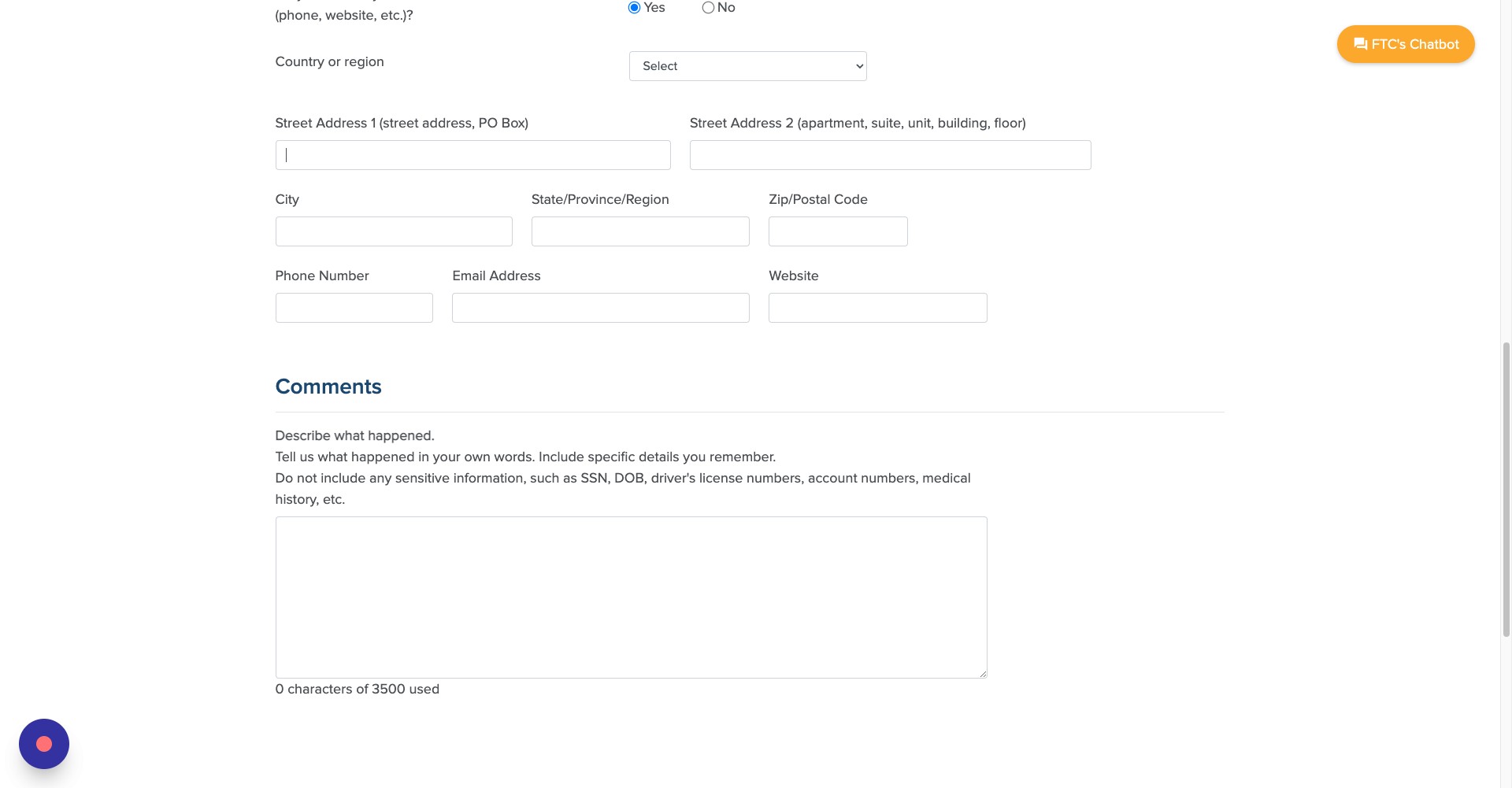
Enter in any information you have about the scammers address, phone number or email address
Step 15
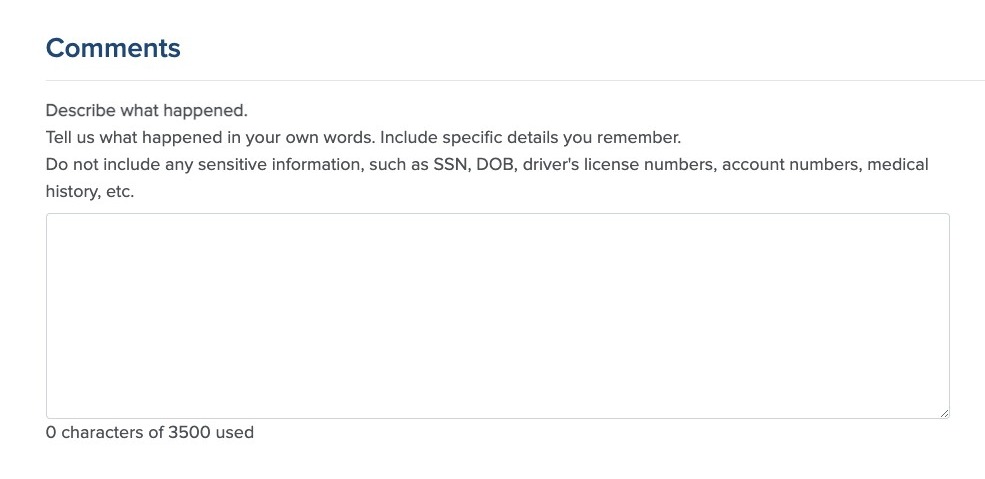
Enter in any additional information about the scam. NOTE: The FTC advises against adding any sensitive personal information
Step 16
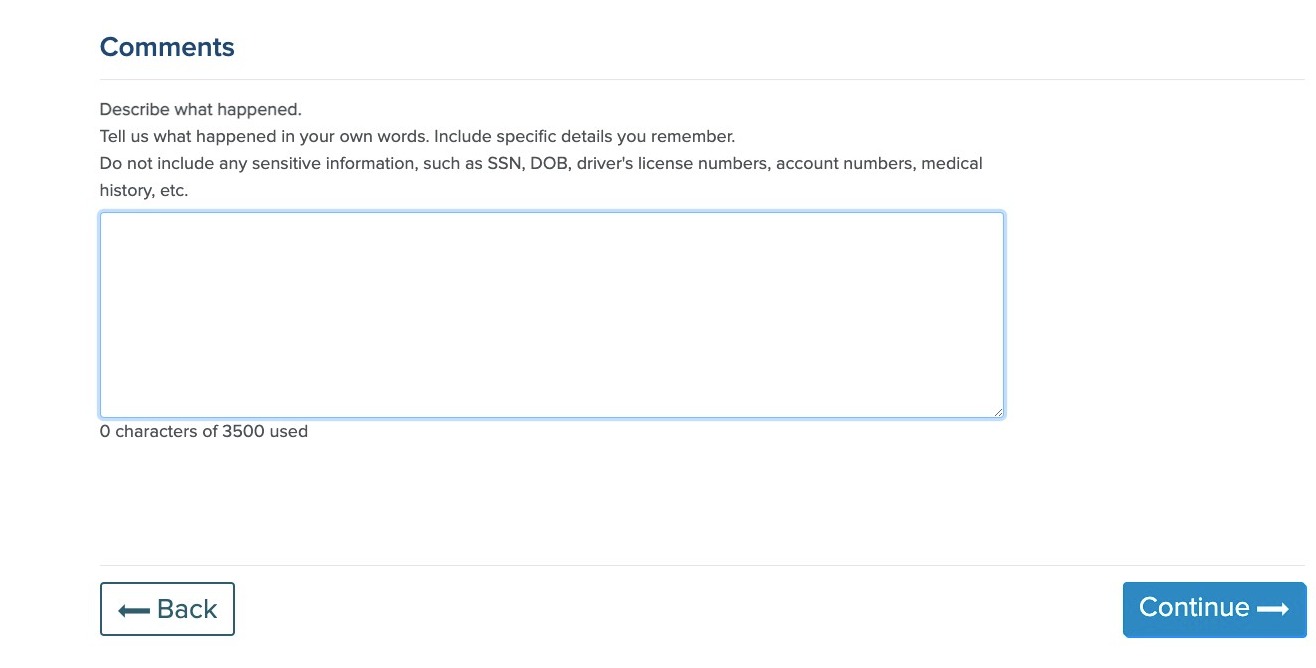
When you are done, click continue
Step 17
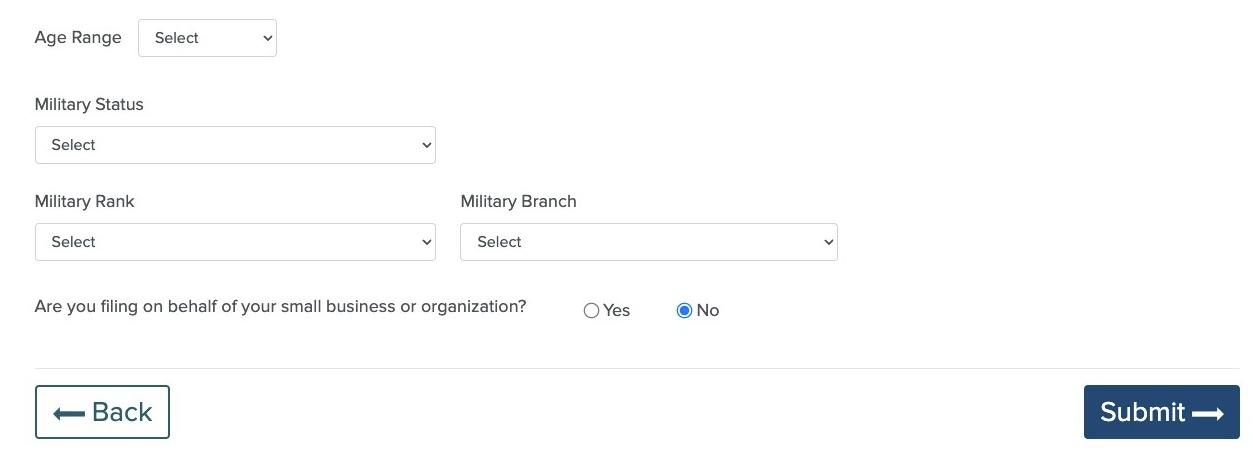
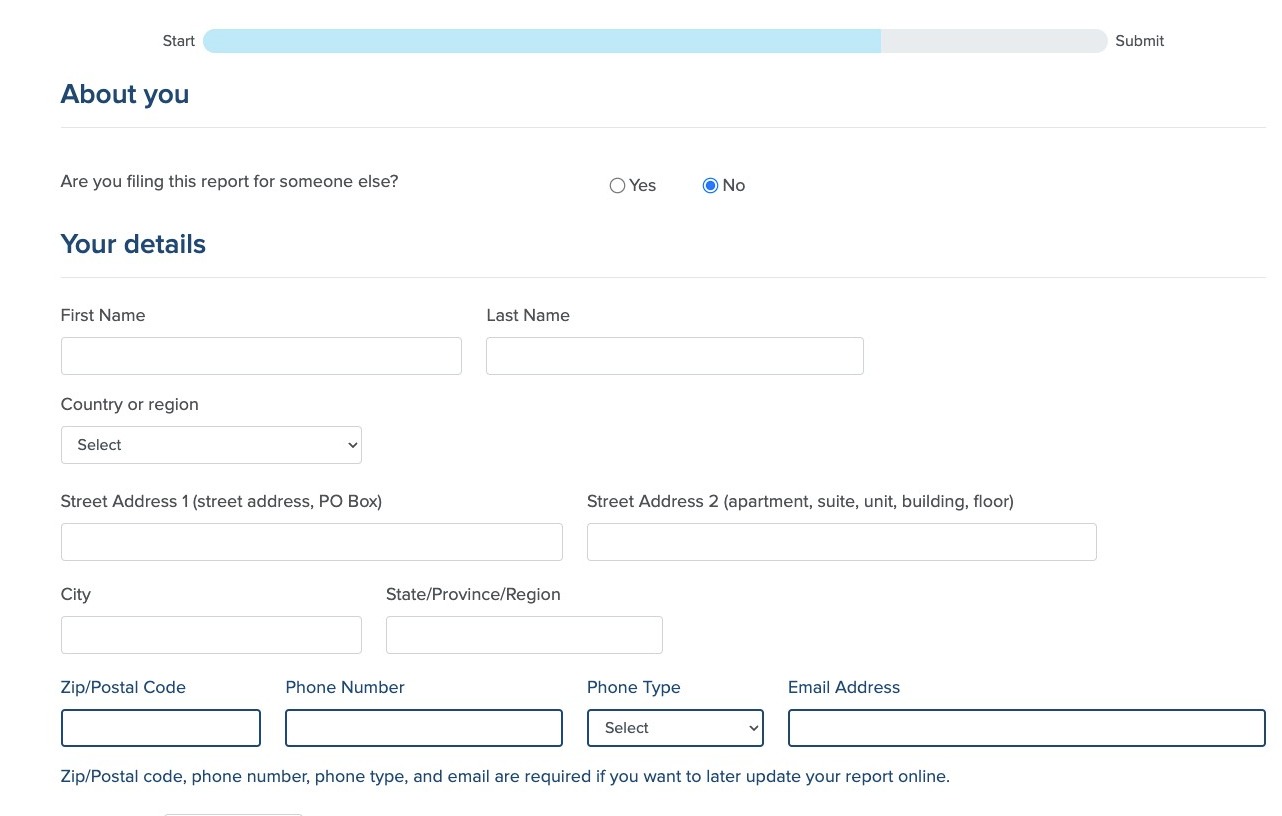
On the next page, enter in your contact information
Step 18
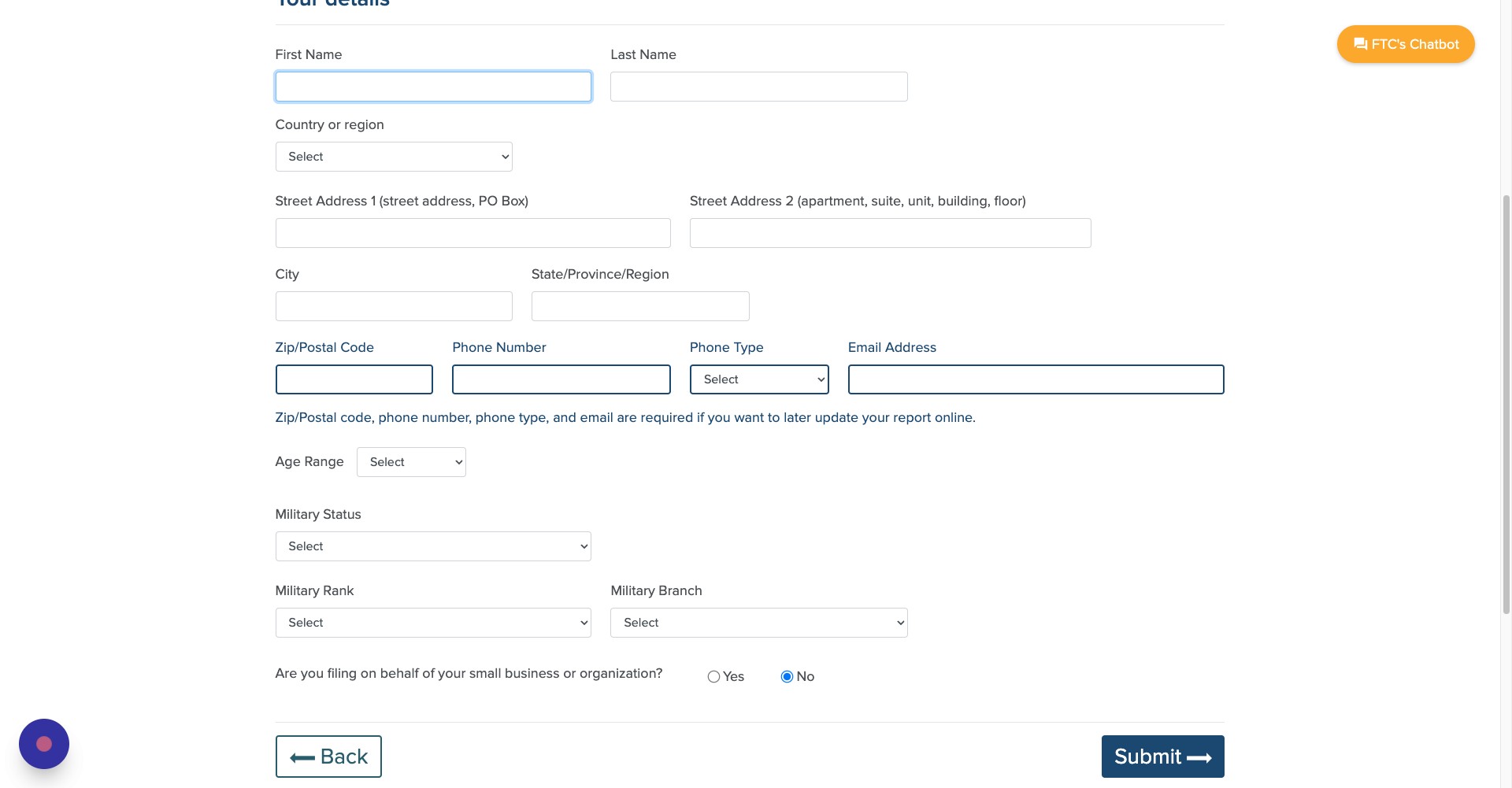
If you are filing on behalf of a small business or an organization, click here and enter in all the details about the company
Step 19
Click Submit to file the report