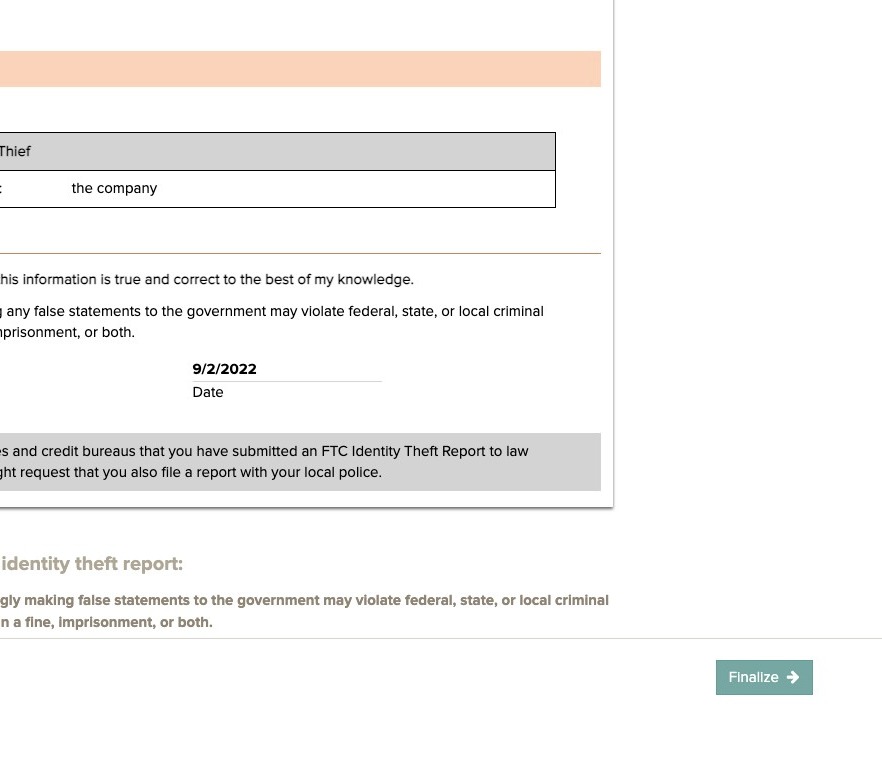
How to Report Identity Theft to the FTC
Step 1
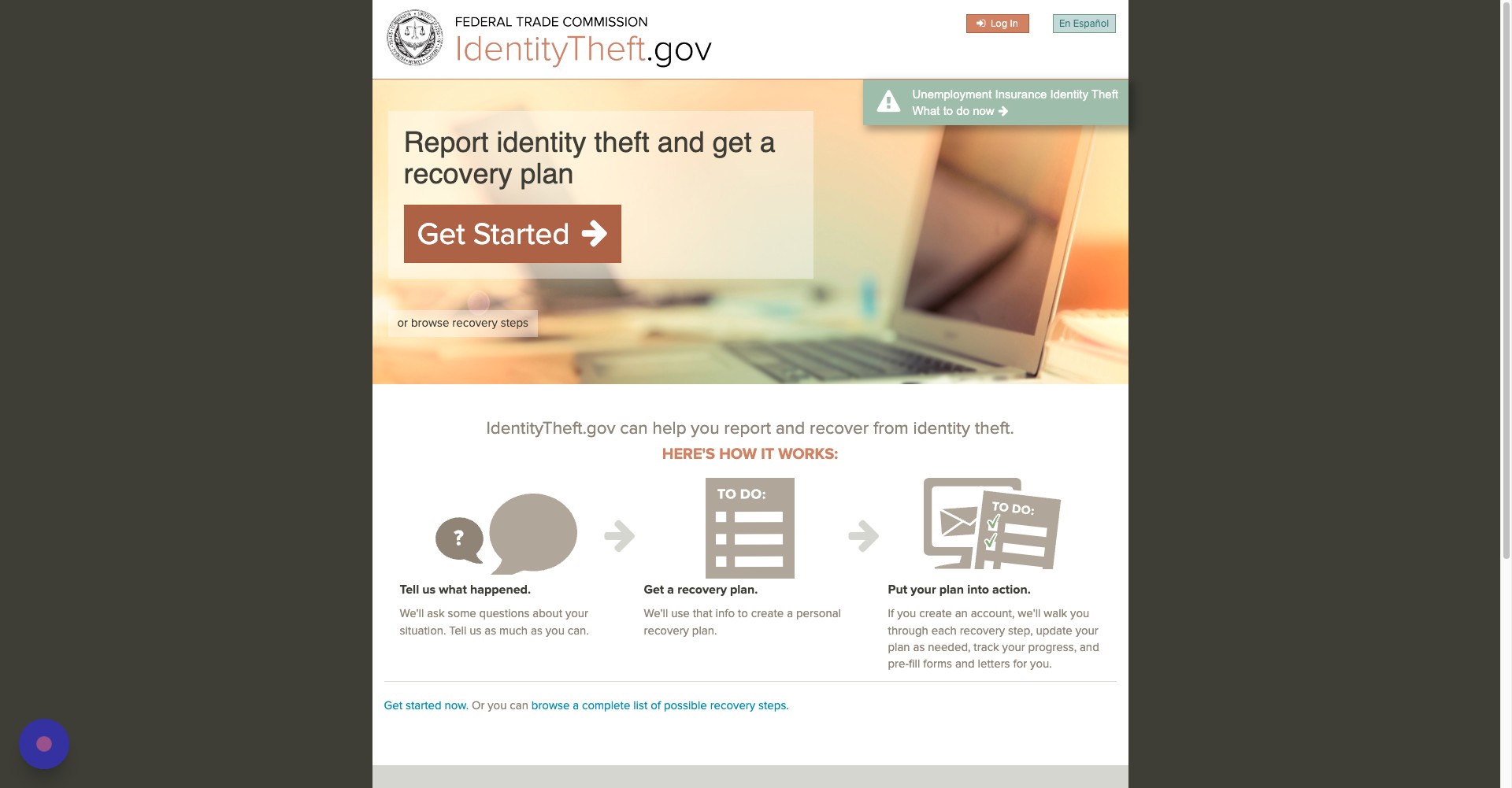
Navigate to [https://www.identitytheft.gov/#/](https://www.identitytheft.gov/#/)
Step 2
Click Get Started
Step 3
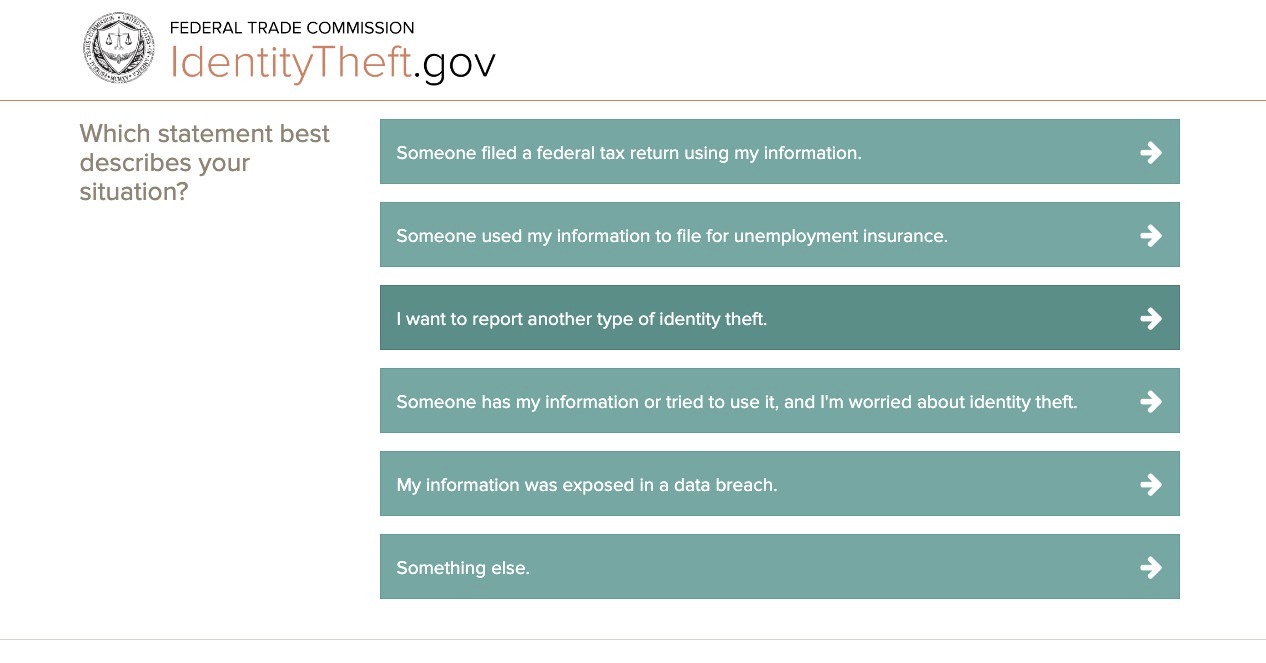
Click on the statement that best describes the incident you faced.
Step 4
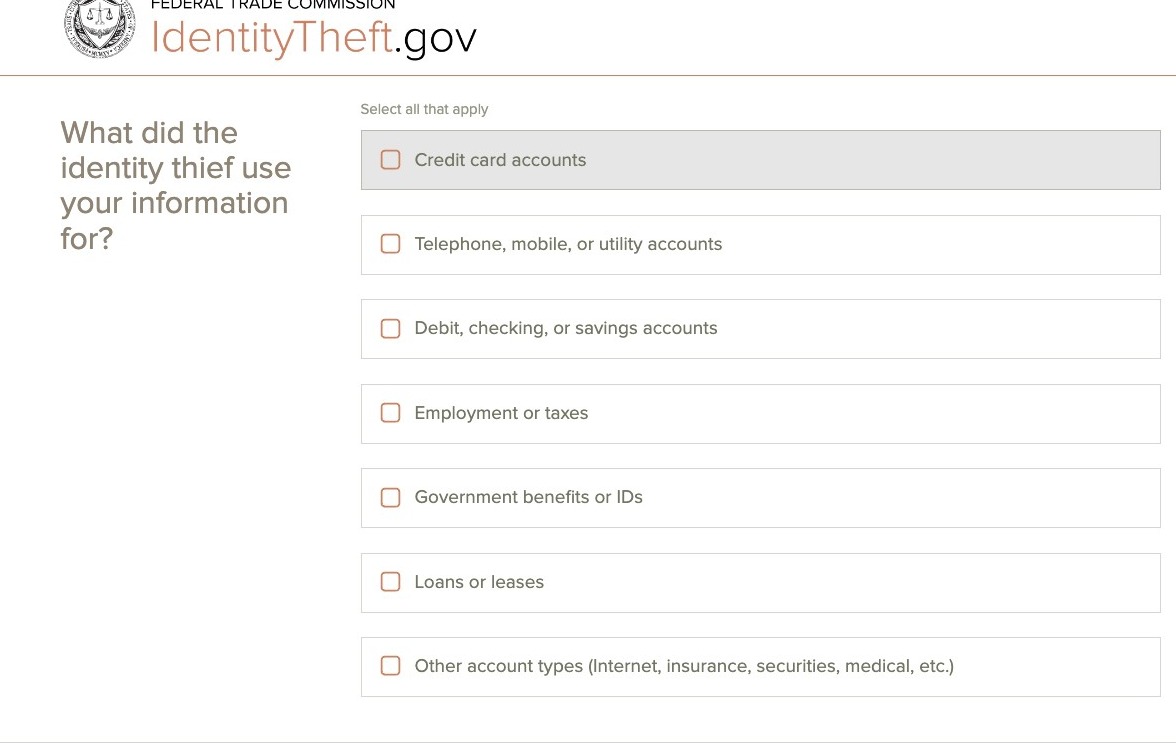
Click on any additional details that best describe your situation.
Step 5
Click Continue
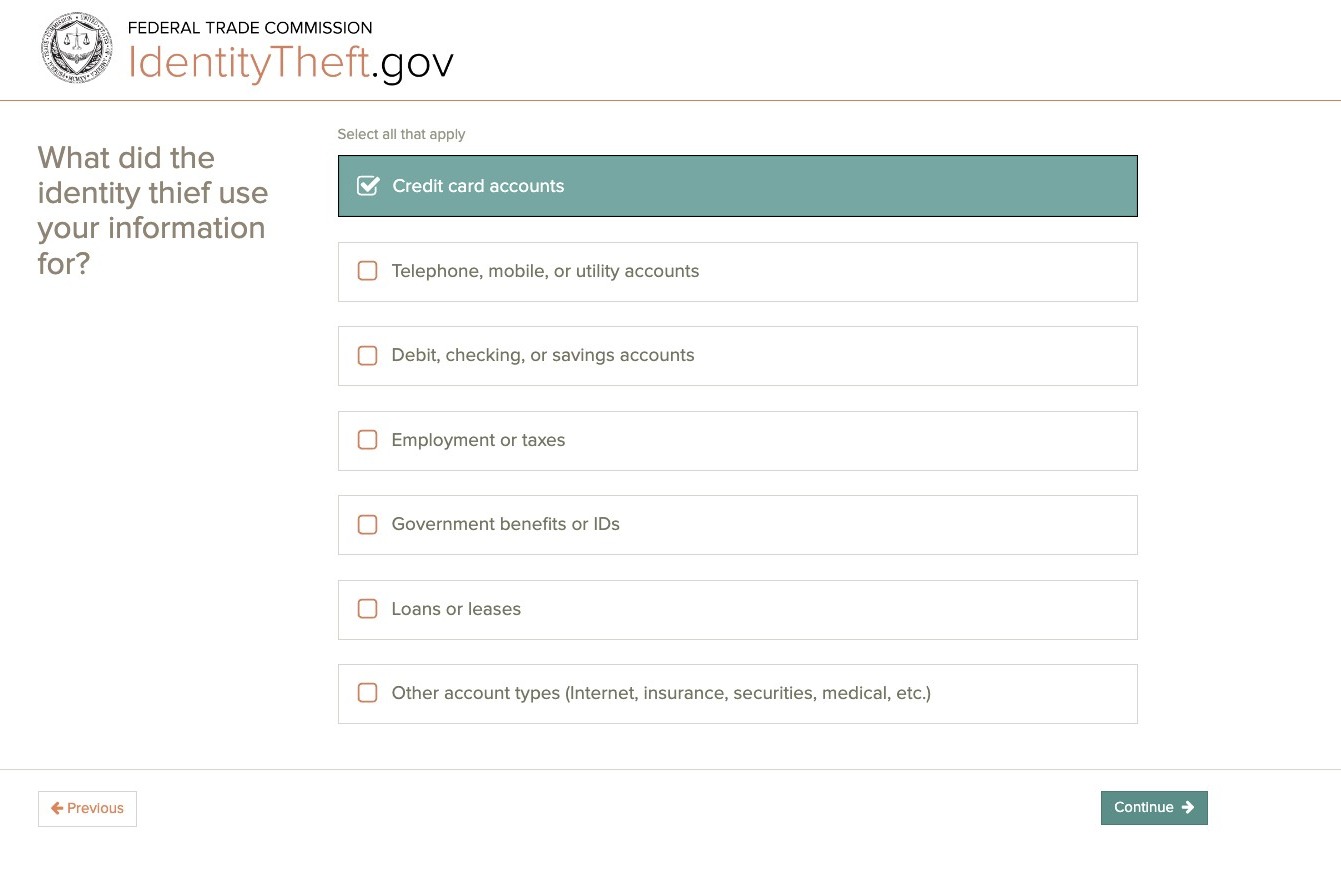
Step 6
Continue to click on the details that best describe your situation.
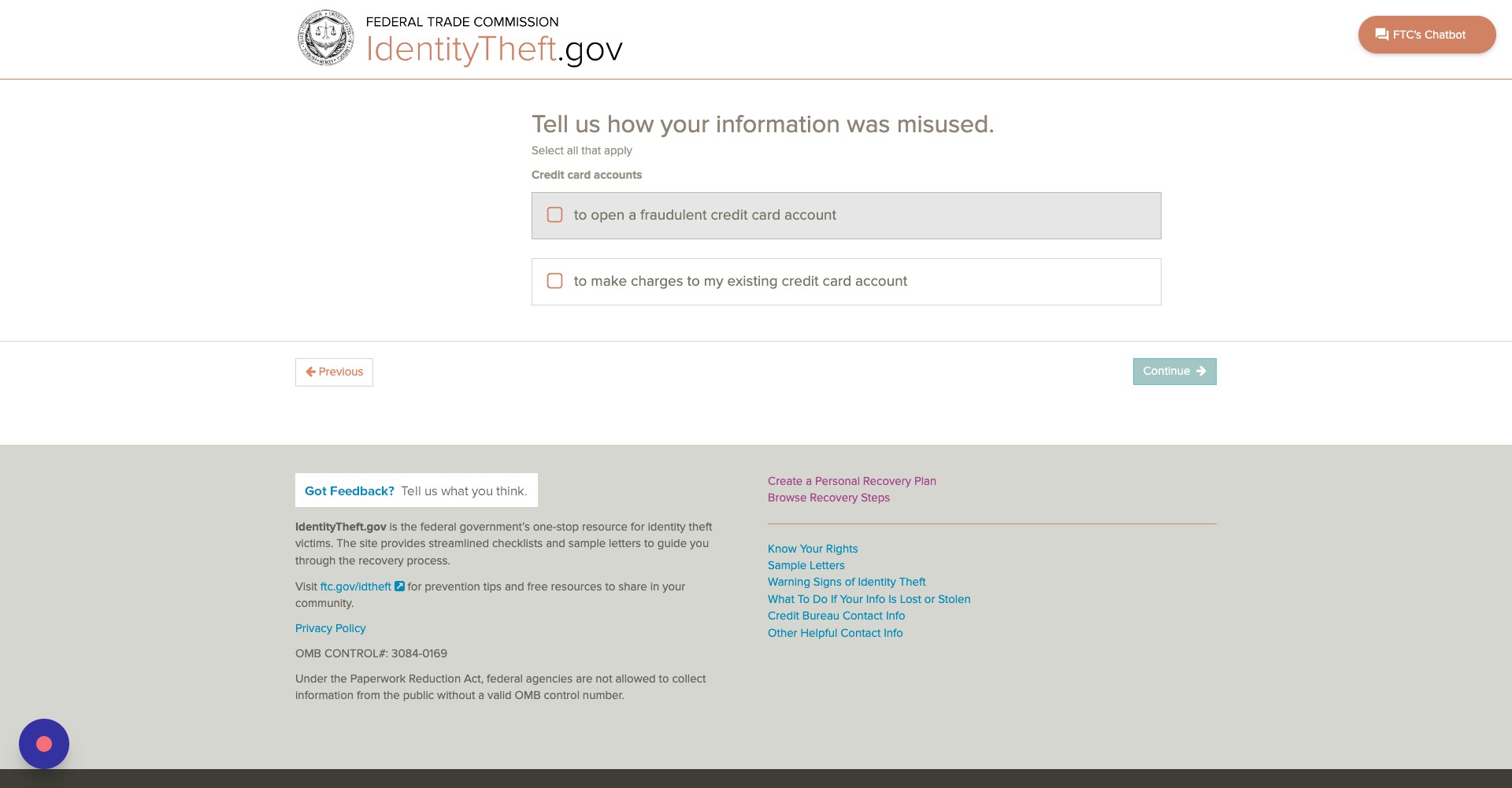
Step 7
Click Continue
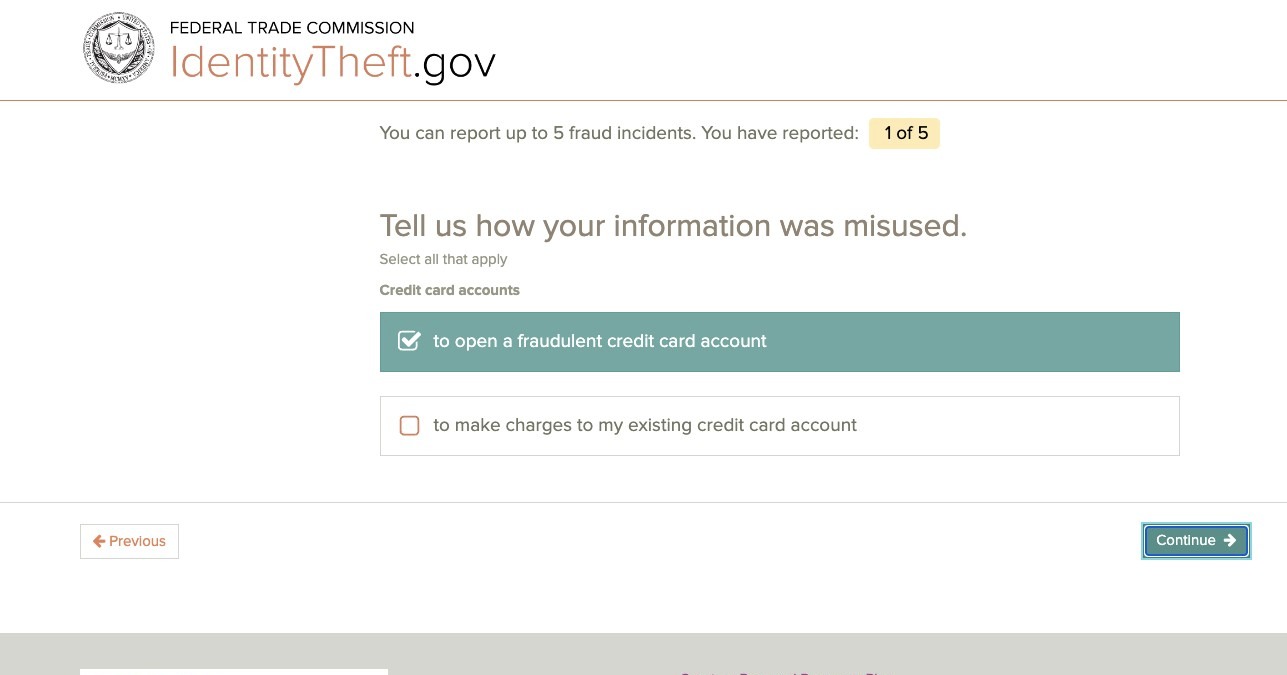
Step 8
On this next screen, click Continue.
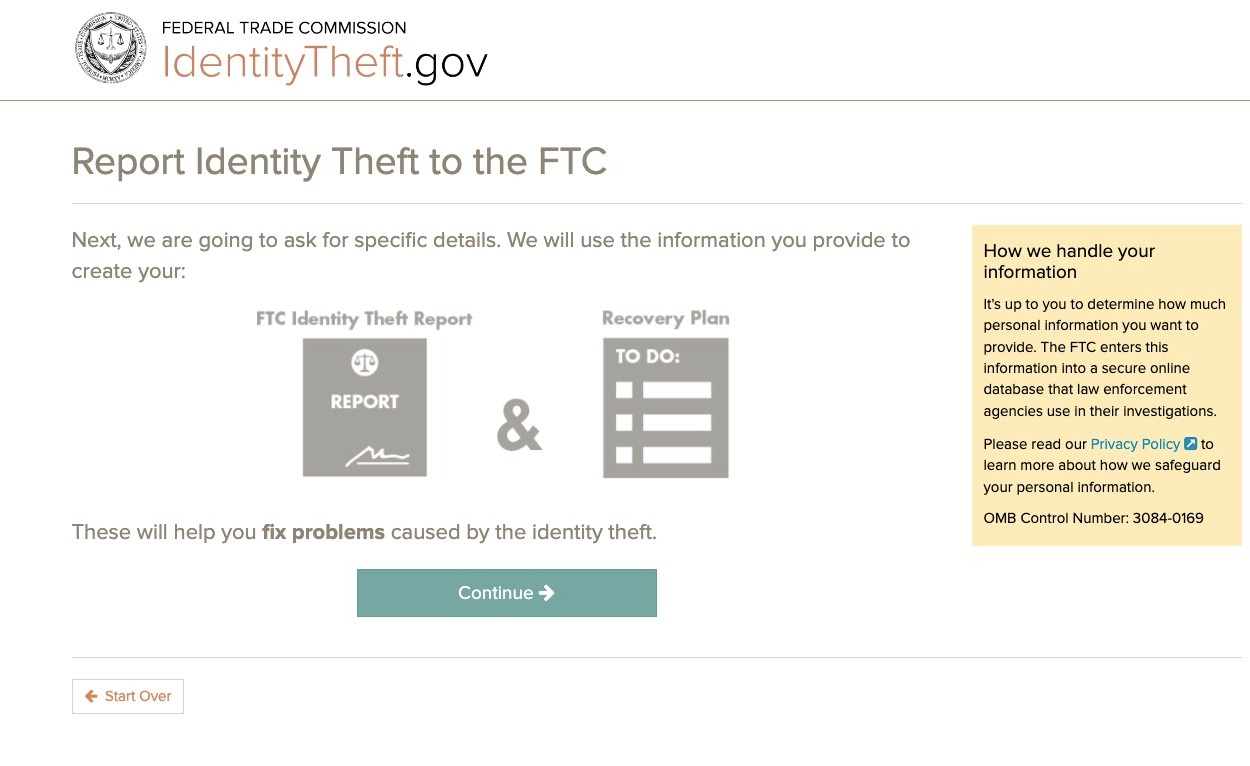
Step 9
Fill out all the details about the incident that you can.
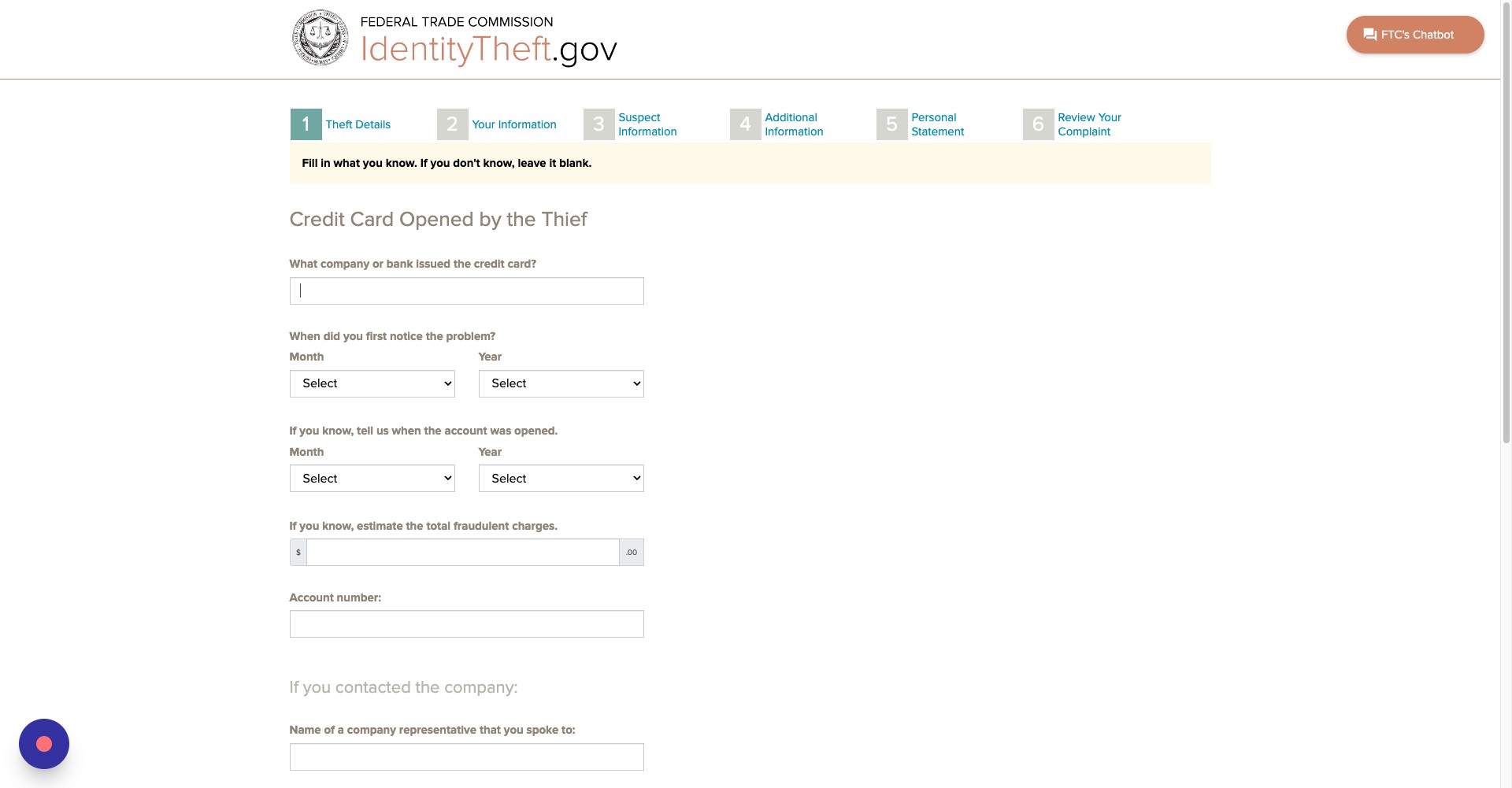
Step 10
You will be asked when you first noticed the problem and the total amount of fraudulent charges, if any. Continue to fill out the details on this page.
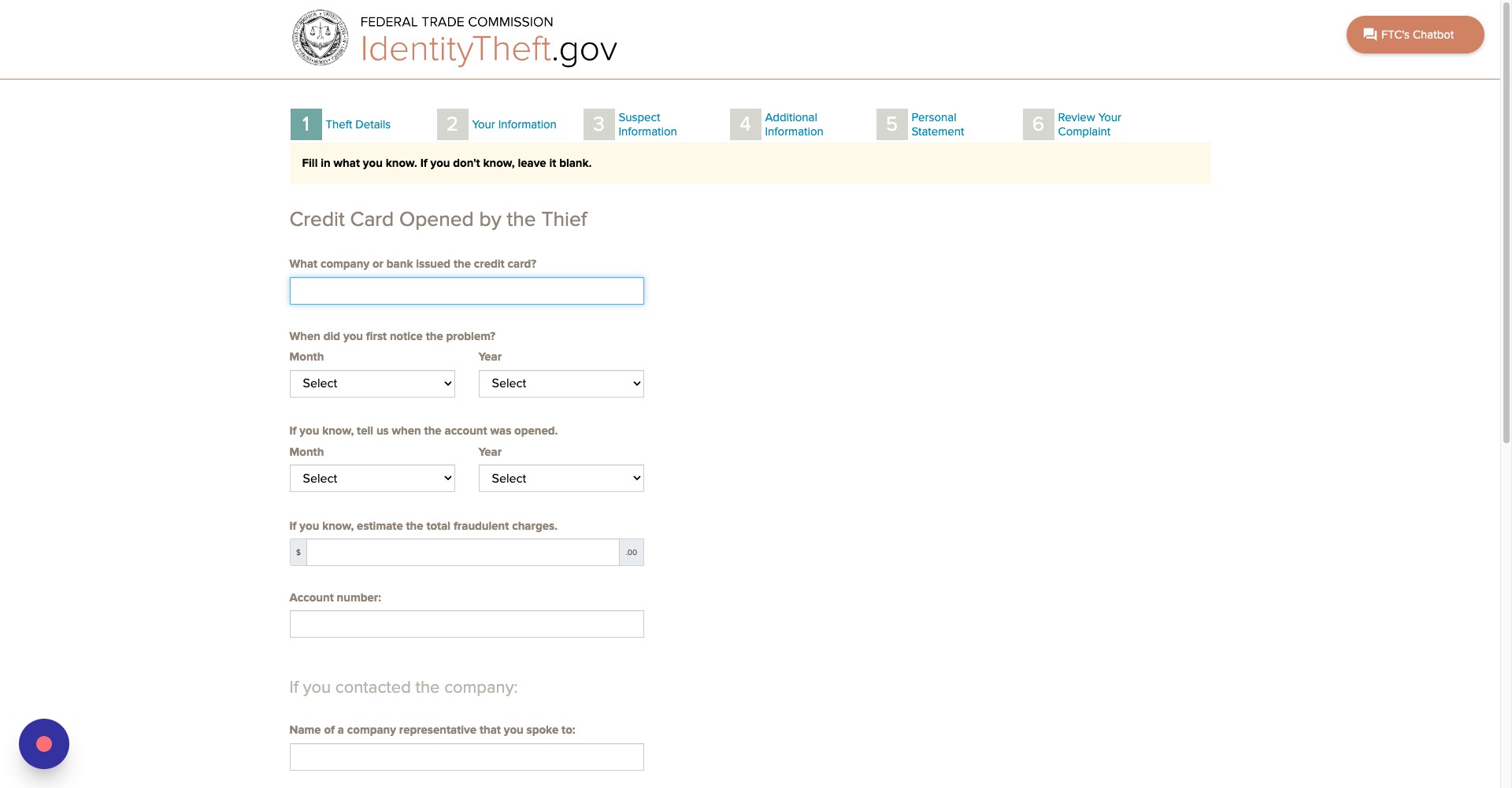
Step 11
Enter in details about anyone you spoke to, if applicable.
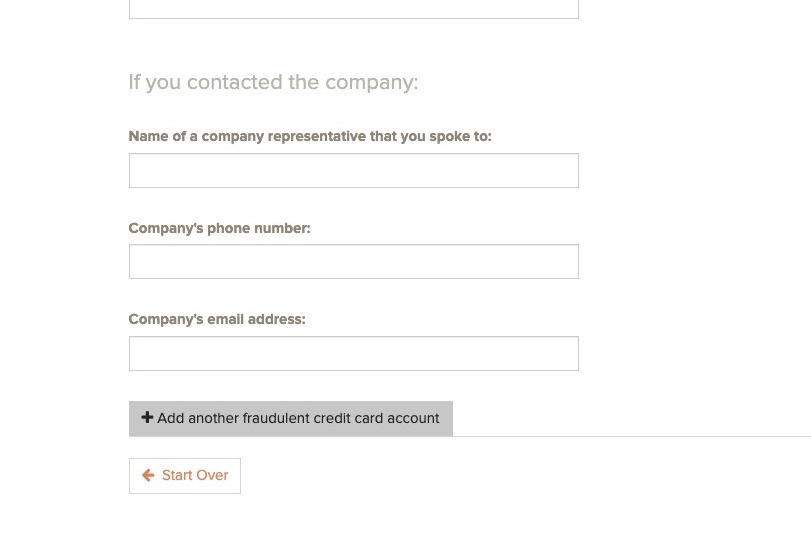
Step 12
Once you have finished with this page, click Continue.
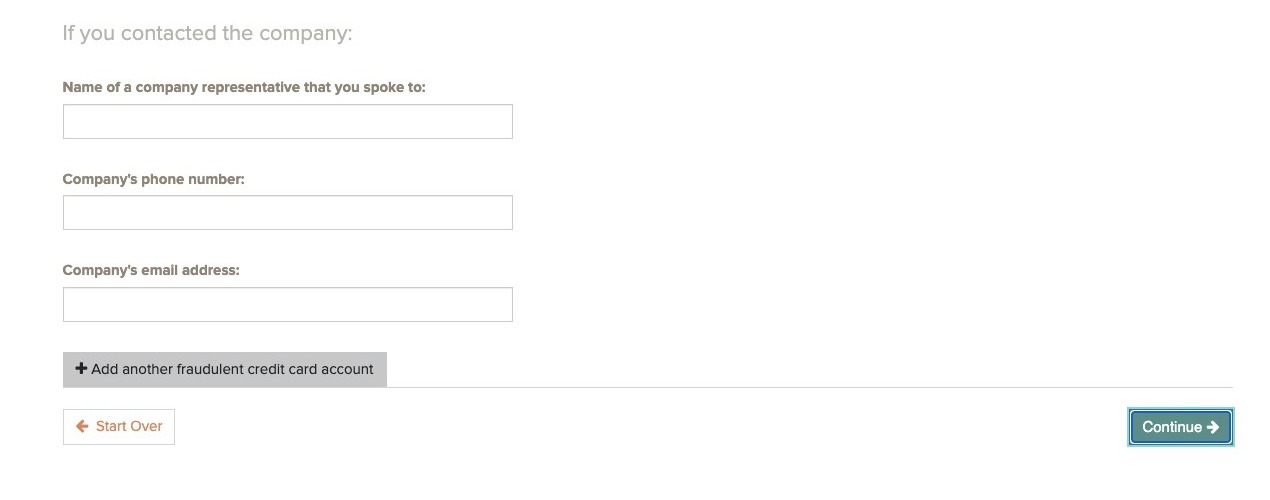
Step 13
Enter your full name, phone number and phone type. NOTE: These are the only pieces of contact information you need to enter before continuing. Only enter pieces of contact information you feel comfortable sharing
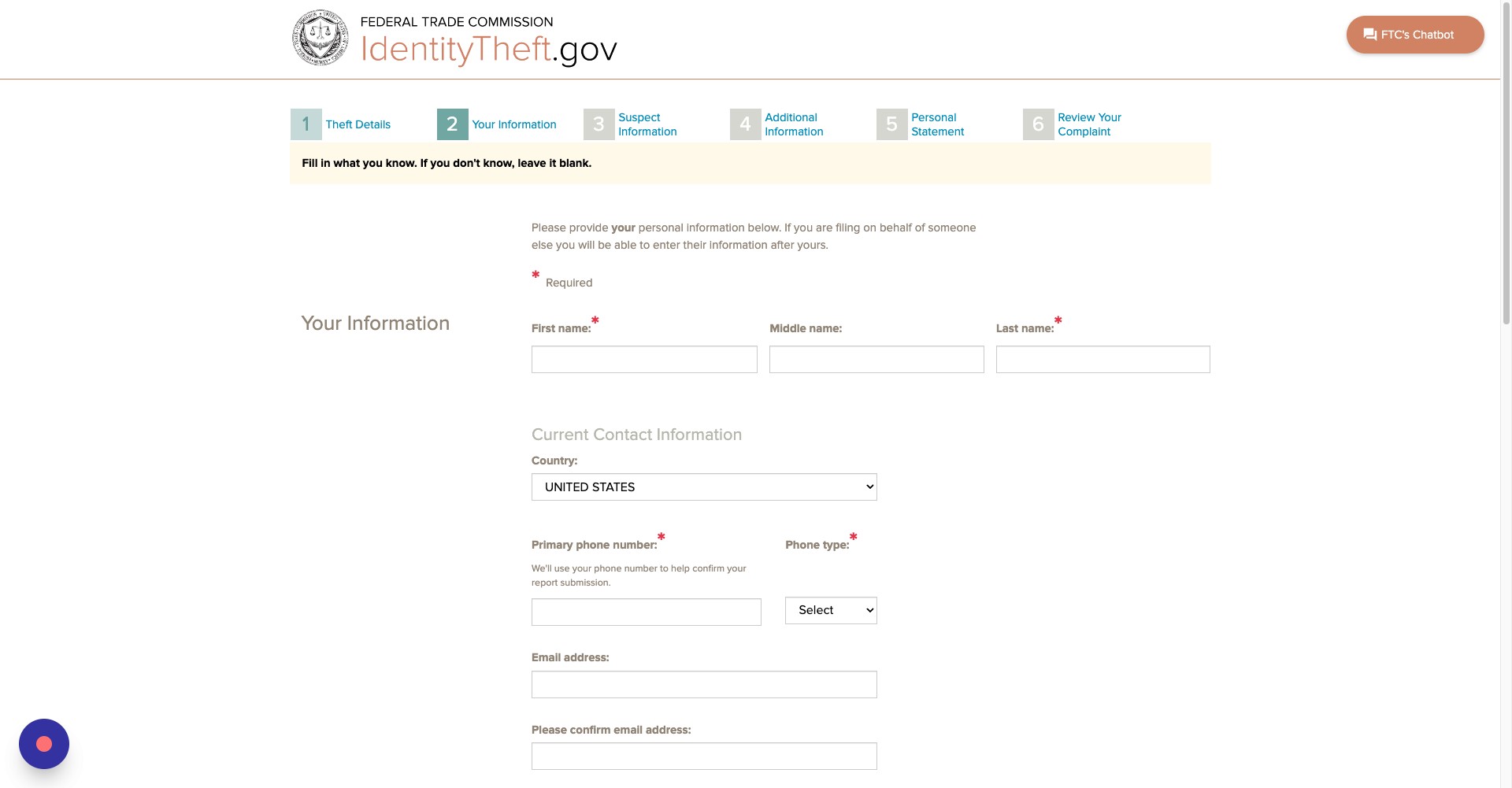
Step 14
Click continue
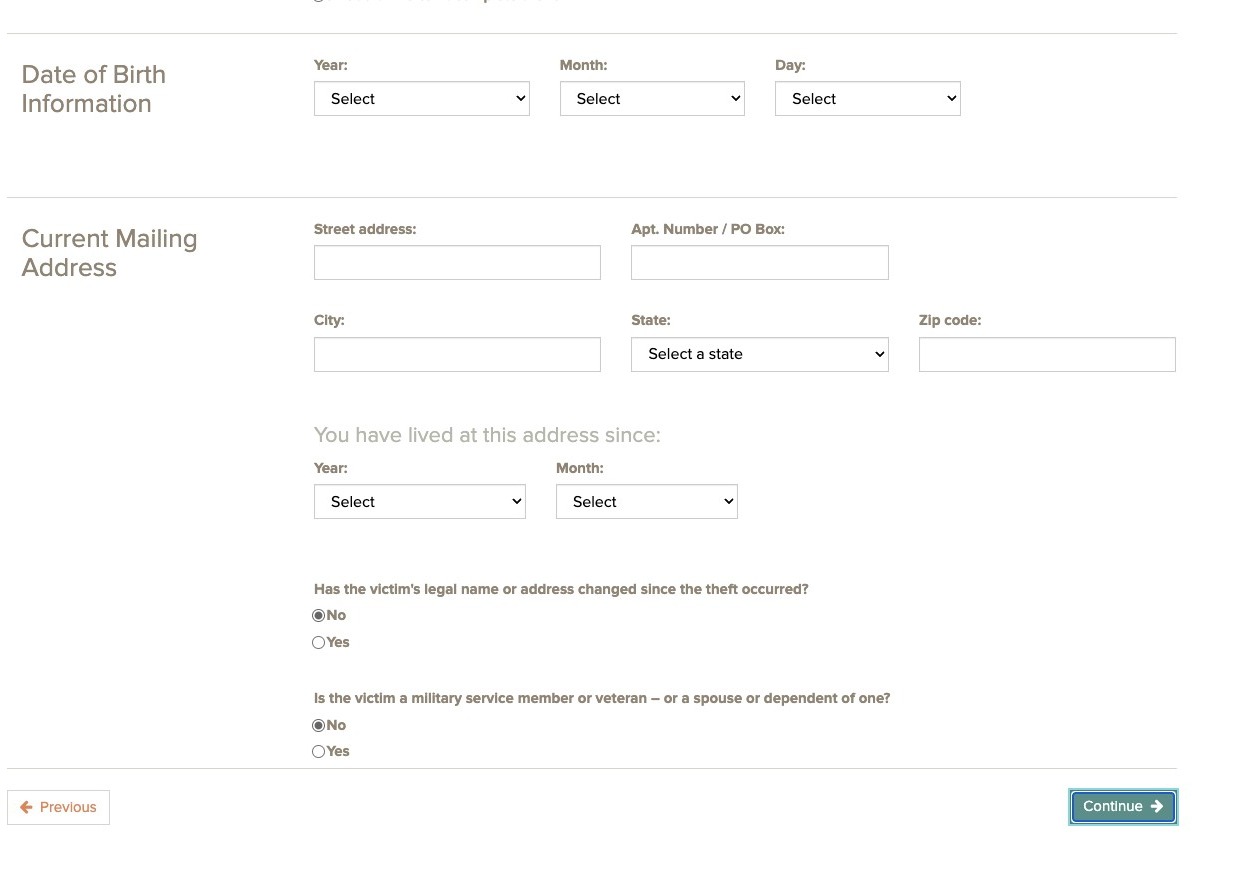
Step 15
If you have any information about the person who stole your identity, click yes.
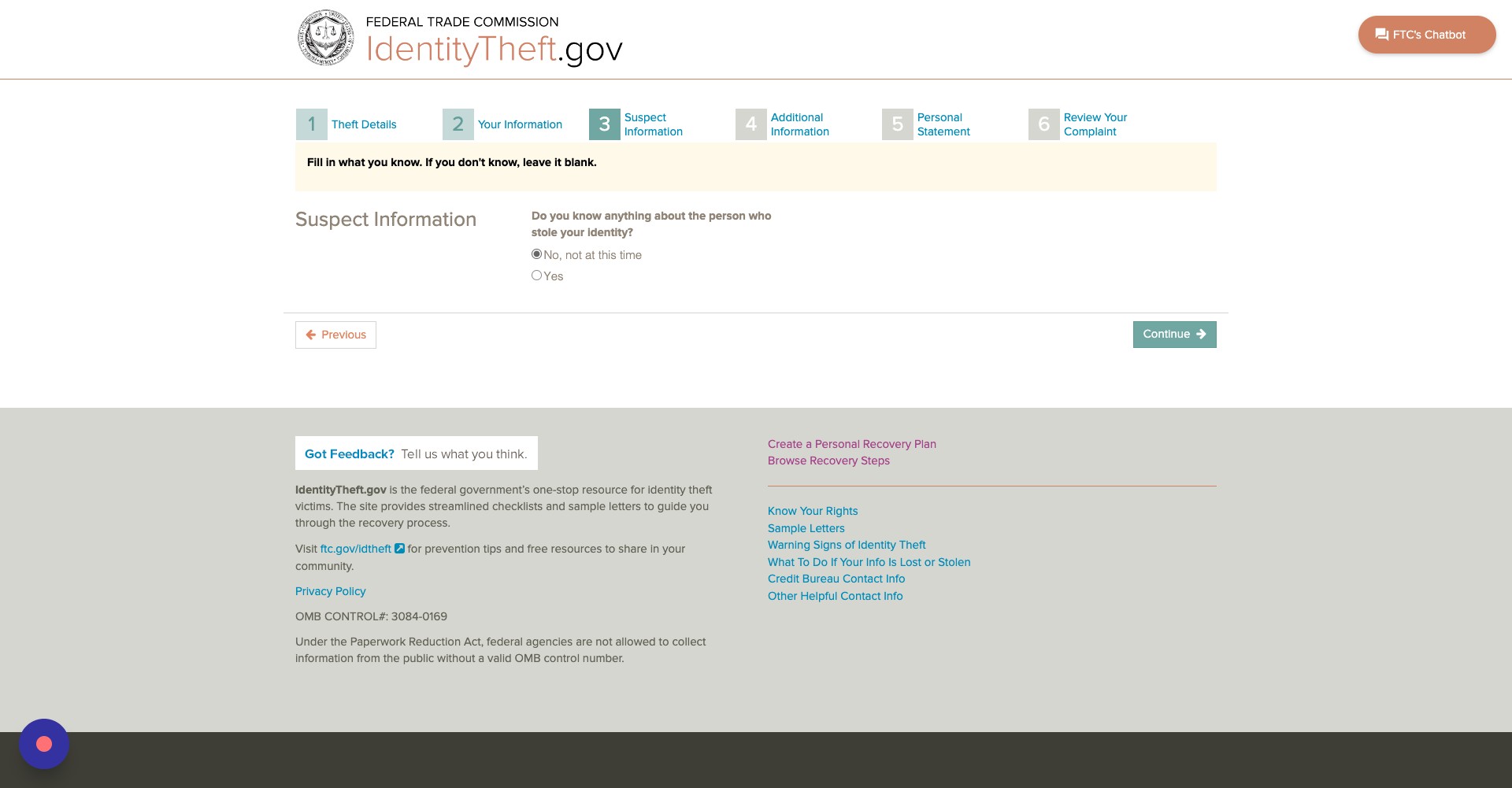
Step 16
Enter their name and address, if you have it.
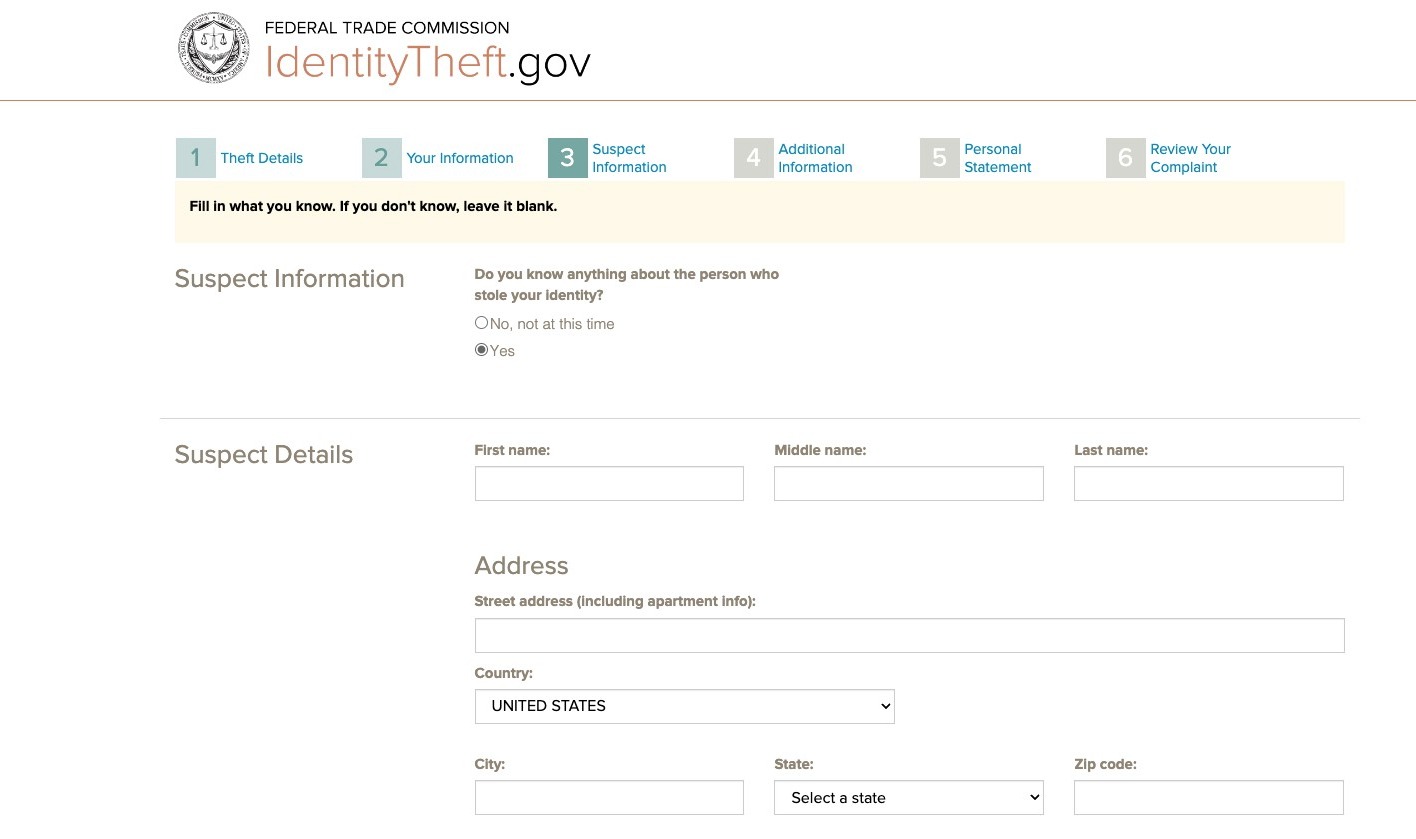
Step 17
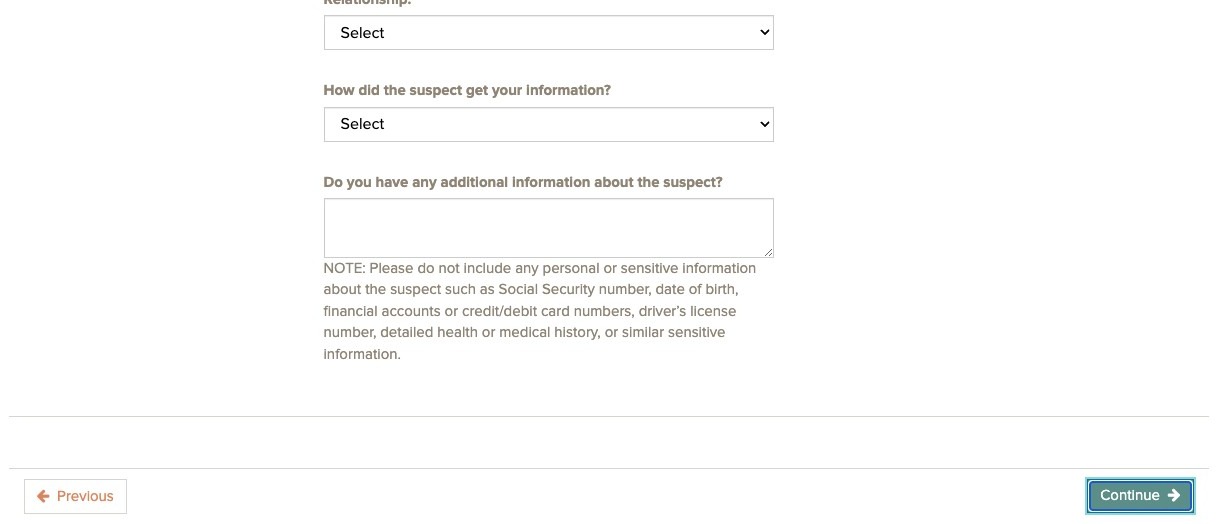
Enter their contact information and how you suspect they got your information.
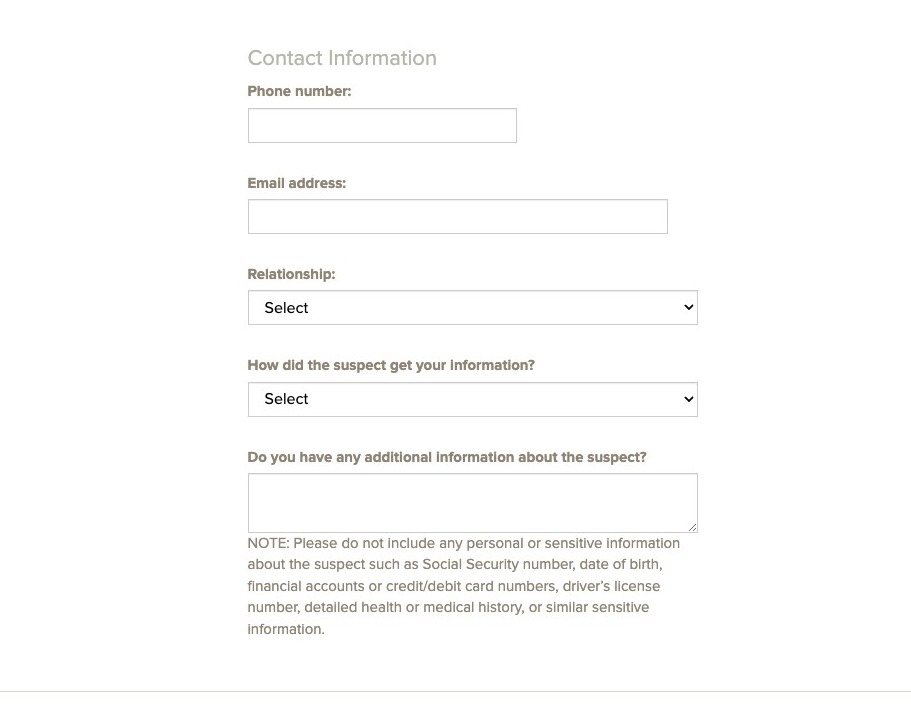
Step 18
Click Continue
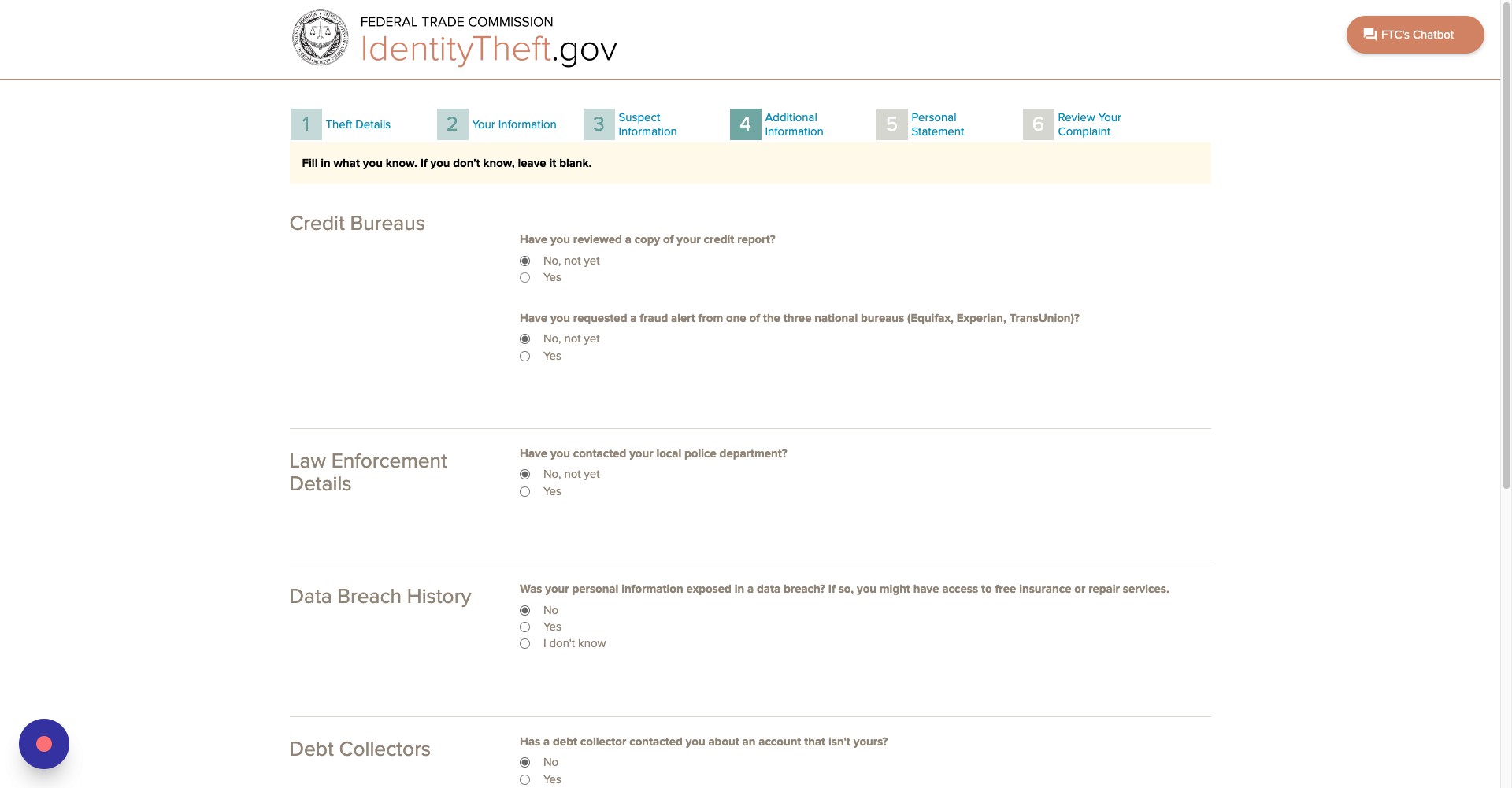
Step 19
If you have reviewed a copy of your credit report, click yes.
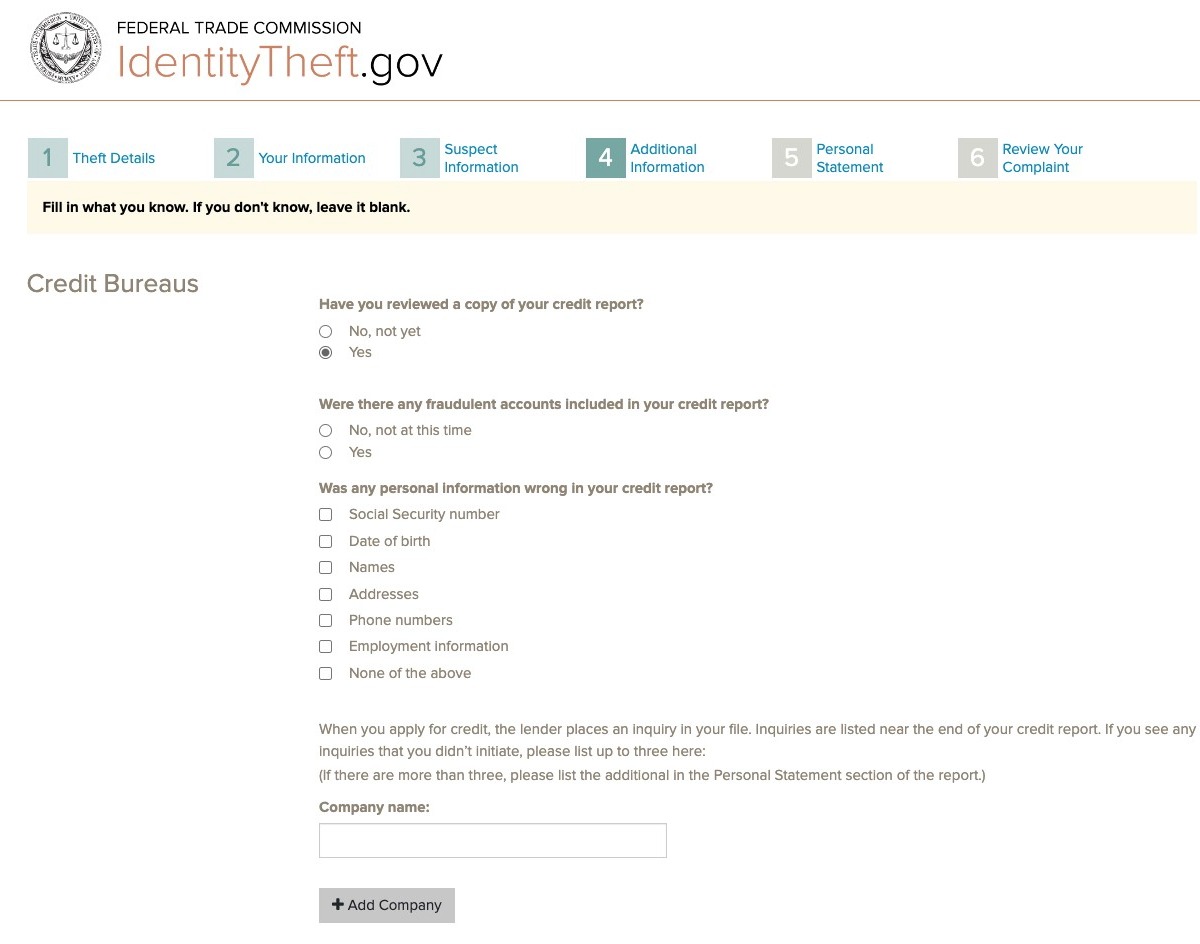
Step 20
Click on all the options that are applicable to your situation.
Step 21
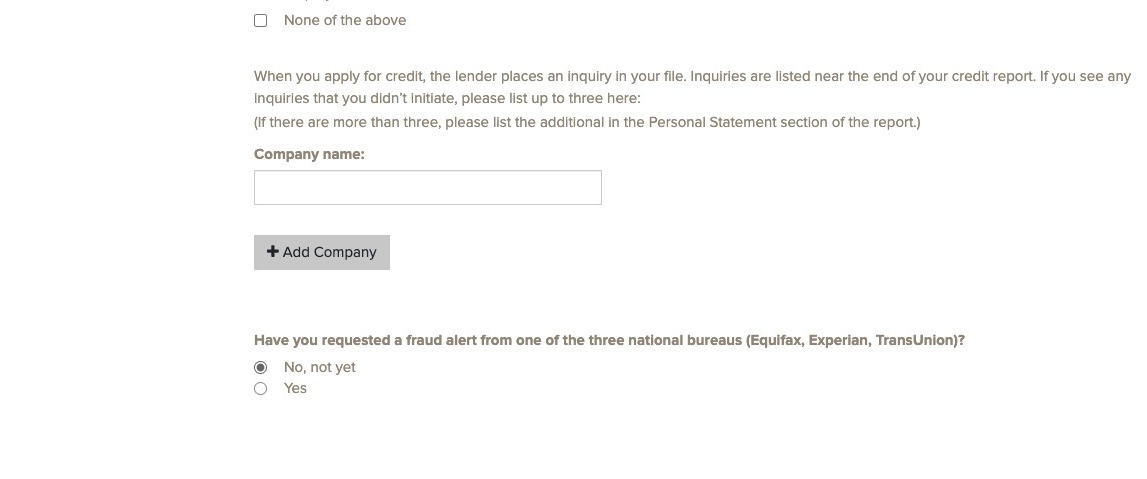
If you have requested a fraud alert from one of the three national credit monitoring bureaus, click yes.
Step 22
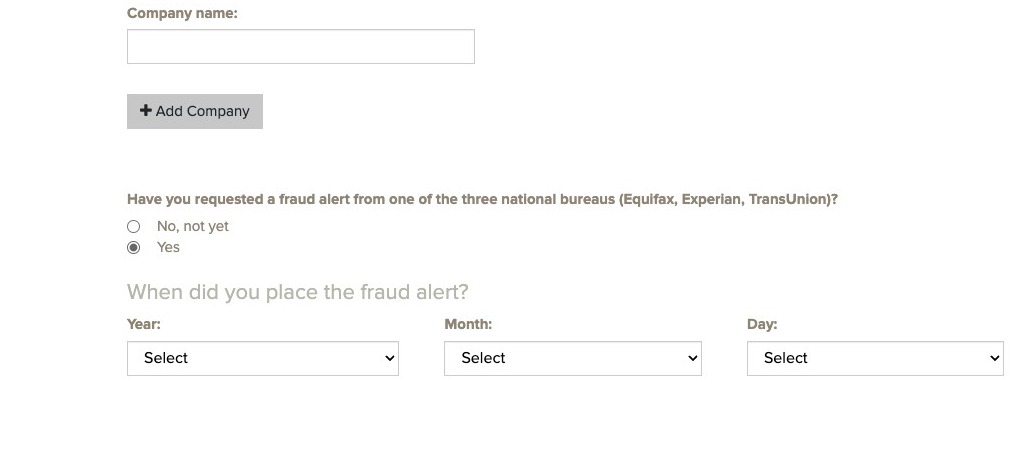
Enter the date you placed the fraud alert.
Step 23
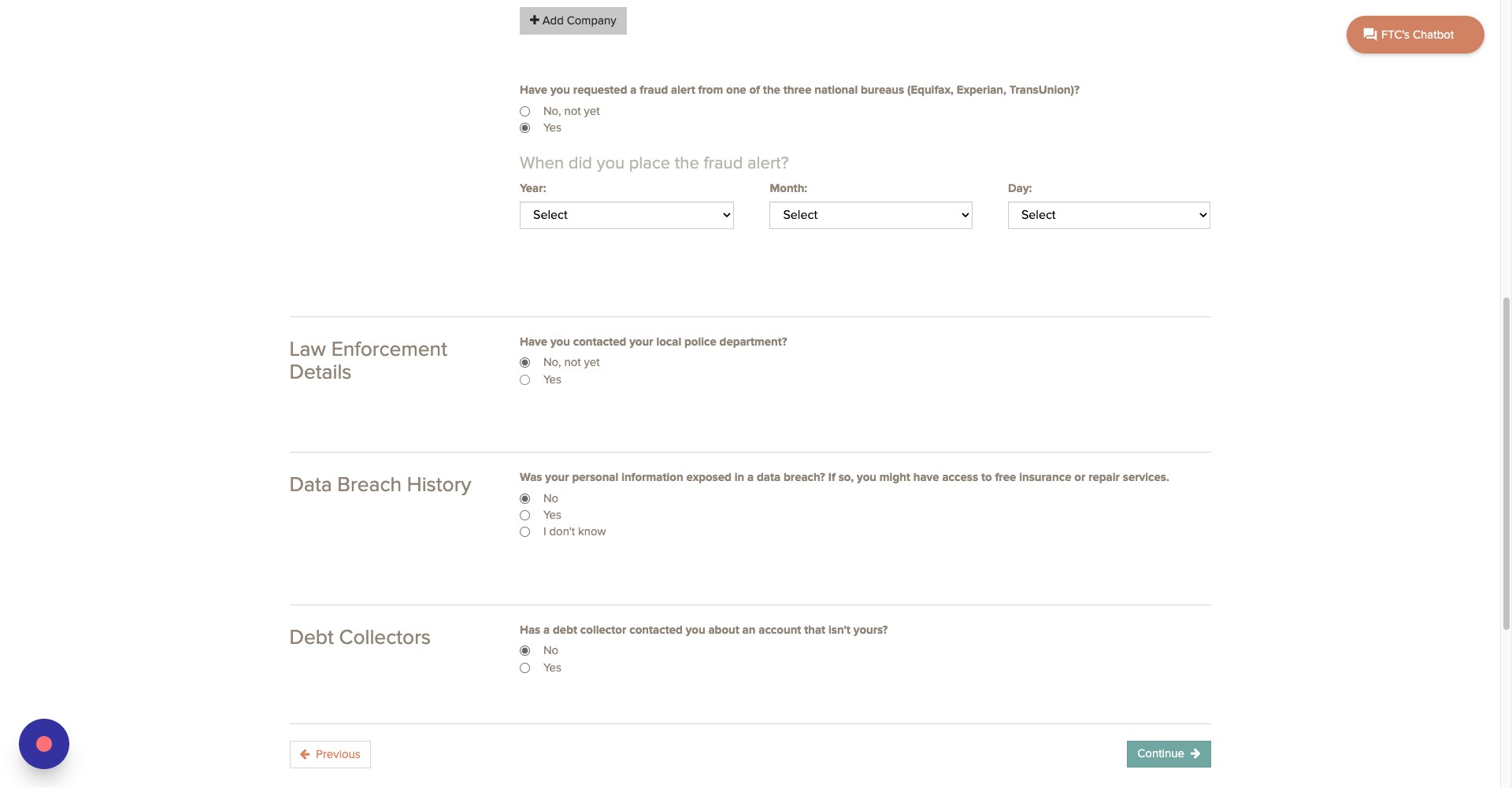
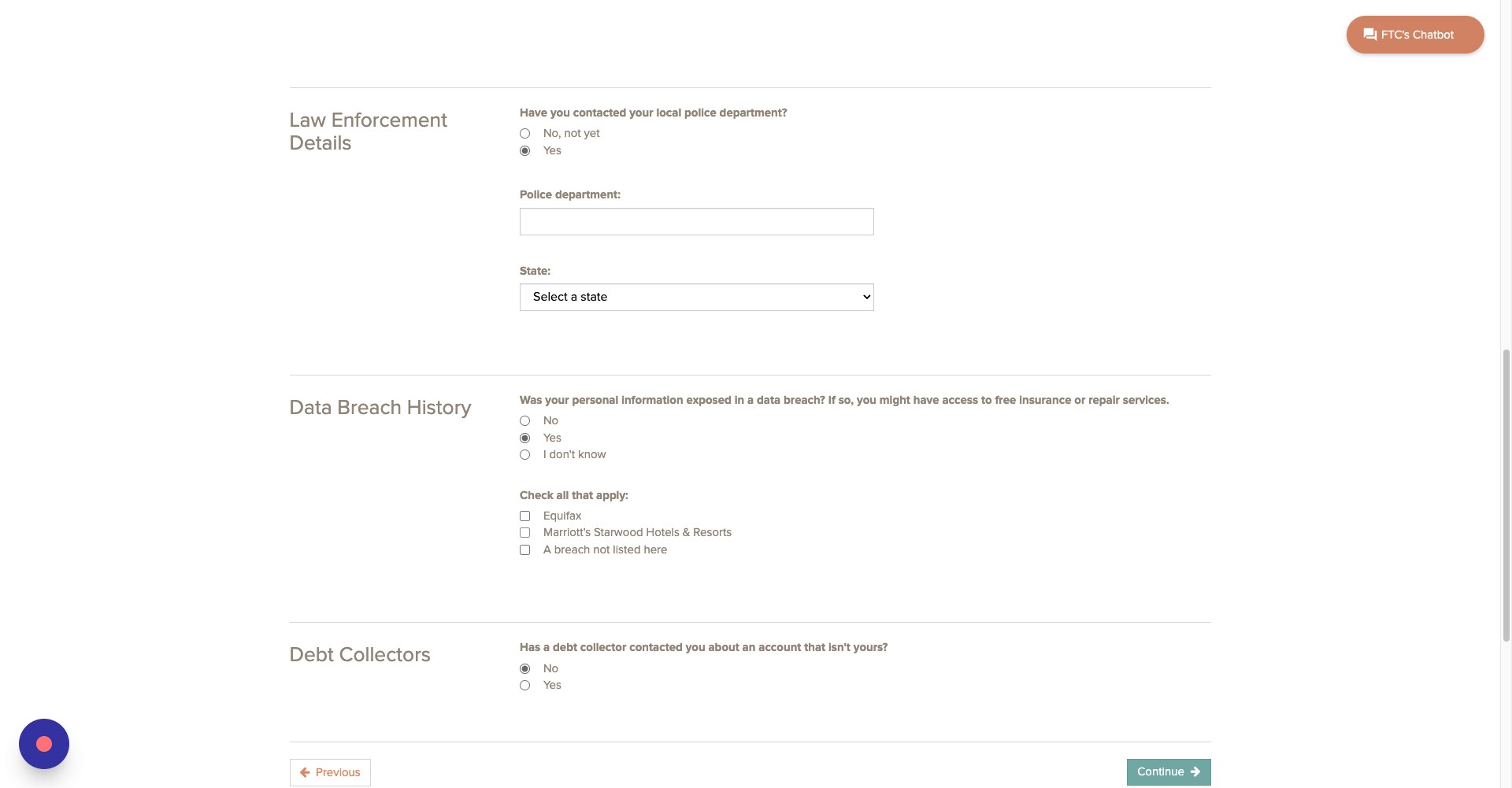
If you have contacted your local police department about the crime, click yes.
Step 24
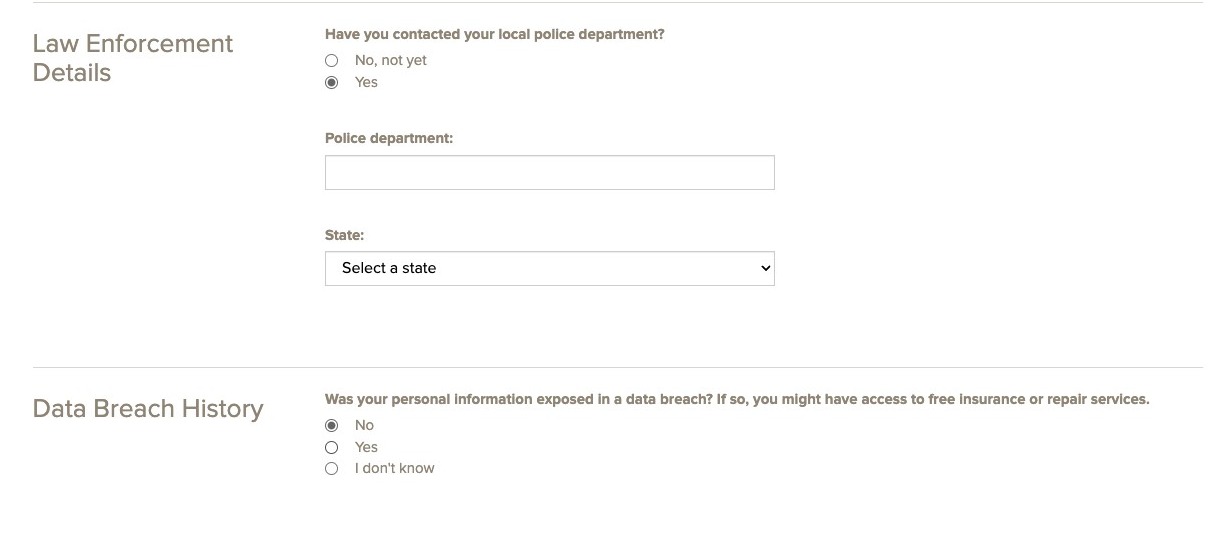
Enter the name of the police department and their where they are located.

Step 25
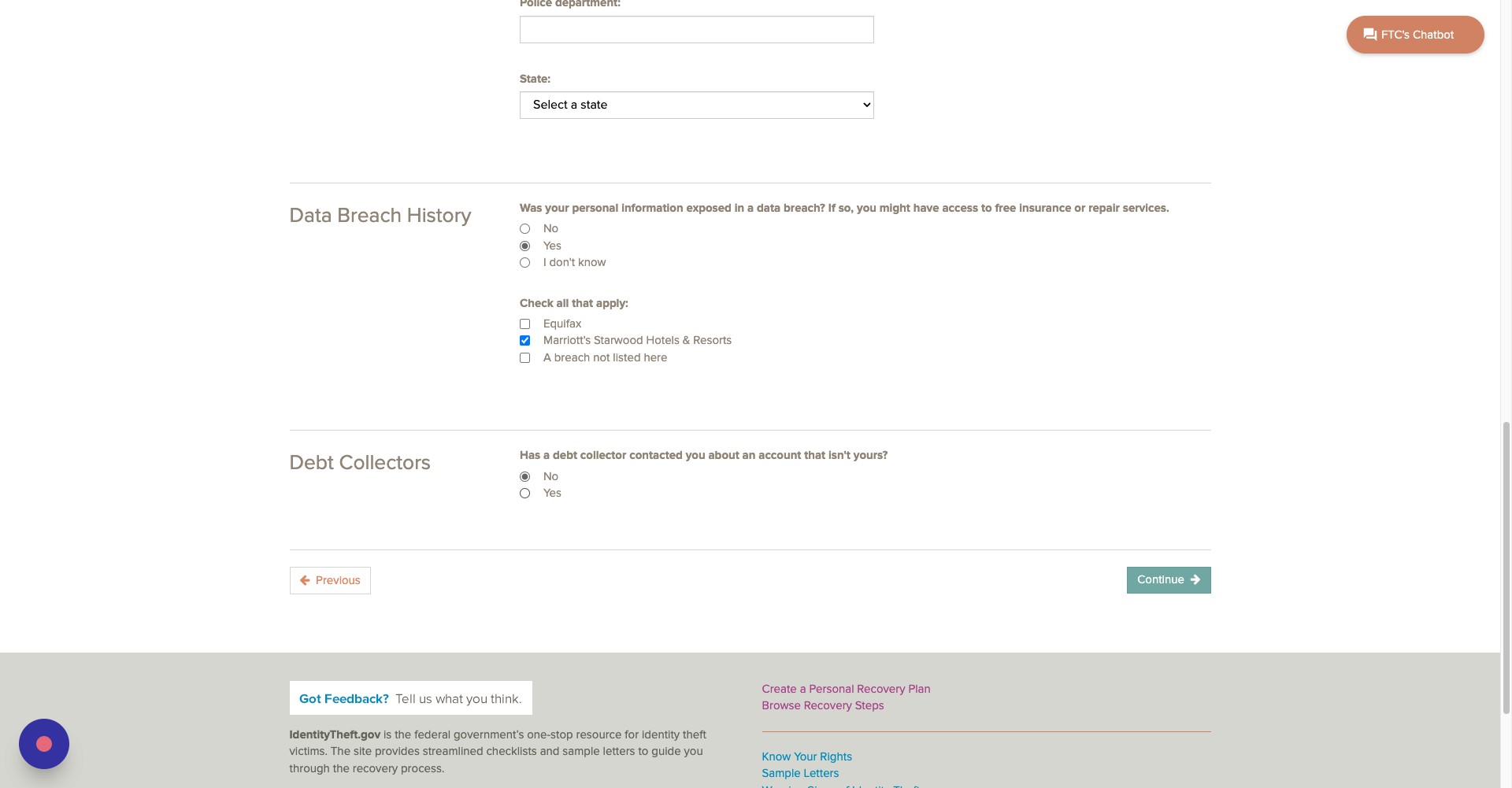
If your information has been exposed in a data breach, click yes.
Step 26
Choose one of the three options listed here.
Step 27
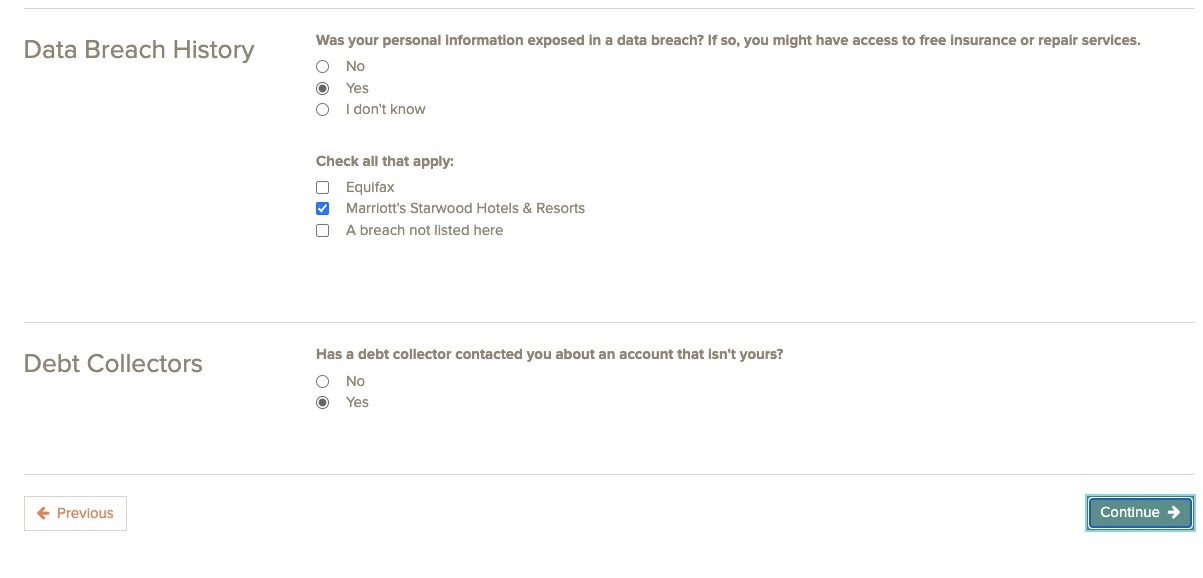
If a debt collector has contacted you about an account that isn't yours, click yes.
Step 28
Once you are done, click continue.
Step 29
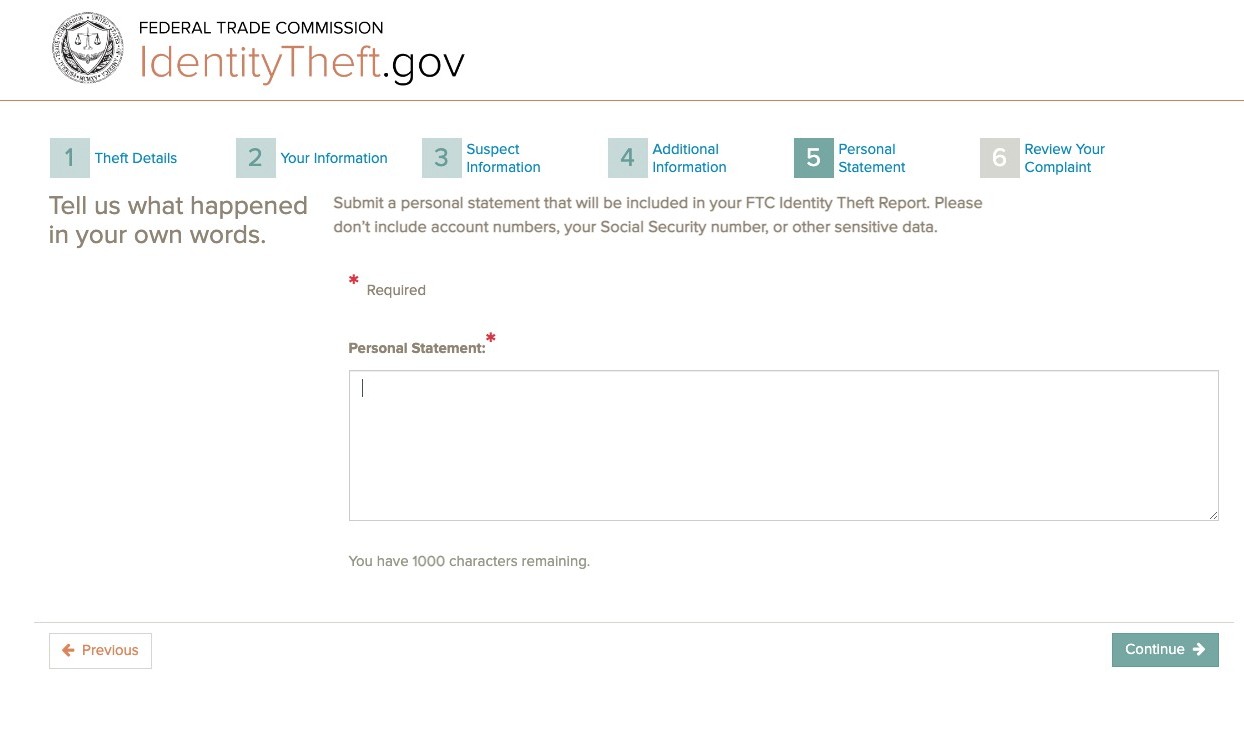
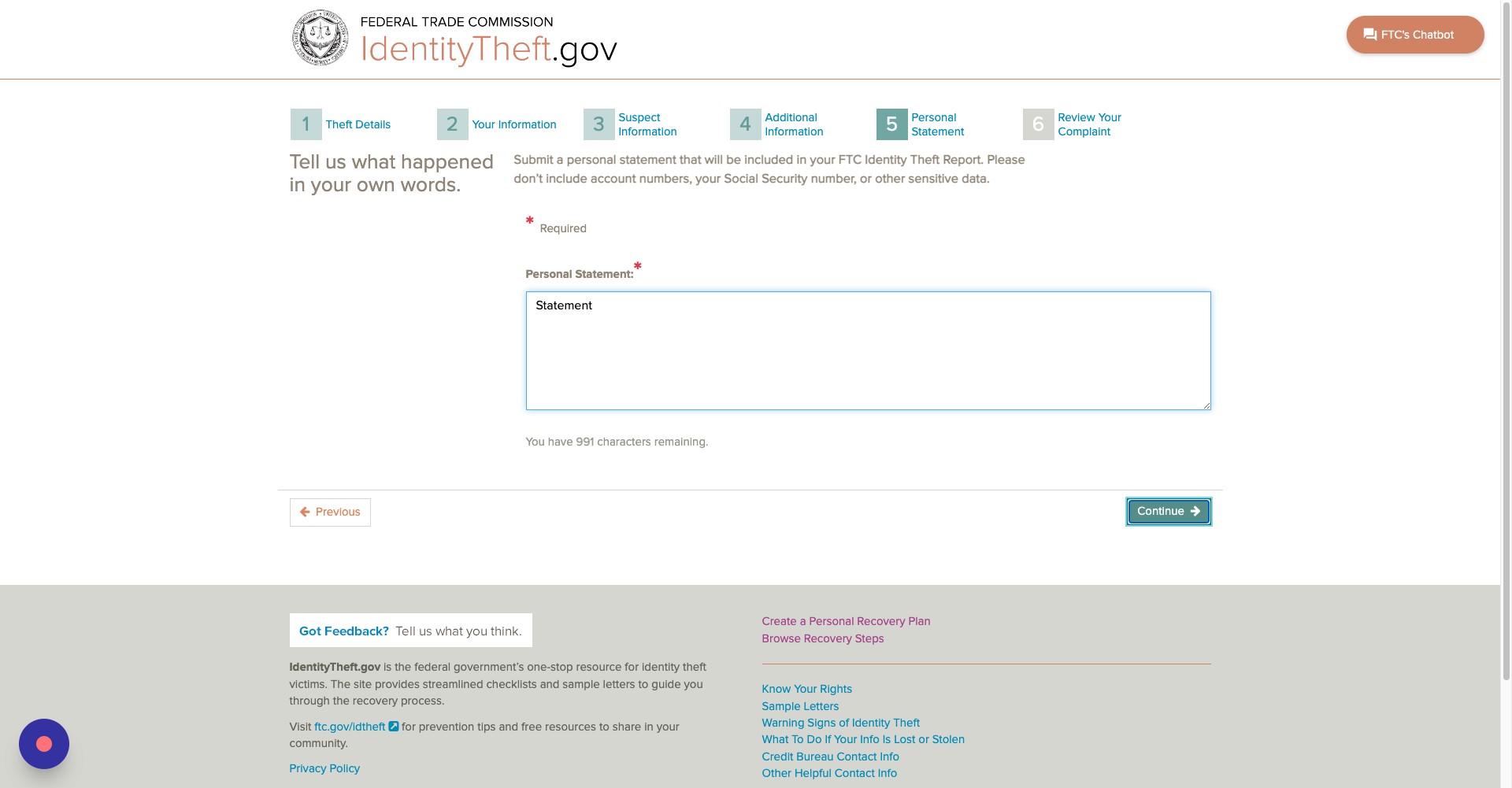
On this page, explain the situation you faced. NOTE: Do not enter in any sensitive personal information.
Step 30
Click Continue
Step 31
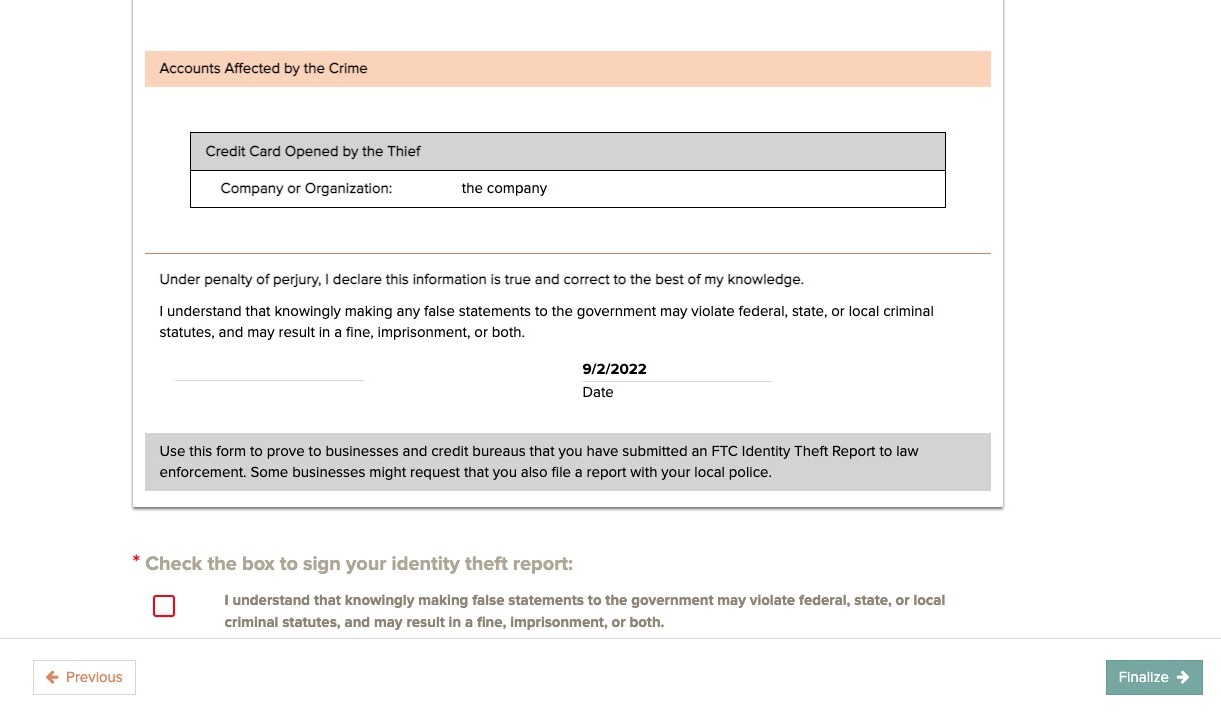
Click this box to sign your identity theft report.
Step 32
Click finalize to finish the process.